


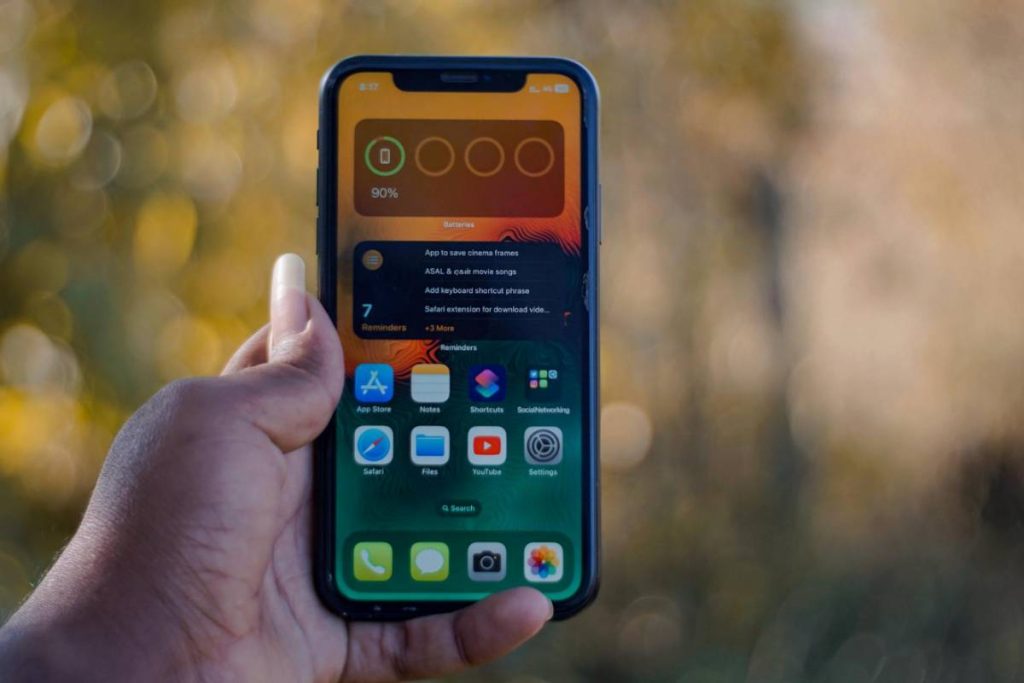
The iPhone 12 mini is a compact option, but it still includes many of the same connectivity features as other models in the iPhone 12 lineup. Before setting up your device, it’s worth checking how SIM support works and what options are available.
That’s why a common question is: Does iPhone 12 mini have eSIM? Understanding this early can help you avoid setup issues and make it easier to switch carriers or plans if needed.
1. Does iPhone 12 Mini Have eSIM?
The iPhone 12 mini supports eSIM technology alongside a traditional nano-SIM card. You can activate carrier service digitally without depending entirely on a removable SIM card.
Even though the device is smaller than other iPhone 12 models, Apple kept the same SIM flexibility and dual-line capabilities inside the iPhone 12 mini.
Depending on carrier support, users may:
- Activate service through eSIM
- Use a physical nano-SIM card
- Store multiple eSIM profiles
- Use dual SIM functionality on one device
This setup can be useful for travel, work numbers, backup carriers, or users who switch networks frequently.


2. Can You Use Two Phone Numbers on an iPhone 12 Mini?
The iPhone 12 mini supports dual SIM functionality by allowing both eSIM and physical SIM usage together on the same phone.
With the correct carrier setup, users can keep:
- One personal number
- One work number
- One travel line
- One backup carrier for coverage
The setup usually works through:
- One nano-SIM card
- One active eSIM profile
Users can also choose which line handles calls, texts, or mobile data directly inside iPhone settings.
Because one line can activate digitally through eSIM, users often avoid swapping physical SIM cards every time they change carriers or travel internationally.
3. Common eSIM Issues on iPhone 12 Mini and Easy Fixes
Even after understanding the answer to “Does iPhone 12 mini have eSIM?”, some users may still run into activation or network problems during setup. Most issues are usually related to carrier compatibility, internet connection, or network settings.
eSIM Not Downloading
Some users cannot complete eSIM installation because the profile refuses to download.
Common reasons include:
- Weak Wi-Fi connection
- Expired QR code
- Unsupported carrier plan
- Carrier activation delays
You can usually fix this by:
- Restarting the iPhone
- Reconnecting to Wi-Fi
- Requesting a new QR code from the carrier
- Updating iOS to the latest version
No Service After Activation
In some cases, the eSIM activates successfully, but the iPhone 12 mini still shows “No Service.”
Possible causes include:
- Temporary carrier outages
- Incorrect network settings
- Incomplete activation
- Weak signal coverage
You can try:
- Turning Airplane Mode on and off
- Restarting the device
- Updating carrier settings
- Confirming activation with the carrier
SIM Not Detected
Some users may see a “SIM Not Detected” or “Invalid SIM” message even after setup.
This can happen if:
- The physical nano-SIM card is damaged
- The SIM tray is not inserted correctly
- The carrier does not support the selected setup
- The eSIM profile did not install properly
Removing and reinserting the SIM card or deleting and reinstalling the eSIM profile often solves the issue.
4. How to Set Up eSIM on iPhone 12 Mini
Once you know your iPhone 12 mini supports eSIM, the next step is setting up your mobile plan. Most carriers now allow digital activation directly on the device, so you can get connected without needing a physical SIM card.
Before starting:
- Connect the iPhone 12 mini to Wi-Fi
- Confirm the carrier supports eSIM
- Make sure the device is unlocked if switching carriers
Step 1: Open the eSIM Setup Section
To begin setup:
- Open Settings
- Tap Cellular or Mobile Data
- Select Add eSIM
This section allows users to install a mobile plan digitally.
Step 2: Scan the QR Code or Use the Carrier App
Most carriers activate eSIM through:
- QR code setup
- Their official mobile app
If using a QR code:
- Tap Use QR Code
- Scan the code from the carrier
- Follow the instructions shown on screen
Some carriers may automatically install the eSIM through their app instead.
Step 3: Restart and Confirm Activation
After setup finishes:
- Restart the iPhone if requested
- Wait for the signal bars to appear
- Test calls, texts, and mobile data
Once activation completes, the iPhone 12 mini should connect to the carrier network normally.
>>> Also read: Does iPhone 14 Have eSIM? What You Can Actually Use for 2026
5. Need an iPhone Plan With SIM That Fits Your Budget?
One advantage of the iPhone 12 mini is the flexibility to use both eSIM and physical nano-SIM cards, which gives users more freedom when choosing a carrier plan. Instead of staying locked into expensive contracts, some users prefer pairing the device with lower-cost or government-supported wireless service.
One option some users consider is government-supported wireless service through the Lifeline program. Providers like AirTalk Wireless participate in this program and offer eligible users free monthly talk, text, and data in supported areas, depending on state availability and approval.


Because the iPhone 12 mini supports both SIM types, compatible users may activate service through:
- eSIM activation
- or Physical nano-SIM activation
This can work well for users who want:
- Lower monthly phone costs
- A backup mobile line
- A separate work number
- Flexible travel connectivity
AirTalk Wireless also sometimes offers discounted smartphone deals depending on device availability, location, and current promotions. While newer premium iPhones are often heavily discounted instead of fully free, some eligible users may still find lower-cost upgrade offers or limited-time iPhone promotions.
The application process generally includes checking ZIP code eligibility, selecting a plan, confirming qualification, uploading proof documents if required, and waiting for approval confirmation.
Users can review available plans, compatible devices, and current offers directly through AirTalk Wireless.
Final Words
The iPhone 12 mini combines a compact design with flexible SIM options that still work well for everyday use. Once you know does iPhone 12 mini have eSIM support, it becomes easier to set up dual numbers, switch carriers digitally, or manage travel plans without relying entirely on physical SIM cards.