


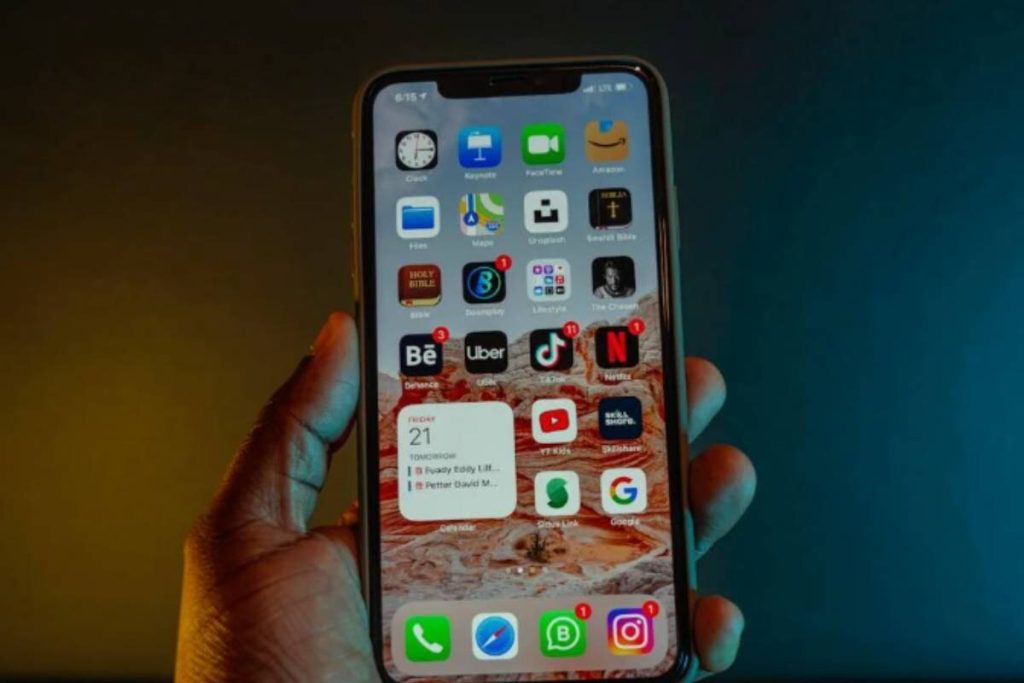
The iPhone 13 Pro Max sits in an interesting spot between traditional SIM cards and newer eSIM technology. While newer iPhone models in some regions focus more heavily on eSIM, the iPhone 13 Pro Max still gives users multiple ways to activate mobile service.
For people searching for “Does iPhone 13 Pro Max have a SIM card?”, understanding how both physical SIM and eSIM work on the device can make setup, carrier switching, and travel much easier later.
1. Does iPhone 13 Pro Max Have a SIM Card?
The iPhone 13 Pro Max still includes a physical SIM card tray while also supporting eSIM activation. This means the device can work with both a traditional nano-SIM card and a digital carrier setup through eSIM.
This gives users more flexibility for:
- Switching carriers
- Using prepaid SIM cards
- Traveling internationally
- Running dual phone numbers
- Activating service digitally through eSIM
Depending on the setup and carrier support, the iPhone 13 Pro Max can use:
- One physical nano-SIM card
- One active eSIM
- Dual SIM functionality with both lines active
Because of this combination, the iPhone 13 Pro Max remains a practical option for users who still want traditional SIM support while also having access to newer eSIM features.


2. Where is the SIM Card Slot on iPhone 13 Pro Max?
For users wondering does iPhone 13 Pro Max have a SIM card slot, the physical SIM tray is located on the left side of the phone.
To open the tray:
- Use a SIM ejector pin or a small paperclip
- Insert it gently into the small hole beside the tray
- Push carefully until the tray pops out
The iPhone 13 Pro Max only supports nano-SIM cards. Older micro-SIM or standard SIM cards will not fit correctly inside the tray.
Once the nano-SIM is inserted properly:
- Slide the tray back into the phone
- Turn the device on if needed
- Wait for carrier detection and activation
Many users still prefer physical SIM cards because they are easier to swap between devices during travel or carrier changes.
3. How to Insert a SIM Card in iPhone 13 Pro Max
After understanding the answer to “Does iPhone 13 Pro Max have a SIM card?”, the next step is inserting and activating the SIM correctly. The process is simple, but placing the SIM card incorrectly can sometimes cause activation or network issues later.
Turn off the iPhone First
Before removing the SIM tray, it is a good idea to power off the iPhone 13 Pro Max completely. This helps avoid temporary carrier detection issues during setup.
Open the SIM Tray Carefully
Locate the SIM tray on the left side of the device.
To remove it:
- Insert a SIM ejector pin into the small hole beside the tray
- Push gently until the tray pops out
- Pull the tray out carefully
If you do not have the original ejector tool, a small paperclip may also work.
Insert the Nano-SIM Correctly
The iPhone 13 Pro Max only supports nano-SIM cards.
To insert the SIM:
- Place the nano-SIM card into the tray
- Make sure the SIM fits securely into the cutout shape
- Slide the tray back into the phone slowly
Do not force the tray if it does not slide in smoothly.
Turn the iPhone Back On
After reinserting the tray:
- Power the iPhone back on
- Wait for carrier detection
- Follow any activation steps shown on screen if needed
Once activation finishes, the carrier signal should appear automatically at the top of the display.
>>> Read more: How to Activate iPhone Without SIM Card: What Works in 2026
4. Common SIM Problems and Quick Fixes
Even after correctly inserting the SIM card, some users still run into activation or network issues. Most problems are usually easy to fix once the cause is identified.
No Service After Inserting SIM
Some users insert the SIM card successfully but still see “No Service” afterward.
This may happen if:
- The SIM card is inactive
- Carrier coverage is weak
- The SIM was inserted incorrectly
- Carrier settings need updating
Users can try:
- Restarting the iPhone
- Reinserting the SIM card
- Turning Airplane Mode on and off
- Updating carrier settings
SIM Not Detected Error
A “SIM Not Detected” message may appear if the iPhone cannot properly read the SIM card.
Possible causes include:
- Damaged SIM card
- Dirty SIM tray contacts
- Incorrect SIM size
- Hardware tray issues
The iPhone 13 Pro Max only supports nano-SIM cards, so older micro-SIM or standard SIM cards will not work properly.
eSIM Won’t Download
Since the iPhone 13 Pro Max also supports eSIM, some users may run into issues during digital activation.
Common reasons include:
- Weak Wi-Fi connection
- Expired QR code
- Unsupported carrier plan
- Carrier-side activation delays
Restarting the iPhone or requesting a new QR code from the carrier often fixes the problem.
5. Get an Affordable or Free Phone Plan for iPhone 13 Pro Max at AirTalk Wireless
After learning the answer to “Does iPhone 13 Pro Max have a SIM card?”, some users also start looking for more affordable ways to keep the device connected without paying expensive carrier bills every month. Since the iPhone 13 Pro Max supports both nano-SIM and eSIM activation, it works well with providers that offer flexible setup options for unlocked devices.
AirTalk Wireless is one of the Lifeline providers in the United States, offering eligible users free monthly wireless service in supported areas. Instead of requiring users to stay on high-cost postpaid plans, the Lifeline program helps qualifying households receive monthly talk, text, and data benefits through participating providers.
For users who already own an iPhone 13 Pro Max, AirTalk Wireless may allow:
- BYOD activation with a compatible iPhone
- Physical SIM activation or eSIM activation in supported setups
- Keeping an existing phone number


Eligible users may qualify based on:
- SNAP
- Medicaid
- SSI
- FPHA
- Veterans Pension benefits
- Income-based eligibility
In addition to service plans, AirTalk Wireless sometimes offers smartphone deals for eligible users. Depending on inventory, promotions, state availability, and qualification status, some iPhone models may appear as:
- Free phone offers
- Heavily discounted upgrade devices
- Lower-cost refurbished iPhones
Newer premium iPhones are usually discounted rather than completely free under standard promotions, although limited-time offers may occasionally include higher-end Apple devices at very low cost.
The application process generally includes:
- Visiting the AirTalk Wireless website
- Entering your ZIP code
- Selecting a Lifeline plan
- Choosing a compatible device or BYOD option
- Confirming eligibility
- Uploading proof documents if required
- Waiting for approval confirmation
IMPORTANT: The government does not subsidize devices. Lifeline programs cover basic service costs only. Free or discounted devices, upgrade plans, or top-ups are exclusive benefits provided by AirTalk Wireless as part of our promotional offers. Terms and conditions apply. Limited-time promotion—offers vary by state, stock availability, and eligibility.
Final Words
The iPhone 13 Pro Max still gives users a flexible setup compared to many newer smartphones, especially for people who want both physical SIM and eSIM support on the same device.
Understanding does iPhone 13 Pro Max have a SIM card support can make switching carriers, activating service, and managing multiple lines much easier later.