


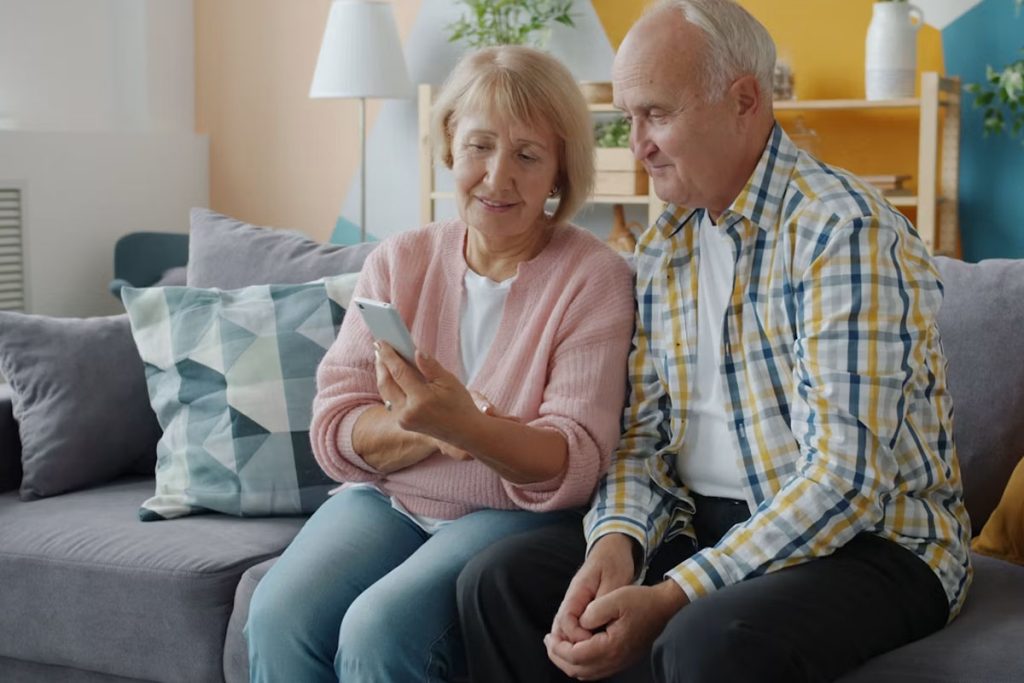
Choosing the easiest cell phone for seniors can make everyday communication safer, simpler, and more enjoyable. Whether you’re looking for an easy-to-use flip phone, a simplified smartphone, or a free device through assistance programs, understanding the available options is essential.
This guide explores the best phones for older adults, key accessibility features, eligibility for free phone programs, and answers common questions to help seniors stay connected with confidence.
1. What Is The Easiest Phone For Seniors To Use?
Finding the easiest cell phone for seniors ultimately depends on the individual’s comfort level with technology, eyesight, and motor skills.
The best devices bridge the gap between staying connected and avoiding overwhelming menus by prioritizing large text, simplified interfaces, and quick emergency access.
Simplified Smartphones
Simplified smartphones are ideal for seniors who want access to apps, photos, and video calls without navigating a confusing interface.
They feature large, high-contrast buttons, voice-to-text capabilities, and immediate access to 24/7 urgent response agents.


Classic Flip Phones
For seniors who only want to make and receive calls, classic flip phones offer tactile buttons and rugged durability. They provide large physical keypads, clear audio, and dedicated buttons for emergencies, making them highly intuitive for older adults transitioning from landlines.
Accessibility Features
Modern devices include built-in software tools designed to accommodate visual, auditory, and motor impairments. Both iOS and Android devices offer “Easy Mode” or accessibility settings that enlarge text, boost hearing aid compatibility, and introduce simple voice commands.
These adjustments help tailor a standard phone to a senior’s specific needs without requiring a specialized device.
2. The Lifeline Program: Stay Connected for Free
The federal Lifeline Assistance Program ensures that low-income individuals and seniors have access to essential communication services at no or little cost. B
y partnering with government-approved service providers, eligible seniors can bridge the digital divide and stay safely connected to family, medical professionals, and emergency services.
The Government Lifeline Connection
The Lifeline program is an FCC-regulated initiative funded by the federal government to lower the monthly cost of phone and internet services.
Eligible low-income households receive a monthly discount of up to $9.25 on qualifying phone or internet service. Those living on qualifying Tribal lands may receive up to $34.25 per month.
Participating providers, such as AirTalk Wireless, may apply this benefit toward plans that include free monthly talk, text, and data.
AirTalk Wireless Cell Phone Offers & Benefits
As an official, FCC-licensed provider, AirTalk Wireless offers completely free or heavily discounted service plans to qualified participants. Seniors who sign up for Lifeline through AirTalk receive:
- Unlimited talk and text
- Free high-speed monthly data allocation (typically ranging from 5GB to 30GB depending on the state and plan)
- Free international calling to over 200 countries
- Free or deeply discounted smartphones, tablets, or accessories
There are zero hidden costs, activation fees, or monthly bills involved.


>>> Read more: Best Phone Plans for Seniors: Affordable Options for Every Budget
Top Devices Available For Eligible Seniors
AirTalk Wireless stands out by including free and discounted 4G/5G smartphones in service plans. Eligible seniors can choose from popular, highly reliable devices that feature built-in accessibility settings for easier navigation.
Depending on local stock and availability, the best and easiest cell phones for seniors frequently include:
| Phone | Starting Price* | Screen Size | Battery Life | Senior-Friendly Features | Potential Drawbacks | Best For |
|---|---|---|---|---|---|---|
| Apple iPhone 11 | $0 | 6.1 inches | Up to 17 hours video playback | Large Retina display, Siri voice assistant, FaceTime, Hearing Aid Compatibility (HAC), extensive Accessibility settings | Older model with no 5G support | Seniors who want an easy-to-use iPhone with excellent accessibility features |
| AirVoice A67L | $0 | 6.7 inches | Up to 1 day of typical use | Large display, voice assistance, adjustable text size, hearing and vision accessibility tools | Less powerful camera and processor than premium phones | Seniors looking for a modern Android phone with a large screen |
| Apple iPhone 8 Plus | $0 | 5.5 inches | Up to 13-14 hours talk time | Touch ID, Siri, simple iOS interface, Zoom, Larger Text, Voice Control | Older hardware and limited battery compared to newer models | Seniors who prefer a compact, reliable iPhone |
| Samsung Galaxy A42 5G | $0 | 6.6 inches | Up to 2 days of typical use | Easy Mode, large display, 5G connectivity, long battery life, hearing and vision accessibility settings | Lower screen resolution than flagship Galaxy models | Seniors who want a large Android phone with long battery life |
| FOXXD A67L Gen2 | $9.99 | 6.75 inches | All day use | Large 6.7-inch HD+ screen, 3GB RAM and 32GB internal storage (expandable via microSD) | Device availability may vary by location | Seniors who want premium features and a larger screen |
| Clovertek G17 (tablet) | $19.99 | 10.1 inches | 10 to 12 hours of active use | Large display, clean Android interface, 4G LTE and dual-band Wi-Fi connection | Device availability may vary by location | Seniors who want a straightforward Android tablet with good battery life |
*Note: Device availability and pricing vary by location, inventory, and the time you apply.
>>> Read more: Large Screen Mobile Phone: Top Picks
3. How Seniors Can Qualify For Free Phones And Service
The elderly can easily secure an essential communication lifeline by meeting specific federal benchmarks or participating in existing public assistance programs. The application process is streamlined to ensure that older adults can quickly receive their equipment and free monthly service without unnecessary paperwork.
Income Guidelines & Program Participation
To qualify for a free phone with free service,
- The senior’s household income must be at or below 135% of the Federal Poverty Guidelines.
- Or, at least one in their household receives benefits from one of qualifying federal assistance programs, including Medicaid, SSI, SNAP/Food Stamps, and Federal Public Housing Assistance (Section 8).
Easy Step-by-Step Application Process
The path to receiving a free phone involves a few straightforward steps designed to get seniors connected as quickly as possible:
- Gather documentation: Collect your official government ID and proof of program participation, such as copies of a benefit letter.
- Choose your device and service: Select AirTalk Wireless as your service provider and apply directly on their website. During the application process, pick your preferred phone, and choose the service plan that fits your data needs.
- Submit the application: Complete the online enrollment form, upload your documents, and await official approval.
Your free phone will then be shipped directly to your door.

Note: Eligibility varies by state and program. Offers depend on availability and qualifications. AirTalk Wireless operates under the federal Lifeline Program as an Eligible Telecommunications Carrier (ETC). Service is non-transferable and limited to one service per household.
4. Frequently Asked Questions By Older Adults
How much does the Lifeline service actually cost?
The standard Lifeline plans generally cost $0 per month, meaning seniors receive free monthly talk, text, and data allotments.
Can I keep my current phone number?
Simply inform the new Lifeline provider that you wish to keep your current number. It is critical to keep your old phone service active until the transfer is fully completed to avoid losing the number.
Can I get a tablet instead?
Besides smartphones, some providers, including AirTalk Wireless, also offer heavily discounted tablets. Check with your provider to verify if they offer these devices in your Lifeline plans.
Conclusion
Finding the easiest cell phone for seniors depends on personal needs, comfort with technology, and accessibility preferences. There are many excellent options for every lifestyle.
>>> Read more: How Do I Get a Free Replacement Government Phone Online?