


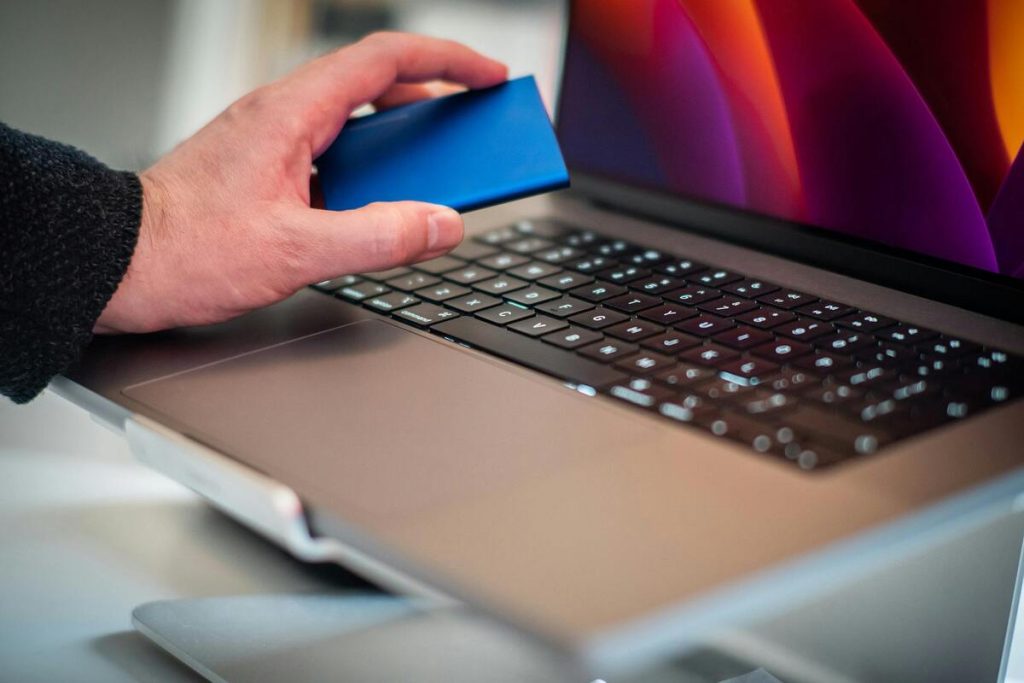
As more devices move away from physical SIM cards, many users are now searching for eSIM laptop options. The idea is simple: connect a laptop to mobile data without needing Wi-Fi or a removable SIM card.
For students, remote workers, travelers, and anyone who needs internet on the go, that sounds appealing. But not every laptop works the same way, and not every device supports eSIM.
This guide explains what an eSIM laptop actually means, which laptops may support it, what to do if yours does not, and practical ways some users keep in touch through available programs and services.
1. eSIM Laptop – What It Actually Means?


An eSIM laptop usually refers to a laptop that can connect to cellular data using an embedded SIM instead of a physical SIM card.
Unlike traditional SIM cards, eSIM is built into the device hardware. That means activation can often happen digitally through a carrier or service provider.
In practical terms, an eSIM laptop may allow users to:
- Access mobile data without relying on public Wi-Fi
- Keep in touch while traveling
- Use internet service in places without home broadband
- Avoid carrying hotspot devices in some situations
For many users, the biggest advantage is convenience. Instead of hunting for Wi-Fi, the laptop may connect directly through a supported mobile plan.
2. Can You Get an eSIM on a Laptop?
A common question is: Can you get an eSIM on a laptop?
The answer is: sometimes. It depends entirely on whether the laptop includes cellular hardware and eSIM support.
Some modern business laptops, premium ultrabooks, and always-connected PCs are designed with built-in mobile connectivity. Others are Wi-Fi only and cannot activate eSIM internally.
So while the idea of an eSIM laptop is real, it is not universal across all brands and models.
Many users ask, are laptops compatible with eSIM?
Some are, many are not. Compatibility usually depends on three things:
- The laptop has built-in WWAN / cellular hardware
- The manufacturer enabled eSIM capability
- Your operating system and carrier support activation
Business-focused Windows laptops from brands such as Lenovo, HP, Dell, or Microsoft Surface models are more likely to offer eSIM-ready configurations than entry-level consumer laptops.
The most accurate way to confirm compatibility is to check your exact model specifications in system settings or on the manufacturer website.
Another frequent question is: “Can an Apple laptop use eSIM?”
At this time, MacBooks generally do not include built-in cellular radios for direct eSIM mobile data like smartphones or some Windows laptops do. That means an Apple laptop typically cannot activate internal eSIM service the same way an iPhone or cellular-enabled tablet can.
However, MacBook users still have practical options:
- Use iPhone hotspot with an eSIM plan
- Use a mobile hotspot device
- Connect through another eSIM-enabled device that shares data
So while the answer to “Can an Apple laptop use eSIM” is usually no for direct internal support, Apple laptop users can still benefit from eSIM-based connectivity through companion devices.
>>> Read more: How to Remove SIM Card from iPhone: Safe Steps and What to Do Next
3. What If Your Laptop Doesn’t Support eSIM?
If your current laptop is not an eSIM laptop, you still have several practical ways to remain connected.
One common option is using your smartphone as a hotspot. If your phone has an active data plan or eSIM service, it can often share internet access with your laptop.
Another option is using a portable hotspot device. These can be useful for travel, school, or work situations where reliable mobile internet is needed regularly.
Some users also choose USB modems or upgrade later to a laptop model with built-in cellular support.
In many real-world situations, not having direct eSIM support on the laptop is manageable. What matters most is having a dependable data source.
4. Practical Setup: Get a Discounted or 100% Free Device with eSIM Services
For users trying to reduce costs, device access and mobile connectivity are often the bigger issue, not just whether the laptop itself has eSIM.
Some households explore Lifeline-supported services that can help with communication access.
Lifeline is a government assistance program designed to support eligible consumers with essential communication services. AirTalk Wireless participates as an Eligible Telecommunications Carrier (ETC).
Depending on eligibility, availability, and state program rules, some users may explore:
- BYOD data-focused options using a compatible phone with service that can support hotspot use in some cases
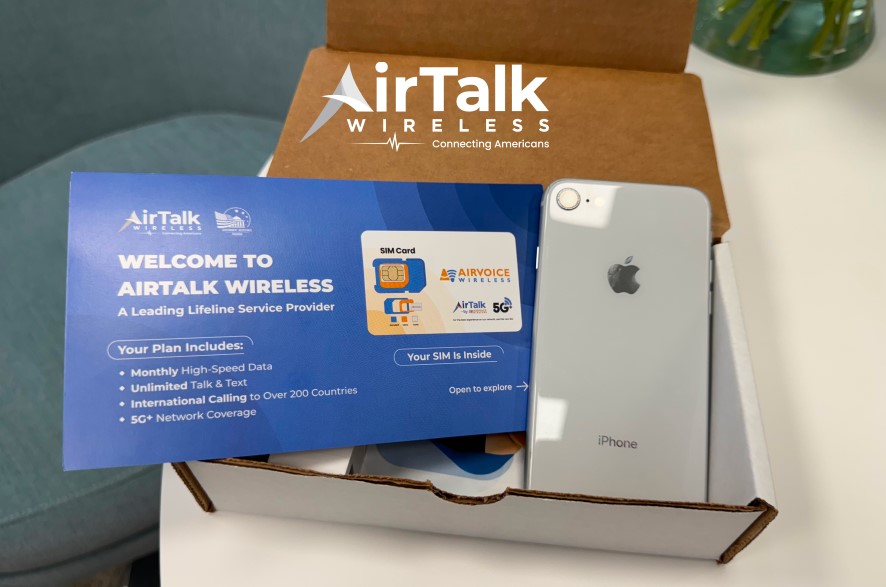
- Device + service combinations through available AirTalk Lifeline offers
- Smartphones that support eSIM on eligible models, which can then share connectivity with a laptop
This can be practical for someone whose laptop does not support direct eSIM laptop features but still needs mobile internet access.
Important Program Rules
- Only eligible consumers may enroll
- Service is non-transferable
- Only one discount per household is allowed
How the Process Typically Works?
The process on AirTalk Wireless usually includes:
- Checking eligibility based on income or participation in qualifying programs
- Starting by entering your ZIP code
- Selecting a device and plan if available
- Uploading documents that verify eligibility
- Completing the online application
- Receiving the device and activating service
Availability varies by location, inventory, qualifications, and current offers.

Final Thoughts
An eSIM laptop can be a convenient solution for people who need internet beyond Wi-Fi, but support depends on the specific laptop model.
Some Windows laptops offer direct eSIM capability, while Apple laptops usually rely on hotspot or companion-device solutions. If your current laptop does not support eSIM, that does not mean you are out of options.
For many users, the smartest setup is simply the one that delivers reliable mobile access at the lowest practical cost. Whether that comes from a built-in eSIM laptop, a hotspot, or a Lifeline-supported device, remaining connected is what matters most.