


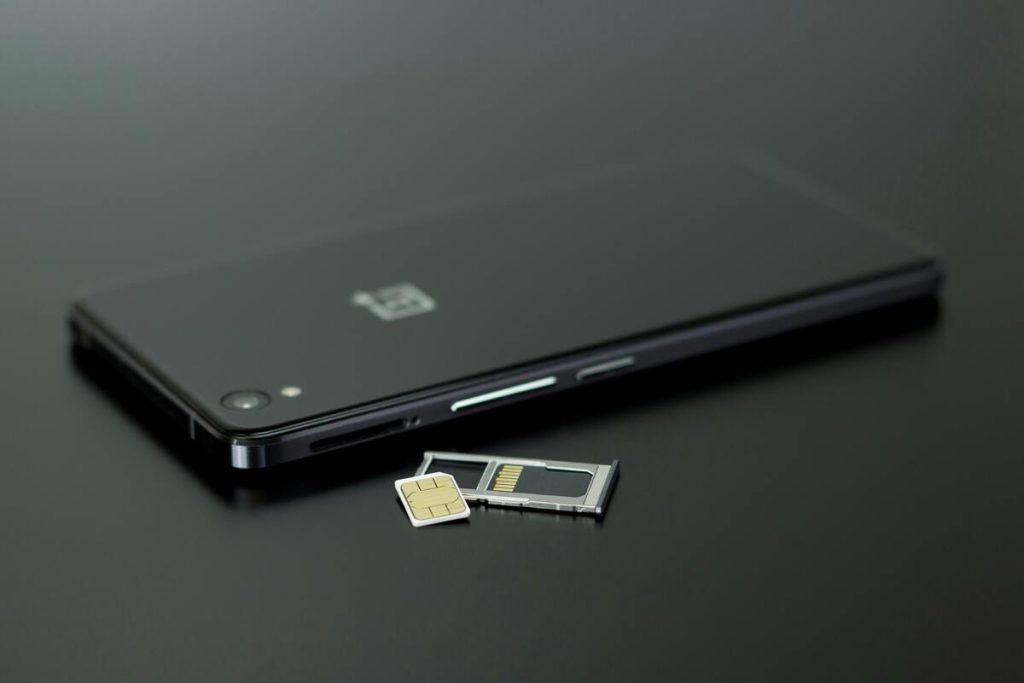
eSIM has made mobile activation faster and more convenient, but it is not always the best fit for every user. Some people prefer the simplicity of a removable SIM card, while others need a physical SIM for travel, device switching, or compatibility reasons.
That is why many users search for eSIM to physical SIM when they want to move back to a traditional setup.
The good news is that switching back is usually possible. However, it needs to be done in the correct order so you do not lose service, interrupt your phone number, or create activation issues.
This guide explains how to switch from eSIM to physical SIM, what problems to avoid, and how providers like AirTalk Wireless may help you choose either option.
1. Can I Convert My eSIM into a Physical SIM?
A common question is: “Can I convert my eSIM into a physical SIM?” In most cases, yes, but the process is not a direct “conversion” of the digital profile itself.
Instead, your carrier moves your mobile number and service from the eSIM profile to a new physical SIM card. This means the typical process involves:
- Requesting a physical SIM card from your carrier
- Activating that SIM card with your current number
- Disabling or removing the old eSIM afterward
So while people often describe it as converting eSIM to physical SIM, what actually happens is a service transfer from one SIM format to another. Whether this can be done instantly depends on your provider, device model, and account status.
Users commonly move from eSIM to physical SIM for reasons such as:
- Easier swapping between phones
- Better compatibility with older devices
- Simpler troubleshooting
- Preference for removable SIM cards while traveling


2. How to Remove eSIM and Go Back to Normal SIM?
If you are wondering how to remove eSIM and go back to normal SIM, the safest method is to activate the physical SIM first and delete the eSIM second.
Removing the eSIM too early can temporarily disconnect your number.
Can I switch back to physical SIM after eSIM?
Yes, switching back to physical SIM after eSIM is a valid and common request. Most carriers allow users to move back to a standard SIM card when needed. The best approach is:
Step 1: Get a Physical SIM from Your Carrier
You may receive it by mail, in-store pickup, or through a provider support request.
Step 2: Activate the New SIM
Your carrier links your number and plan to the physical SIM card.
This may happen:
- Through an online account
- By scanning a code
- Through customer support
Step 3: Insert the Physical SIM
Place the SIM card into your phone’s SIM tray and restart the device if needed.
Step 4: Confirm Service Works
Check Calls, text messages, and mobile data.
Once your number is working on the physical SIM, you can safely remove the eSIM.
Step 5: Delete the Old eSIM
On most phones, here’s how the process goes:
- Go to Settings
- Open Cellular / Mobile Data
- Select the eSIM line
- Choose Remove eSIM
This is how to remove eSIM and go back to normal SIM process without losing connectivity.
>>> Read more: Free eSIM: What “Free” Means and How to Get One Legitimately
3. Common Issues When Switching from eSIM to Physical SIM
Moving from eSIM to physical SIM is usually straightforward, but some users experience avoidable problems.
- Removing eSIM too early: Deleting the eSIM before the physical SIM is active can temporarily disable your number.
- Wrong SIM card type: Some phones use different SIM sizes. Make sure the physical SIM matches your device.
- Carrier lock restrictions: A locked phone may only accept SIM cards from the original carrier.
- Delayed activation: Some transfers take time, especially if processed manually.
- Outdated carrier settings: Updating your phone software or carrier settings may be required after the switch.
Before changing from eSIM to physical SIM, confirm:
- Your phone supports physical SIM
- The SIM card is activated
- Your carrier has completed the transfer
A few minutes of preparation can prevent hours of troubleshooting.
4. Get A Free SIM Card or eSIM? Your Choice!
For users who need affordable service, choosing between physical SIM and eSIM does not always have to involve extra cost.
Through Lifeline-supported services, AirTalk Wireless may help eligible users access mobile service with the option that best fits their device.
Depending on availability and eligibility, users may be able to choose:
- A physical SIM card for standard setup
- eSIM for compatible devices
- Free monthly talk, text, and data
- Access to a free or low-cost phone
This flexibility is valuable for users deciding between eSIM to physical SIM or starting fresh with a new setup.
How to Apply for Free SIM Services with AirTalk Wireless
The process is designed to be simple:
- Checking eligibility based on income or participation in qualifying programs
- Starting by entering your ZIP code
- Selecting a device and plan if available
- Uploading documents that verify eligibility
- Completing the online application
- Receiving the device and activating service
Instead of paying separately for service, SIM cards, and devices, qualified users may receive a more complete and affordable setup through one guided process.
IMPORTANT: The government does not subsidize devices. Lifeline programs cover basic service costs only. Free or discounted devices, upgrade plans, or top-ups are exclusive benefits provided by AirTalk Wireless as part of our promotional offers. Terms and conditions apply. Limited-time promotion—offers vary by state, stock availability, and eligibility.
Final Thoughts
Switching from eSIM to physical SIM is usually possible and often easier than many users expect. The key is activating the new physical SIM before removing the old eSIM.
If you are changing devices, troubleshooting network issues, or simply prefer a removable card, moving back to a physical SIM can be a practical choice.
What matters most is choosing the format that works best for your phone, your usage habits, and your comfort level. Some users prefer the convenience of eSIM, while others value the flexibility of a physical card.
With the right preparation, switching formats can be smooth and stress-free.