


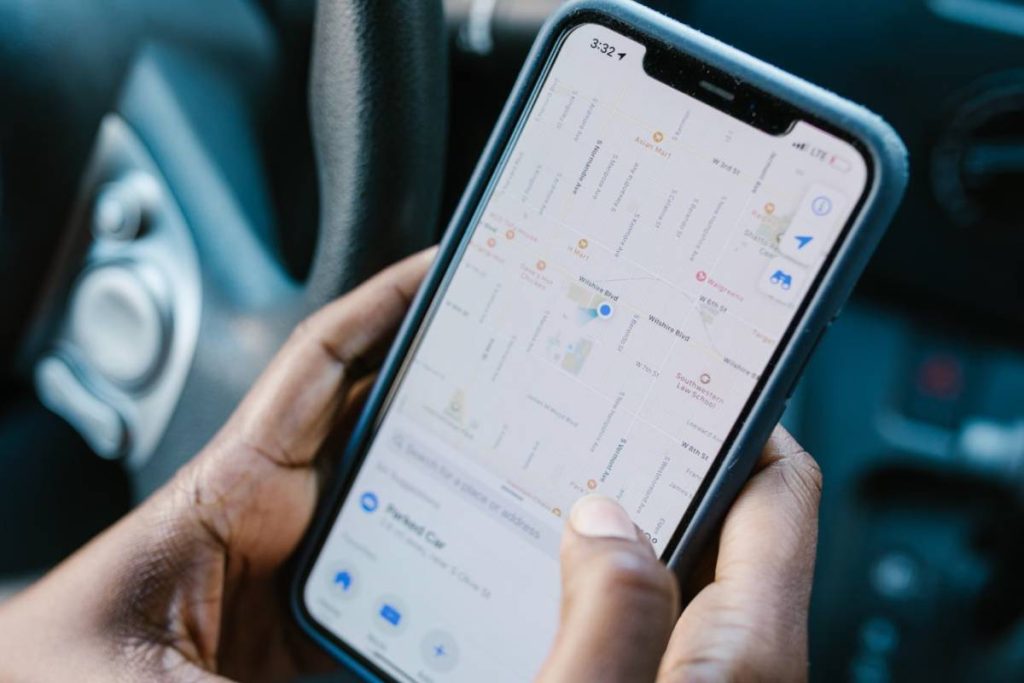
Find My may show your missing iPhone on the map, but the pin does not always tell you whether the device is in a specific room, a nearby building, or somewhere within the surrounding area. That uncertainty makes how accurate is Find My iPhone an important question before you start searching.
The location should be read carefully rather than treated as an exact guarantee. After reading our aticle, you can judge its reliability and decide what to do when the displayed position is too broad, delayed, or difficult to interpret.
1. How Accurate Is Find My iPhone Location?
Find My iPhone can provide a close estimate, but Apple does not promise one fixed level of accuracy. The result depends on whether the device can calculate and report a current position, as well as the quality of the signals available around it.
Under open-sky conditions, GPS-enabled smartphones are typically accurate within about 4.9 meters (16 feet), according to the U.S. government’s GPS accuracy. That precision can worsen near buildings, bridges, trees, or other objects that block and reflect satellite signals.
So, how accurate is Find My iPhone location in different surroundings? This is based on:
- Outdoors with a clear sky: The location may fall within roughly 5 meters (16 feet) under favorable conditions.
- Inside a house or apartment: The result may point to the correct building but not identify the exact room or floor.
- In a dense city: Tall buildings can reflect or obstruct GPS signals, creating a wider estimated area.
- When the device is offline: The displayed position may come from the Find My network or a previously reported location rather than a live GPS update.
How accurate is Find My iPhone in feet? This has no universal answer. The map may narrow the search to a small area in strong conditions, but it should not be treated as proof that the device is sitting at the center of the pin. Check the circle size, update time, and surrounding environment together before searching.
2. What Does the Blue Circle on Find My iPhone Mean?
The blue circle represents an estimated area in which the iPhone may be located. The marker shows the calculated position, while the surrounding circle reflects uncertainty around that estimate.
Its size provides the most useful clue:
- A small circle indicates greater confidence in the location.
- A wide circle means the iPhone may be anywhere within a larger surrounding area.
- A changing circle suggests that Find My has received new information and recalculated the estimate.
- An old timestamp means the circle may describe where the phone was previously detected rather than where it is now.
The circle also does not show height. Even when the horizontal position is close, Find My may not reliably identify the correct floor of a multistory building. Start with the entire estimated area, then use Play Sound if the device is nearby and it is safe to search.
If the circle becomes smaller after refreshing, use the newer estimate. If it remains broad, wait for another update rather than repeatedly navigating to the center point.
3. What Affects Find My iPhone Location Accuracy?
The quality of those inputs determines how accurate the location is on Find My iPhone at a given moment, so the result may change as the device moves, loses connection, or enters an area where signals are weaker.

GPS Signal and Surrounding Buildings
GPS generally performs best outdoors with a clear view of the sky. Roofs, concrete walls, trees, bridges, and tall buildings can block or reflect satellite signals, moving the displayed location away from the phone’s actual position. Indoor and underground locations commonly produce broader estimates.
Wi-Fi and Cellular Connection
Wi-Fi and cellular networks help the iPhone calculate or report its location. A stable connection can deliver a newer update to Find My, while weak coverage may delay the result.
However, having internet access does not automatically make the underlying position exact.
Bluetooth and the Find My Network
An offline iPhone can emit a Bluetooth signal that nearby Apple devices detect and report anonymously through the Find My network.
This can reveal an approximate location without a direct cellular or Wi-Fi connection, but accuracy depends on whether another participating device passes close enough to detect it.
Battery Level and Location Update Time
A powered-on phone can continue sending updates when the required settings and connections are available. Once the battery runs out, Find My may show the last reported position instead. Always check the timestamp before treating the map as current.
Current Location vs. Last Known Location
A live or recently updated position is more useful for tracking a moving device. A last known location only indicates where the iPhone was detected earlier, so the phone may have moved since then.
Labels such as Now, a recent time, Offline, or No location found help distinguish these situations. Accuracy should therefore be judged from both the estimated area and the freshness of the update, not from the map pin alone.
>>> Read more: How to Turn Off Find My iPhone: 3 Safe Ways to Try
4. How to Improve Find My iPhone Accuracy
Find My does not include a control that forces the location to become exact. However, the following settings give the iPhone more opportunities to calculate and report a current position:
- Keep Location Services enabled: Open Settings > Privacy & Security > Location Services and confirm that the main switch is on. Without Location Services, the iPhone may appear online without providing its position.
- Review the Find My settings: Go to Settings > [your name] > Find My > Find My iPhone. Turn on Find My iPhone, Find My network, and Send Last Location.
- Leave Wi-Fi and Bluetooth on: These connections can support location calculations and allow an offline iPhone to interact with nearby Apple devices through the Find My network.
- Maintain an internet connection when possible: Wi-Fi or cellular data helps the device send updated location information. A poor connection may leave Find My displaying an older result.
- Update the iPhone software: Install the latest supported iOS release to address possible problems with Find My, networking, or Location Services.
- Move to a clearer area when the phone is with you: If testing Find My, step outdoors or away from tall structures and allow time for the position to update.
- Use Play Sound once you are nearby: The sound does not improve map accuracy, but it can help locate the iPhone within the building or area shown.
Complete these checks before the phone goes missing whenever possible, since some settings cannot be enabled remotely afterward.
5. Does Find My iPhone Work Without Cellular Service?
Yes. An iPhone may still appear in Find My without an active cellular plan.
When Find My network was enabled before the phone went offline, nearby Apple devices can detect its Bluetooth signal and anonymously relay an approximate location to the owner. The iPhone may also send an update whenever it reconnects to Wi-Fi.
However, cellular data remains useful because it allows the phone to report its location while it is away from a familiar Wi-Fi network. When evaluating “how accurate is Find My iPhone?”, check:
- Whether the location is marked as current or last known
- When the latest update was received
- Whether the device is online or being detected through the Find My network
- Whether the phone still has enough battery to transmit a signal
If the iPhone regularly travels beyond Wi-Fi coverage, affordable cellular access can make newer location updates more likely. Lifeline helps qualifying low-income households reduce the cost of phone service, and AirTalk Wireless is a Lifeline service provider with plans that may include:
- Free monthly mobile data
- Unlimited talk and text
- A free SIM kit or eSIM
- Wi-Fi calling
- Caller ID, voicemail, and call waiting
- A free or discounted device like a smartphone or tablet
Eligible customers can visit the AirTalk Wireless website, enter their ZIP code, view the services available in their area, compare the current data allowance, and choose between using a compatible existing phone or selecting an available device offer. Lifeline qualification, AirTalk coverage, plan benefits, device options, and stock vary by location and application date.


IMPORTANT: The government does not subsidize devices. Lifeline programs cover basic service costs only. Free or discounted devices, upgrade plans, or top-ups are exclusive benefits provided by AirTalk Wireless as part of our promotional offers. Terms and conditions apply. Limited-time promotion—offers vary by state, stock availability, and eligibility.
6. FAQs
Can Find My iPhone Show the Exact Room?
Usually not. Find My may narrow the search to a building or small area, but it generally cannot identify a specific room or floor with certainty.
Does Find My iPhone Update in Real Time?
It can display recent updates when the iPhone is powered on and able to report its location. The map is not guaranteed to refresh continuously, especially when the device is offline or moving.
Why Does Find My Show My iPhone in the Wrong Place?
The displayed position may be affected by blocked GPS signals, nearby buildings, weak connectivity, or an outdated location report. Check the timestamp and blue circle before treating the marker as current.
Can Find My Track an iPhone That Is Turned Off?
Supported iPhones may remain discoverable for a limited period through the Find My network after being powered off. The result depends on the model, battery condition, settings enabled beforehand, and nearby participating devices.
7. Conclusion
Find My can narrow a search considerably, but its map pin should be treated as an estimate rather than proof of an exact physical position. The circle size, surrounding environment, connection status, and update time all provide context.
The best answer to “how accurate is Find My iPhone” depends on those conditions. Keep the relevant settings enabled before the device is lost, then combine the map with timestamps and Play Sound when searching nearby.