


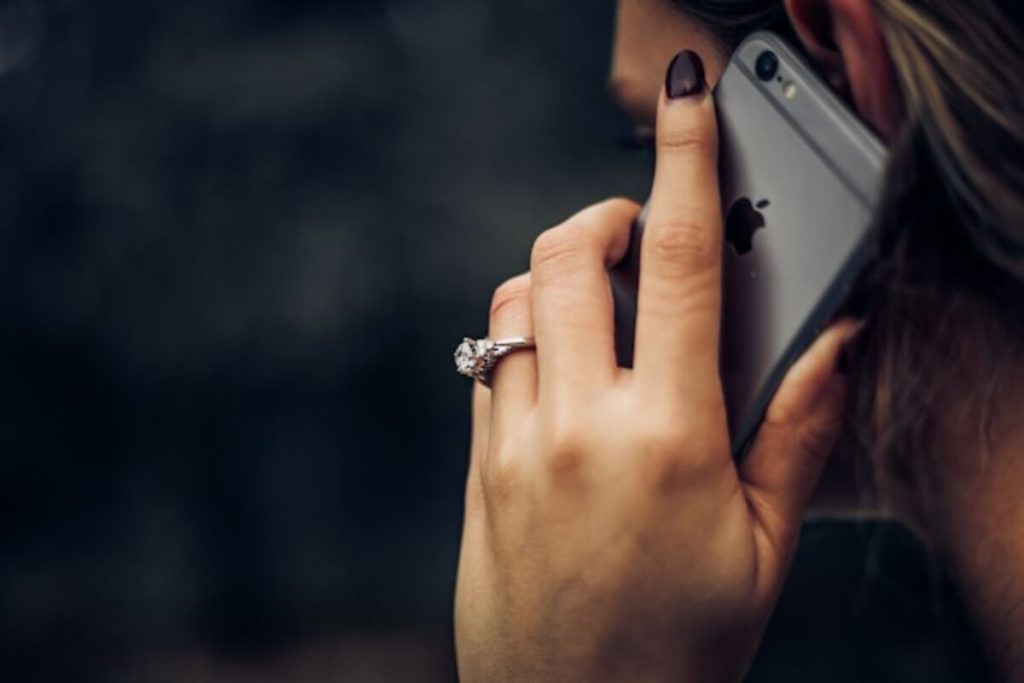
In most cases, when your number is blocked, your calls will not go through as usual and may go straight to voicemail or fail to connect. How to call someone who blocked you?
Before you try to reach out to someone who has blocked you, it’s important to think about why they might have done it. Often, people block numbers to protect their privacy or to set boundaries – maybe they just need some space.
In other situations, blocking can result from misunderstandings, arguments, or repeated unwanted contact. Sometimes, it’s simply about feeling safe or comfortable.
1. How to Call Someone Who Blocked You
Want to call someone who blocked you? First, let’s see how blocking works. When someone blocks a number, most calls and messages from that number are automatically prevented from reaching their device.
Can You Call Someone Who Blocked Your Number?
Technically, you can still attempt to dial the person’s phone number. However, the call will usually not reach them normally. Most smartphones either redirect the call to voicemail immediately or block the connection entirely.
Because of this limitation, look for other ways to call someone who has blocked you.
Using Another Phone Number
One possible method for calling someone who blocked you is to use another phone number. If the person has only blocked your specific number, another phone number may still reach them.
For example, calling from a friend’s phone or another personal device could allow the call to go through normally. However, it is important to respect the other person’s boundaries when attempting this approach.
Calling Through Messaging or VoIP Apps
Another approach sometimes mentioned when discussing how to call someone who has blocked you is to use messaging or Voice over Internet Protocol (VoIP) apps.
Applications such as WhatsApp, Skype, or similar platforms operate independently from traditional phone networks. If the person has only blocked your phone number but not your account on these apps, communication might still be possible.
However, if they also blocked you on those platforms, this method will not work.


>>> Read more: How to Do a 3-Way Call on Android
Leaving a Voicemail If It’s Still Allowed
In some cases, voicemail systems still allow blocked callers to leave messages.
When exploring how to call someone who blocked you, some people discover that their calls are redirected directly to voicemail. This can allow them to leave a short message explaining the reason for contacting the person.
2. What Happens If You Call Someone Who Blocked You?
Before trying different solutions, it is helpful to understand what happens if you call someone who blocked you.
What Happens When You Call Someone Who Blocked You on iPhone
On iPhones, blocking a phone number prevents calls, texts, and FaceTime requests from reaching the device. According to Apple’s support documentation, calls from blocked numbers are automatically directed to voicemail without notifying the recipient.
The blocked person does not receive a notification about the call, although the voicemail may still appear in a separate section for blocked messages.
What Happens If You Call Someone Who Blocked You on Android
Android phones behave similarly. On Android phones, blocking a number usually prevents calls and texts from reaching the device. In many cases, blocked callers may hear one ring before being sent to voicemail, or the call may disconnect immediately.
>>> Read more: How to Record Incoming Call on iPhone Without App
3. How Do I Block My Number When Making a Call?
While researching how to call someone who blocked you, some users also come across caller ID blocking, a feature that lets you hide your phone number when making calls.
In some cases, hiding your number may allow the call to go through, but it does not guarantee that a blocked contact will answer or even receive the call, because many people block unknown callers as well. This feature should be used respectfully and in line with the other person’s boundaries.
How to Hide Your Caller ID on iPhone
On an iPhone, users can hide their caller ID through the phone settings. By disabling the “Show My Caller ID” option in the Phone settings menu, outgoing calls may appear as “Private Number” or “Unknown Caller.”
How to Hide Your Caller ID on Android
Android devices also allow users to hide their caller ID through call settings. The exact steps vary by device manufacturer, but the option usually appears in the phone app’s advanced settings.
Using *67 to Make a Private Call
In some countries, dialing *67 before a phone number temporarily hides your caller ID. This makes the call appear as a private or unknown number.
Again, hiding the caller ID does not always bypass call blocking because many phones automatically reject unknown callers.
4. Everything You Need to Know About Getting a Free Phone with Lifeline
Reliable phone service is important for communication, especially when contacting family, employers, or emergency services.
Programs like Lifeline exist to help people who cannot easily afford phone or internet service.
What Is the Lifeline Program?
The Lifeline program is a government-supported initiative designed to make communication services more affordable for low-income households. Its main purpose is to ensure that individuals and families can stay connected to essential services such as job opportunities, healthcare providers, and emergency support.
Instead of offering physical devices, Lifeline focuses on reducing the monthly cost of phone or internet service. This allows eligible users to maintain reliable connectivity without facing financial strain.
How AirTalk Wireless Provides Free Phones and Tablets
While the Lifeline program itself does not provide devices, some participating providers offer additional benefits during the enrollment process. AirTalk Wireless is one of these providers that may include free smartphones or tablets for eligible applicants.
When individuals apply for Lifeline-supported service through AirTalk Wireless, they may have the opportunity to receive a device at no extra cost, depending on availability and qualification. These devices are offered by the provider as part of their service package, not directly by the Lifeline program.
Who Qualifies for AirTalk Wireless Free Devices
Eligibility typically depends on household income or participation in assistance programs such as Medicaid, SNAP, or Supplemental Security Income.
Applicants who meet the criteria may qualify for Lifeline-supported service plans through participating carriers.
How to Apply for a Free Phone or Tablet
Applying for Lifeline-supported services usually involves selecting a participating provider, submitting an online application, and verifying eligibility documents.
When applying through providers such as AirTalk Wireless, eligible applicants may receive a free device as part of the enrollment process.

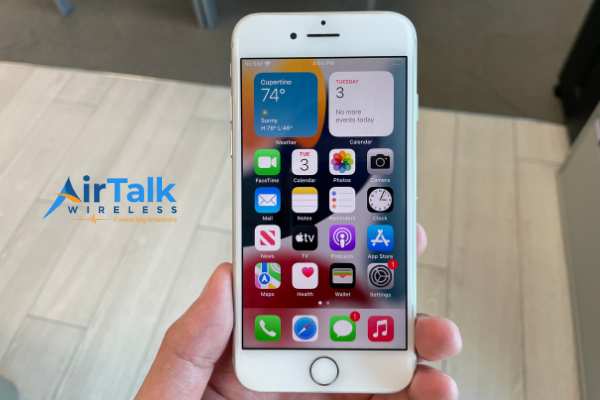
Note: Eligibility varies by state and program. Offers depend on availability and qualifications. AirTalk Wireless operates under the federal Lifeline Program as an Eligible Telecommunications Carrier (ETC). Service is non-transferable and limited to one service per household.
Conclusion
Many people search for how to call someone who blocked you after noticing their calls no longer go through. While it is technically possible to dial the number, blocked call systems usually prevent the call from reaching the recipient.
Some alternative approaches include using a different phone number, contacting the person via messaging apps, or leaving a voicemail if the system allows it. However, it is important to respect the other person’s privacy and communication preferences.