



Knowing how to record a phone call can be extremely useful in everyday life. People record calls to remember important details, keep verbal agreements, save interviews, document customer service conversations, or protect themselves in disputes.
With today’s smartphones, learning how to record a phone call is easier than many think, but the methods vary depending on your device, your region, and whether your phone supports built-in tools.
1. How Do You Record a Phone Call? (Understanding Your Options)
Before diving into steps, it helps to understand the main methods for recording calls. When someone asks how to record a phone call, the answer usually falls into three categories: built-in phone tools, third-party apps, or external methods.
Some smartphones have native call-recording features that work directly within the dialer. Others restrict recording depending on the country or Android/iOS policy. In those cases, apps or speaker-based recording methods are used instead.
>>> Read more: How Much Free Storage Should You Have On Phone?
No matter which method you choose, the foundation of how to record a phone call is the same: your phone captures both sides of the conversation and saves the audio file to your device or cloud storage.
2. How to Record a Call Using Built-in Phone Features
On many Android phones, the easiest way to record a phone call is through the built-in tools. Google’s Phone app, for example, supports call recording in select regions.
- On supported devices, open the Phone app and make or receive a call.
- During the call, a “Record” button may appear on the screen. Tapping it begins recording. The system often announces to both parties that the call is being recorded. This protects transparency and legal compliance.
- Once the call ends, the recording is usually automatically saved to your call history or a “Recordings” folder. You can play it back, rename it, or share it.
If your phone supports it, built-in recording is the most stable way to handle how to record a phone call because it doesn’t rely on external apps or speaker routing.
3. How Do I Record a Phone Call With an App? (Step-by-Step)
If your phone does not include a built-in recording feature, many people then ask, “How do I record a phone call with an app?” This is where third-party call recording apps become useful.
These apps are available in official app stores and are known for offering call detection, manual and automatic recording modes, and easy playback tools.
To use an app, you usually download it from your phone’s app store, open it, and allow microphone, phone, and storage permissions. The app will guide you through setup.
Some apps automatically start recording every incoming and outgoing call, while others let you tap a record button when a call begins.


Most call recording apps save audio files directly to your phone and organize them by contact name, date, or phone number. Many also support cloud backups, making it easier to store or retrieve conversations later. When people search “how to record a call”, this app-based method is often what they are referring to.
It’s important to know that newer Android and iOS systems may restrict how apps capture call audio. Because of this, sound quality can vary. If one app does not clearly record both voices, trying another is often effective, as performance differs by device.
Overall, using apps remains one of the most common and accessible ways to record a phone call when built-in options are unavailable.
4. How to Record a Phone Call Without an App
There are also ways to learn how to record a phone call without installing any apps. The most common method is using speaker mode and a second recording device.
You place the call on speaker and use another phone, tablet, or digital recorder to capture the audio. This method is simple, legal in many regions when consent rules are followed, and does not depend on operating system restrictions.
Another option is using a computer with a microphone while your call plays through the phone’s speaker. This technique is often used for interviews or business documentation.
While not as seamless as built-in features, these approaches still address how to record a phone call when technical limitations prevent direct recording.
5. Is It Legal to Record Phone Calls?
Call recording laws in the United States are based on consent rules that vary by state and federal regulation.
In many states, “one-party consent” applies, meaning only one person in the conversation, typically the person doing the recording, needs to agree to it.
In other states, often called “all-party consent” or “two-party consent,” everyone engaged in the call must agree before recording is legally permitted.
According to legal guides on call recording, multiple states require all parties to consent to recording before it can be lawful, while many others allow recording if at least one party consents.
Because of this patchwork of laws, it’s important to check the specific rules where you and the other party are located before you practice how to record a phone call.
In some situations, informing the other person and getting explicit permission can help avoid legal issues and ensure your recording is compliant.
7. Bonus: How to Get Your Own Phone without Any Cost
Reliable call recording starts with having a capable smartphone. AirTalk Wireless works with the federal Lifeline program to help eligible low-income individuals receive free or low-cost Android or Apple smartphones that support calling, apps, and built-in system tools.
Applying is done fully online.
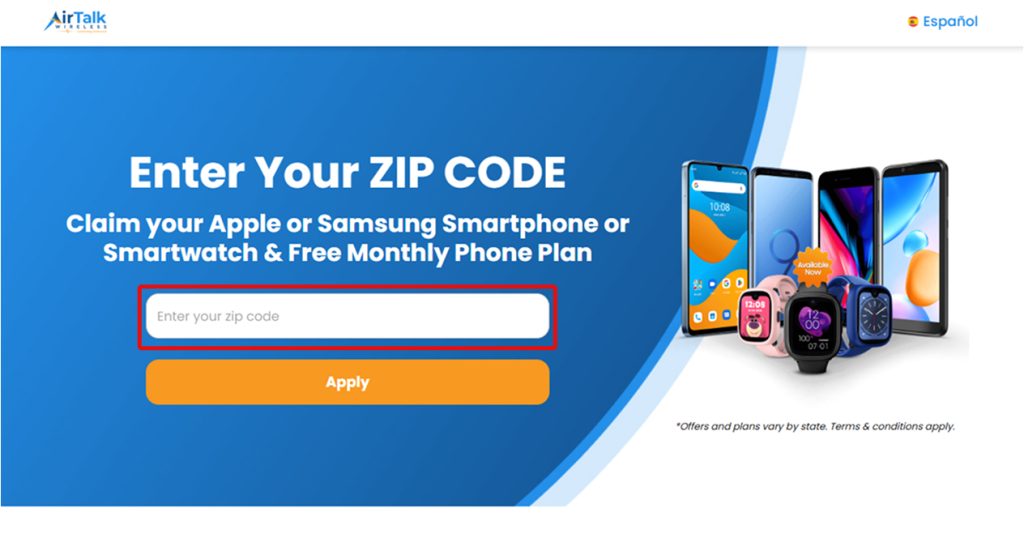
- First, visit the AirTalk Wireless website and enter your ZIP code to see available Lifeline plans and phone options in your area.
- Next, choose a Lifeline plan that fits your needs. During the application, you’ll be able to select a free phone if devices are in stock.
- After that, you verify eligibility, either automatically or by uploading documents such as proof of income or participation in a qualifying program.
- Once you submit the application and it’s approved, AirTalk ships the phone directly to your address at no cost.

>>> Read more: Best Free Big Screen Phone Collection Through Government Program
6. FAQs About How to Record a Phone Call
Can calls be recorded automatically?
Yes. Some phones and apps allow automatic recording of all incoming and outgoing calls. If enabled, every call is saved without pressing a button. This is often used in business or documentation settings.
Where are recordings saved?
Most recordings are saved in your phone’s internal storage, often in a “Call recordings” folder, inside the Phone app, or within the recording app itself. Many phones also let you back up files to cloud services.
Can calls be recorded on both sides?
That depends on the method. Built-in tools usually capture both sides clearly. Apps may capture both voices or only one, depending on system limits. Speaker-based methods record both sides because the microphone hears the full conversation.
If clarity matters, built-in features are often the most reliable way to handle how to record a phone call.
Conclusion
Learning how to record a phone call gives you a powerful tool for documentation, memory, and protection. Whether you use built-in phone features, apps, or speaker-based methods, the process is easier today than ever before.