


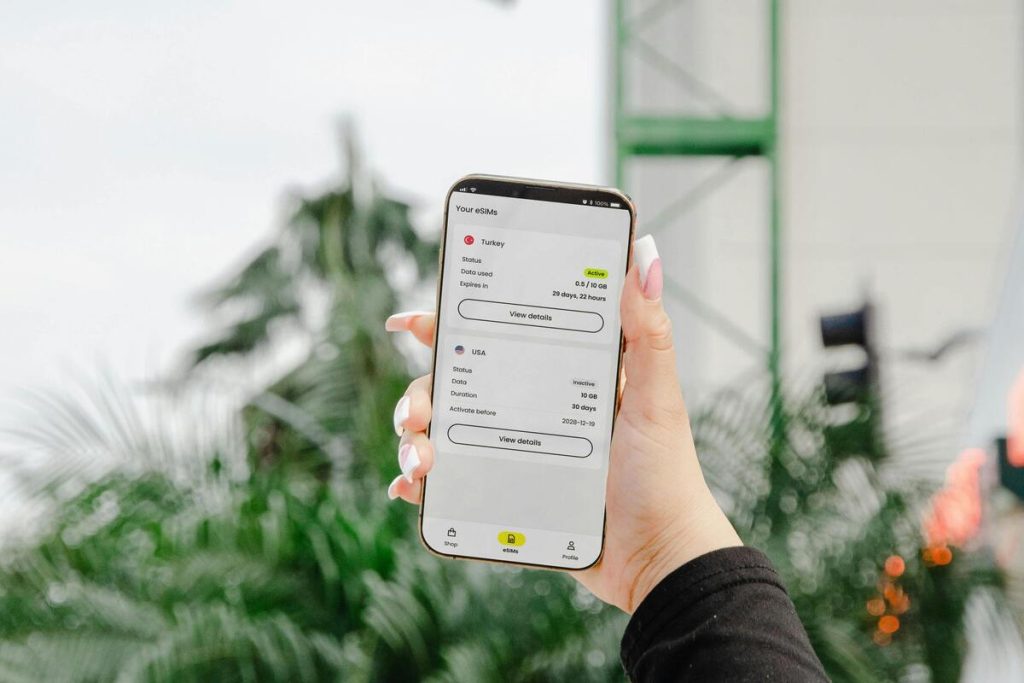
Switching to a new phone used to be simple, just remove your SIM card and insert it into the new device. But with eSIM, the process works differently.
If you’re searching for how to transfer eSIM, it’s important to understand one key thing: in most cases, you’re not actually “transferring” your eSIM, you’re reactivating it on a new device.
That distinction matters because it affects how you move your number, avoid service interruptions, and ensure everything works smoothly on your new phone.
1. What to Do Before You Transfer or Re-Activate eSIM


Before attempting to move your eSIM, preparation is essential. Skipping this step is one of the most common reasons users experience activation issues.
Start by checking the following:
- Your new device supports eSIM
- Your current eSIM is active and working
- You have access to your carrier account
- You are connected to a stable Wi-Fi network
These basics ensure that when you begin the process, you won’t run into avoidable problems.
When can you actually transfer an eSIM directly?
Direct transfer is possible, but only in limited cases.
For example: iPhone to iPhone transfers may work using Apple’s built-in Quick Transfer feature. Both devices must be nearby and running compatible iOS versions
However, even in these cases:
- Not all carriers support direct transfer.
- You may still need to confirm with your provider.
This is why relying solely on “transfer” can be misleading. A proper understanding of how to transfer eSIM includes knowing when re-activation is required.
>>> Read more: eSIM vs Nano SIM: Which SIM Technology Is the Future of Mobile?
2. How to Transfer eSIM (Or Re-Activate It)
If you’re looking into how to transfer an eSIM, it helps to know that it’s not always a simple move from one device to another. In many situations, what feels like a transfer is actually your carrier issuing a new eSIM profile and activating it on your new phone.
Some phones and carriers do support direct transfer, but only when certain conditions are met, such as compatible devices and updated software.
When that option isn’t available, going through your carrier to re-activate the eSIM is usually the most dependable route. It works across both iPhone and Android and helps avoid common compatibility issues.
How to Transfer eSIM to New iPhone
There are two main ways to transfer your eSIM to a new iPhone, depending on your device and carrier support.
Quick Transfer
Some iPhones may offer an automatic transfer option during setup or inside Cellular settings.
The usual process is:
- Turn on the new iPhone and connect to Wi-Fi
- Keep the old iPhone nearby
- Follow the setup prompts for Cellular transfer
- Confirm the number you want to move
- Wait for activation to complete
This method is often the fastest route for transfer eSIM to new iPhone, but it depends on carrier support, device model, and iOS version. If the option does not appear, that is normal in some cases.
Re-Activation
If Quick Transfer is unavailable, re-activation is usually the better path.
You can typically:
- Sign in to your carrier app or account
- Request eSIM replacement or transfer
- Receive a QR code or activation prompt
- Install the new eSIM on the new iPhone
- Test calls, texts, and mobile data
This is often the most reliable method for how to transfer eSIM because it creates a fresh eSIM profile for the new device. Only remove the old eSIM after the new iPhone is fully working.
How to Transfer eSIM Between Android Devices
Android phones can also support eSIM transfers, but the exact process varies more widely between brands such as Samsung, Google Pixel, Motorola, and others.
Some newer Android models may include built-in transfer tools, while others require carrier re-activation.
The usual approach is:
- Confirm the new Android phone supports eSIM
- Connect to Wi-Fi
- Open carrier app or account portal
- Request transfer or eSIM replacement
- Scan QR code or follow activation prompts
- Confirm service is active on the new phone
Because Android menus differ by brand, re-activation is often the smoothest option when learning how to transfer eSIM between Android devices.
If you use a Pixel or Galaxy device, the process may be more streamlined depending on your carrier.
Whether you are moving to iPhone or Android, avoid deleting the eSIM from the old phone too early. Keep it active until the new device can successfully:
- Make calls
- Send texts
- Use mobile data
That simple step prevents unnecessary downtime during the switch.
eSIM transfer methods, Quick Transfer availability, activation steps, and device compatibility may vary by carrier, phone model, operating system version, and region.
AirTalk Wireless eSIM availability is offered on supported devices and eligible lines only. Device selections, service options, and availability are subject to change without notice.
For the most accurate and current how to transfer eSIM instructions, refer to your device manufacturer and AirTalk Wireless official support resources.
3. Consider Getting a New eSIM and a Phone for Free
If you’re already switching devices, it might be worth looking beyond a simple eSIM transfer and exploring options to upgrade your entire mobile setup.
Through programs like Lifeline, supported by the Federal Communications Commission, eligible users can receive a monthly subsidy that helps reduce the cost of phone or internet service.
While Lifeline itself does not provide devices, participating carriers may offer additional promotions or bundled options. Providers such as AirTalk Wireless offer a structured way to:
For new customers:
- Apply for service and check eligibility
- Choose an eSIM-compatible device during signup
- Select the eSIM option if your device supports it
For existing customers:
- Check if your current device supports eSIM
- Go to the SIM replacement section in your account
- Request and install your eSIM through guided steps
Instead of only transferring your current eSIM, this approach can help lower your monthly costs while giving you access to a more streamlined and flexible mobile setup.


IMPORTANT: The government does not subsidize devices. Lifeline programs cover basic service costs only. Free or discounted devices, upgrade plans, or top-ups are exclusive benefits provided by AirTalk Wireless as part of our promotional offers. Terms and conditions apply. Limited-time promotion—offers vary by state, stock availability, and eligibility.
Final Thoughts
Understanding how to transfer eSIM is really about understanding how eSIM works.
In most cases:
- Direct transfer is limited
- Re-activation is the standard and most reliable method
Whether you’re switching between iPhones or moving to a new Android device, the key is to follow the right process and ensure your carrier supports your setup.
Taking a few extra minutes to do it correctly will save you time, prevent connection issues, and ensure your number stays active without interruption.