


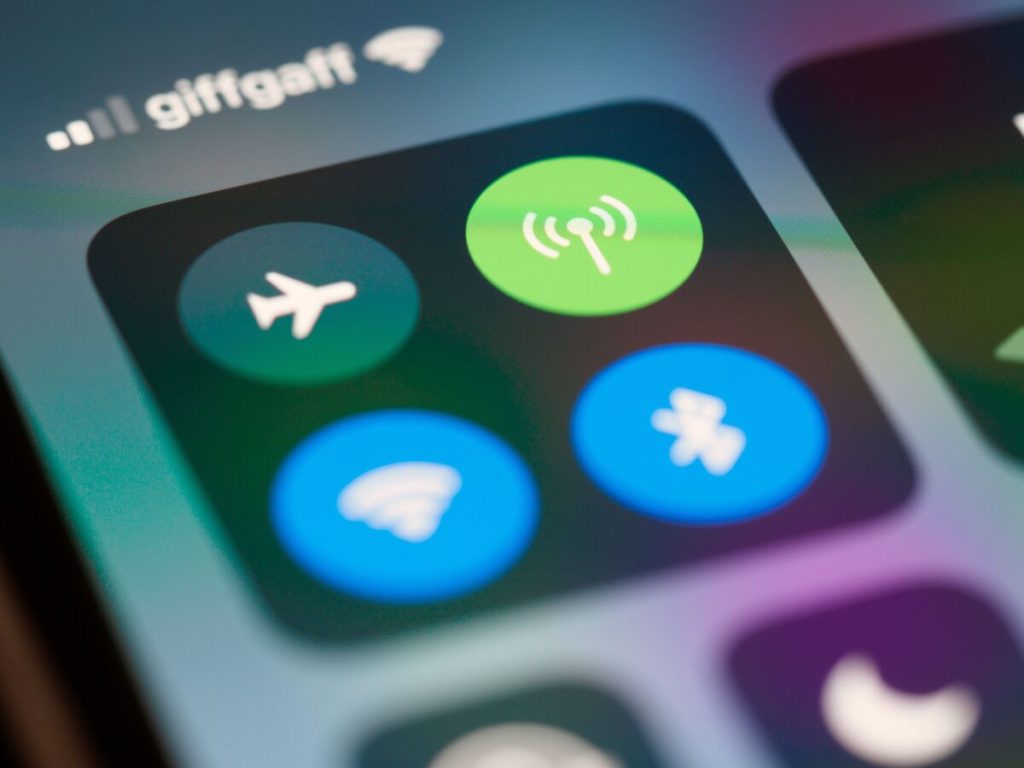
5G is fast, but it is not always the better choice. In weak coverage it can drain the battery, and with the wrong settings it can use more data than you expect. Here is how to turn off 5G on the three most common phones, with a few settings that matter along the way.
1. What Turning Off 5G Actually Changes?
When you turn off 5G, the phone falls back to LTE, also called 4G. Calls, texts, and browsing keep working, but top download speeds drop where 5G was strong. It can also help in places with a patchy 5G signal, where the phone keeps switching between networks.
The usual reason to switch is battery. Apple says 5G On might reduce battery life, while its 5G Auto mode switches to LTE when 5G does not add a noticeable benefit. Learning how to turn off 5G also stops the phone from searching for a 5G signal it cannot hold.
2. How to Turn Off 5G on iPhone?
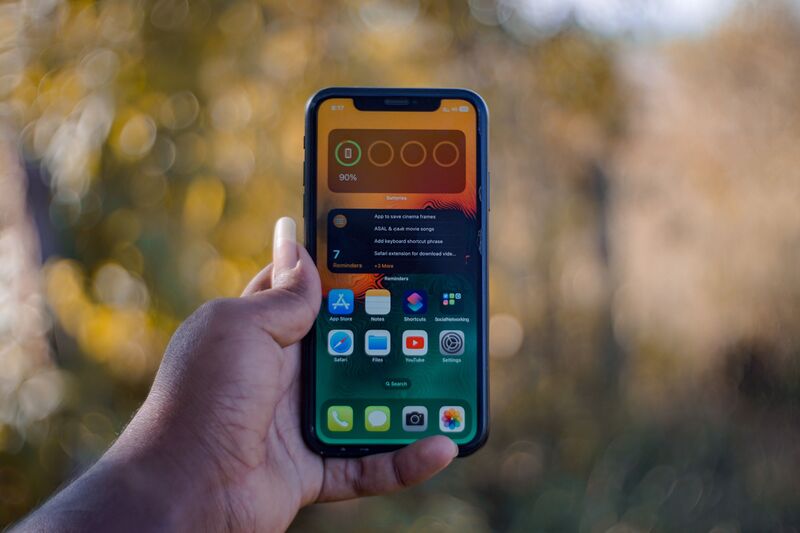
The setting sits inside the cellular menu, and the path is the same on any iPhone that supports 5G. Anyone searching “how to turn off 5G on iPhone” has two choices: switch fully to LTE, or keep 5G with lighter settings.
Switch Voice & Data to LTE
- Open Settings and tap Cellular.
- Tap Cellular Data Options. On Dual SIM, choose the line first.
- Tap Voice & Data.
- Select LTE.
LTE uses only the LTE network, even where 5G is available. To bring 5G back later, return to this screen and choose 5G Auto or 5G On.

Keep 5G but Use Less of It
If you would rather keep 5G, choose 5G Auto in the same Voice & Data menu. Your iPhone then switches to LTE when 5G would not feel noticeably better.
Check Data Mode in Cellular Data Options too. Allow More Data on 5G enables higher-quality FaceTime, iOS updates over cellular, and automatic iCloud backups.
Standard is the usual default, and Low Data Mode pauses automatic updates and background tasks.
>>> Read more: How to Turn Off Pop Up Blocker on iPhone: Easy Tips
3. How to Turn Off 5G on Android Phones?
Android menus vary by brand and carrier, but the idea behind how to turn off 5G is the same: pick a network type that does not include 5G. The exact wording below follows the current Samsung and Pixel menus.
For Samsung Galaxy Devices
Samsung hides the 5G choice inside its mobile network settings, and the label changes slightly between One UI versions. These steps work on most Galaxy phones that offer a network mode list.
- Open Settings and tap Connections.
- Tap Mobile networks, then Network mode.
- Choose LTE/3G/2G (auto connect) instead of the option that lists 5G.
Limiting the phone to LTE or lower stops it from searching for 5G at all.
For Google Pixel Devices
Pixel keeps this control in the SIM settings, so it is tied to the line you are using. If your Pixel has two SIMs or an eSIM, make sure you open the one you want to change.
- Open Settings and tap Network & internet.
- Tap SIMs, then choose your SIM.
- Tap Preferred network type and select LTE.
4. When the 5G Option Is Missing or Won’t Stick?
If you cannot find the setting while learning how to turn off 5G, the phone may not support 5G at all. Apple lists the requirements for iPhone: a 5G-capable model such as iPhone 12 or later, a carrier that supports 5G, a 5G plan, and coverage where you are.
On an iPhone, open Cellular Data Options to confirm the phone is 5G capable, then turn Airplane Mode on and off. If the option is still missing, contact your carrier.
Samsung’s Network mode depends on the SIM and carrier, so the options you see may differ from the steps above.
On Android, carrier-locked phones can hide or limit the Network mode or Preferred network type choices. If the setting resets itself, restart the phone and check it again. When it still reverts, ask the carrier whether it controls that option on your plan.
>>> Read more: Want a Free 5G Phone When You Switch? Here’s Your Next Move
5. Stretch Your Data, Shrink the Phone Budget With AirTalk Wireless Services
Knowing how to turn off 5G is a small habit, but the bigger savings come from the plan itself. For households watching their phone bill, Lifeline-supported service can lower that cost, and data use is part of the picture.
Why 5G Can Use More Data?
Faster connections encourage heavier use.
On iPhone, allowing more data on 5G enables features like higher-quality FaceTime or iOS updates over cellular. Each of those can use a lot of data in the background.
Streaming video and large app downloads also move faster on 5G, so a monthly allowance can run out sooner than it would on LTE. If your plan has a data cap, that adds up quickly.
Staying on LTE or using 5G Auto helps, but knowing your plan’s limits matters just as much. Checking usage regularly keeps surprises off the bill.
What AirTalk Wireless Offers Include?
AirTalk Wireless is an Eligible Telecommunications Carrier that participates in the federal Lifeline program and offers Lifeline-supported service to eligible households. Plans can include talk, text, and data, with up to 16GB* of free monthly data and unlimited talk and text on its Lifeline plan.
Features such as Wi-Fi Calling and a hotspot may be available depending on your device and area. Wi-Fi Calling and hotspot can reduce how much cellular data you spend on calls and shared connections.
Apart from the data plans, qualified participants can claim a free or discounted device, a complimentary offer from AirTalk Wireless.
*Offers may vary and are subject to future updates.
Check If You Qualify
Eligibility is based participation in programs such as SNAP, Medicaid, or SSI, and offers vary by state. Households with annual income at or below 135% of the federal poverty guidelines may also qualify.
Lifeline is limited to one benefit per household, and the benefit cannot be transferred to someone else.
Applying takes a few steps online, and you will need documents that confirm your identity and eligibility.


Note: AirTalk Wireless operates under the federal Lifeline Program as an Eligible Telecommunications Carrier (ETC). Eligibility varies by state and program. Service is non-transferable and limited to one service per household. Limited-time promotion; terms and conditions apply.
Final Thoughts
Switching to LTE takes a few taps on any phone, and you can switch back at any time. Once you know how to turn off 5G, you can match the setting to your battery, your data plan, and the signal around you.
Visit the AirTalk Wireless blog for more useful articles about mobile devices, wireless service, and everyday connectivity.