


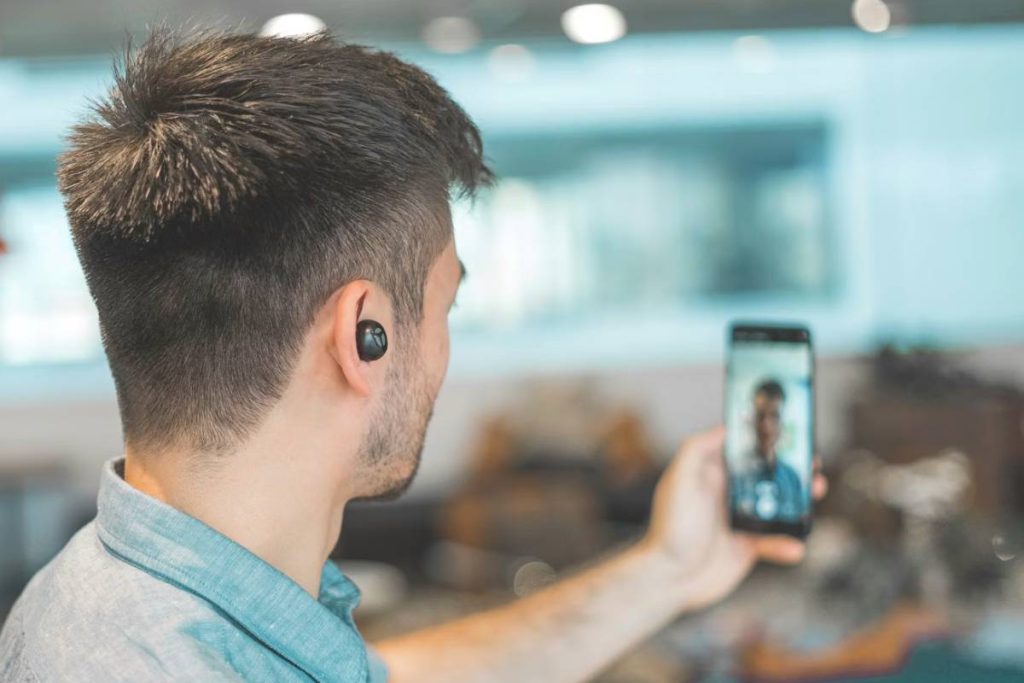
Video calling between different smartphone systems is much easier today than it used to be. While Android and iPhone use different operating systems, several apps and features now allow users to connect across platforms without complicated setup.
This guide explains how to video call from Android to iPhone, including the most reliable apps that work on both devices and simple steps to start a video call in just a few taps.
1. The Best Ways to Video Call Between Android and iPhone
Connecting two different smartphone systems is easier today because many video calling apps work across both Android and iOS devices. When learning how to video call from Android to iPhone, the key is choosing apps that support cross-platform communication so both users can join the same call without compatibility issues.
Many people also ask what app lets you FaceTime between Android and iPhone. While FaceTime itself is still primarily an Apple feature, there are several practical alternatives and workarounds that allow Android users and iPhone users to connect through video calls.
Below are some of the most common and reliable options.


Using FaceTime Links
Apple introduced FaceTime links to allow Android and Windows users to join FaceTime calls through a web browser. This feature provides a simple workaround for users who want to connect with someone using FaceTime.
Many people wonder can we FaceTime from iPhone to Android, and the answer is yes, but the call must be initiated by the iPhone user.
Here is how it works:
- The iPhone user creates a FaceTime link from the FaceTime app.
- The link is shared with the Android user.
- The Android user opens the link in a web browser and joins the call.
While Android users cannot start FaceTime calls themselves, they can still participate through this link system.
Using WhatsApp Video Call
WhatsApp is one of the most widely used messaging apps that supports both Android and iPhone devices. Because it works across different platforms, it is a common solution for people learning how to video call from Android to iPhone.
To start a WhatsApp video call:
- Open the WhatsApp chat with the contact.
- Tap the video camera icon at the top of the screen.
- The call will connect if the other person answers.
WhatsApp video calls work through an internet connection, so both users must have the app installed and connected to Wi-Fi or mobile data.
Using Google Meet
Google Meet is another reliable option for cross-platform video calls. It works on Android phones, iPhones, and desktop computers, making it useful for both personal and professional communication.
Users can either:
- Start a meeting directly from the Google Meet app
- Share a meeting link with the other participant
Because Google Meet is connected to Google accounts, many Android users already have access to it by default.
Using Zoom or Microsoft Teams
Zoom and Microsoft Teams are widely used for video meetings and group calls. Both apps support Android and iPhone devices and allow users to join video calls through links or meeting IDs.
These platforms are commonly used for:
- Work meetings
- Online classes
- Group video conversations
For users who frequently communicate across different devices, these apps provide flexible options for connecting Android and iPhone users.
2. How to Start a Video Call from Android to iPhone
Once you choose the right app, the steps for how to video call from Android to iPhone are usually simple and similar across most platforms.
Step 1: Choose a Cross-Platform App
Select an app that works on both Android and iPhone. Popular choices include WhatsApp, Google Meet, Zoom, and Microsoft Teams. Both users must have the same app installed.
Step 2: Add the Contact
After installing the app, add the contact you want to call. This may involve:
- Saving their phone number
- Adding them as a contact in the app
- Sending them a meeting or call link
Once the contact is available in the app, you can easily start a call.
Step 3: Start the Video Call
Open the contact conversation or meeting interface and tap the video call button. The call will begin once the other person answers.
As long as both devices have internet access and the app is installed, the video call should connect smoothly between Android and iPhone users.
So, can you video call an iPhone from an Android? The answer is yes. By using a cross-platform app and a stable internet connection, you can easily connect and communicate without any limitations between devices.
>>> Also read: How to Make an International Call on iPhone: Easy Step-by-Step Guide for Calling Abroad
3. Why Internet Quality Matters for Video Calls?
Internet quality directly affects how well a video call works because video communication requires real-time data exchange between two devices. When learning how to video call from Android to iPhone, both phones must continuously send and receive video frames, audio signals, and synchronization data at the same time.
If the connection becomes unstable, the apps cannot transfer this information fast enough, which causes noticeable issues during the call.
Video calls typically require much more bandwidth than voice calls or text messages. A standard video call can transmit hundreds of video frames per minute while also sending audio and control data. Because of this constant flow of information, even small drops in connection quality can interrupt the conversation.
When the internet quality is poor, several problems may occur:
- Delayed audio or video: The video stream may arrive later than the audio, causing lip-sync issues or noticeable lag between participants.
- Frozen screens or buffering: If the connection slows down, the app may pause the video stream temporarily while waiting for more data.
- Reduced video quality: Many apps automatically lower video resolution when bandwidth drops, which can make the picture appear blurry or pixelated.
- Calls disconnecting unexpectedly: If the connection becomes too unstable, the app may drop the call entirely.
These issues often happen when devices switch between Wi-Fi and mobile data, when network coverage is weak, or when the available internet speed cannot support real-time video transmission.
Using a reliable mobile network can help maintain a more stable connection during video calls. AirTalk Wireless, a provider participating in the Lifeline program, offers mobile service that includes monthly talk, text, and data designed to help eligible users stay connected.
In addition to reliable data for smoother video calls, AirTalk Wireless plans also include free international calling to 200+ countries and territories, making it easier for users to stay in touch with friends and family around the world.
With dependable mobile data access, users can run communication apps such as WhatsApp, Google Meet, or Zoom directly from their smartphones.


A stable mobile connection can make it easier to place video calls, join online meetings, or communicate with friends and family across different devices. This reliability becomes especially helpful when connecting Android users with iPhone users through cross-platform video calling apps.
IMPORTANT: The government does not subsidize devices. Lifeline programs cover basic service costs only. Free or discounted devices, upgrade plans, or top-ups are exclusive benefits provided by AirTalk Wireless as part of our promotional offers. Terms and conditions apply. Limited-time promotion—offers vary by state, stock availability, and eligibility.
>>> Read more: Get Free International Calls to 200+ Countries and Territories: Only Available on AirTalk Wireless
Conclusion
Understanding how to video call from Android to iPhone mainly involves choosing apps that support both platforms, such as WhatsApp, Google Meet, Zoom, or FaceTime links.
Once both users have a compatible app and a stable internet connection, starting a video call only takes a few simple steps. With the right tools and a reliable network connection, Android and iPhone users can easily stay connected through video conversations regardless of the device they use.