


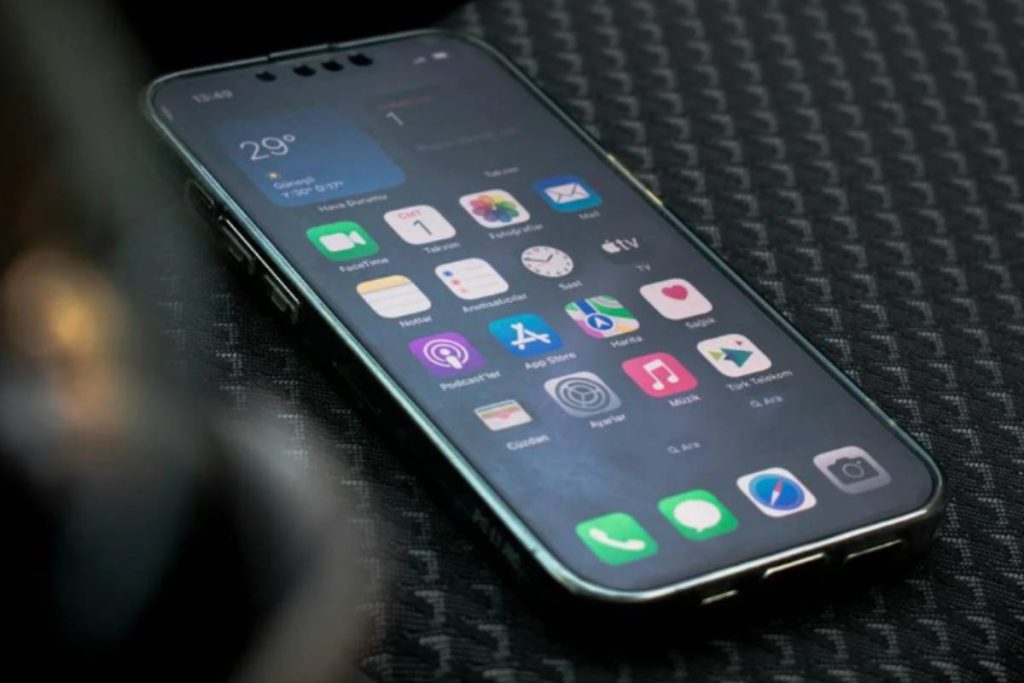
An iPhone 14 Pro SIM free gives you something many carrier models do not: flexibility from day one. You are free to choose your own network, activate service digitally through eSIM, and switch plans without waiting for carrier approval.
But that freedom also creates confusion for many users, especially when setting up eSIM for the first time. Questions about activation, compatibility, and “No Service” errors are now much more common with the iPhone 14 Pro lineup.
This guide breaks everything down clearly, from what SIM free actually means to how to activate your iPhone properly and avoid the most common setup mistakes.
1. Is the iPhone 14 Pro SIM Free?
The answer depends on where the device was purchased and whether it was sold through a carrier.
An iPhone 14 Pro SIM free means the phone is not locked to a specific network. You can activate it with different carriers instead of being restricted to one provider.
This gives you more flexibility to:
- Switch carriers more easily
- Use travel plans abroad
- Activate service through eSIM without waiting for carrier approval
However, there is an important difference between U.S. and international models.

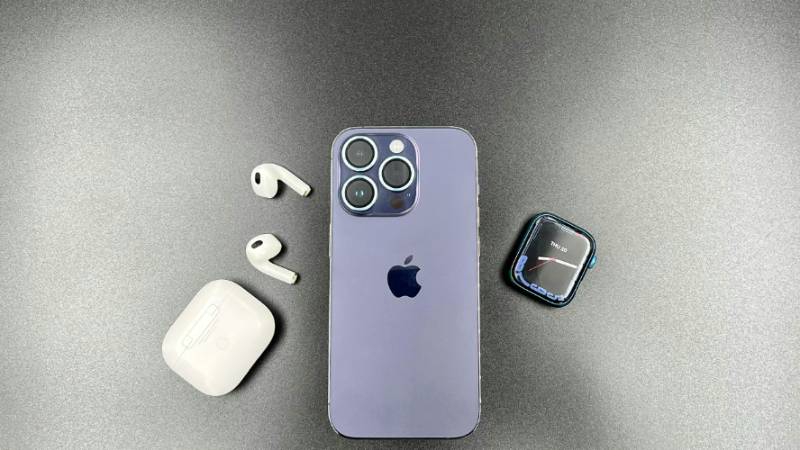
U.S. iPhone 14 Pro Models
- Do not include a physical SIM tray
- Use eSIM only
- Require digital activation through a carrier-supported eSIM plan
International iPhone 14 Pro Models
- Often support both nano-SIM and eSIM
- Allow dual SIM setup with one physical SIM and one eSIM in many regions
A SIM-free iPhone is different from a carrier-locked iPhone because:
- You are not tied to one network
- You can activate compatible plans immediately
- The device is easier to use internationally
You can verify whether your iPhone is actually SIM free by checking:
- Settings
- General
- About
- Carrier Lock
If it says:
- No SIM restrictions: your iPhone is unlocked
- Anything else: the phone may still be carrier locked
2. How to Activate a SIM-Free iPhone 14 Pro (Step-by-Step)
Activating an iPhone 14 Pro SIM free is mostly done through eSIM, especially on U.S. models. The process is simple once you have a compatible carrier and internet connection.
Before starting:
- Make sure your carrier supports eSIM
- Have your QR code or activation details ready
- Connect to a stable Wi-Fi network
Step 1: Connect to Wi-Fi
Your iPhone needs internet access to download and activate the eSIM profile.
Steps:
- Turn on your iPhone
- Connect to a reliable Wi-Fi network
- Complete the basic setup process if needed
Without Wi-Fi, eSIM activation may fail or pause during setup.
Step 2: Open Cellular Settings and Add eSIM
Once connected:
- Open Settings
- Tap Cellular or Mobile Data
- Select Add eSIM
Your iPhone will begin searching for available activation methods.
Depending on your carrier, you may see:
- “Use QR Code”
- “Transfer From Nearby iPhone”
- “Set Up Cellular”
Step 3: Scan QR Code or Enter Carrier Details Manually
Most carriers provide eSIM activation through:
- A QR code
- A carrier app
- Manual activation details
To continue:
- Scan the QR code with your iPhone camera
- Or manually enter the activation information provided by the carrier
Your iPhone will then:
- Download the eSIM profile
- Register the line with the carrier network
This step usually takes a few minutes.
Step 4: Download Plan and Restart
After the eSIM profile downloads:
- Confirm your cellular settings
- Choose labels if using multiple numbers
- Restart your iPhone if prompted
Once restarted:
- Signal bars should appear
- Calls, texts, and mobile data should begin working normally
If activation does not complete immediately:
- Wait a few minutes
- Reconnect to Wi-Fi
- Contact your carrier if the issue continues
3. Common Issues With SIM-Free iPhone 14 Pro Setup
Even though activating an iPhone 14 Pro SIM free is usually simple, many users still experience setup problems during the first eSIM activation.
Most issues are related to carrier compatibility, incomplete activation, or misunderstanding how eSIM works on newer iPhones.
Here are the most common problems and what they usually mean.
eSIM not Activating
One of the most frequent issues is the eSIM profile failing to activate after scanning the QR code.
This can happen when:
- Your Wi-Fi connection is unstable
- The carrier has not finished provisioning the line
- The QR code has expired
- Your iPhone software is outdated
Common signs include:
- Endless “Activating…” status
- Activation failed messages
- eSIM profile not downloading
To fix it:
- Reconnect to stable Wi-Fi
- Restart your iPhone
- Request a new QR code from your carrier
- Update iOS to the latest version
In many cases, restarting the activation process resolves the issue.
“No Service” Error After Activation
Some users complete the setup successfully but still see:
- “No Service”
- “SOS Only”
- No signal bars
This usually means:
- The eSIM activated partially
- The network has not finished registering the line
- Carrier settings are not updated yet
Try these fixes:
- Restart your iPhone
- Toggle Airplane Mode on and off
- Check if the cellular plan is enabled in Settings
- Wait a few minutes for network provisioning to complete
If the issue continues, contact your carrier to confirm the line is fully activated.
Carrier Not Supported
Not all carriers support eSIM activation on every device or plan.
This issue appears when:
- Your provider does not support eSIM
- The iPhone is still carrier locked
- Your plan is incompatible with eSIM activation
Before setup, always confirm:
- Your iPhone shows “No SIM restrictions”
- Your carrier officially supports eSIM for iPhone 14 Pro
- Your plan includes eSIM activation support
This prevents many activation failures before they happen.
4. Own an iPhone 14 Pro? Use It Free With AirTalk Wireless
If you already have an iPhone 14 Pro SIM free, you may not need to purchase a new phone or pay for an expensive carrier plan just to stay connected.
In the United States, the Lifeline program helps eligible households access free or lower-cost mobile service through participating providers. The program is designed to make phone service more affordable for users who qualify through income or programs such as SNAP, Medicaid, SSI, and others.
One of the providers participating in Lifeline is AirTalk Wireless.

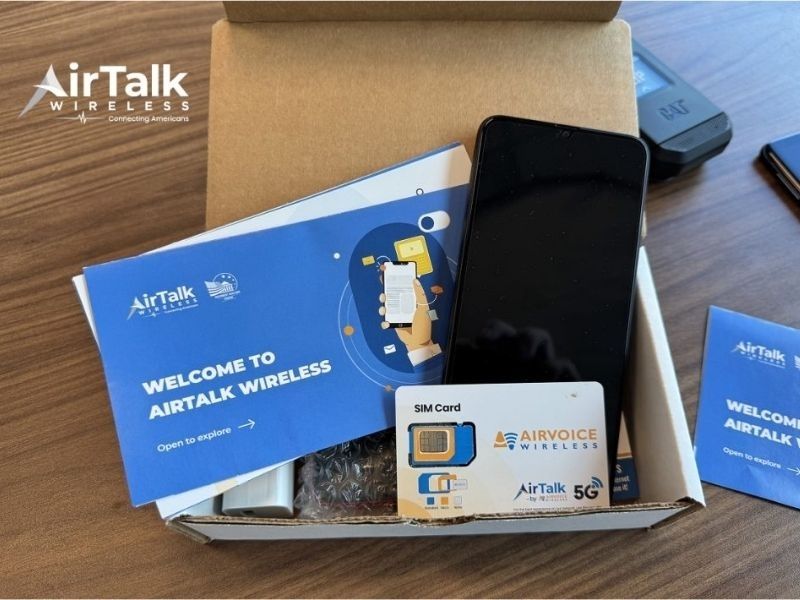
AirTalk Wireless supports BYOD (Bring Your Own Device), which means you can keep using your existing iPhone 14 Pro instead of switching devices. If your iPhone is compatible, you may be able to activate service through eSIM and receive:
- Free monthly talk, text, and data if eligible
- eSIM-compatible setup for supported devices
- Service without long-term contracts or credit checks
This can be a practical option for users who already own a SIM-free iPhone and want flexible service without buying additional hardware.
Who May Qualify?
Eligibility is commonly based on:
- SNAP
- Medicaid
- SSI
- Federal Public Housing Assistance
- Income-based qualification under Lifeline guidelines
Lifeline is a federal assistance program that helps eligible households reduce phone service costs through participating providers.
How The Application Process Works
The setup process is relatively straightforward:
- Visit the AirTalk Wireless website
- Enter your ZIP code to check availability
- Select a plan (BYOD) and verify eligibility
- Check your iPhone compatibility using IMEI
- Upload required verification documents if requested
- Wait for approval and activate your eSIM
Once approved:
- Your service can be activated digitally
- Your iPhone 14 Pro stays connected without needing a physical SIM
For users already owning a SIM-free iPhone, this can be one of the easiest ways to start using eSIM service without paying for a separate device or expensive carrier plan.
>>> Also read: Which iPhones Support eSIM? Full List and How to Check Your Model
5. FAQs About iPhone 14 Pro SIM Free
Can I use two numbers on a SIM-free iPhone 14 Pro?
Yes. An iPhone 14 Pro SIM free supports dual-line functionality through eSIM.
Depending on the model:
- U.S. versions can use two active eSIMs at the same time
- Many international models support one physical SIM plus one eSIM
This is useful if you want:
- Separate work and personal numbers
- A travel plan alongside your main line
- Multiple carrier options on one device
Does eSIM cost extra vs a physical SIM?
Usually no. Most carriers offer eSIM activation at the same price as a physical SIM card.
However:
- Some carriers may charge activation fees
- Certain prepaid plans may handle eSIM differently
- International providers may have different policies
The main difference is convenience. eSIM allows digital activation without waiting for a physical SIM card to arrive.
Can I add a physical SIM to a U.S. iPhone 14 Pro?
No. U.S. iPhone 14 Pro models do not include a physical SIM tray.
This means:
- Activation is fully eSIM-based
- Physical nano-SIM cards cannot be inserted
- All carrier setup must happen digitally
International versions may still support physical SIM cards depending on the region where the device was sold.
Final Words
An iPhone 14 Pro SIM free gives you more flexibility than a carrier-locked device, especially if you want easier eSIM activation and the freedom to switch networks when needed.
Once you understand how setup works and verify carrier compatibility, using a SIM-free iPhone becomes much simpler. For many users, it is one of the easiest ways to stay connected without being tied to long-term carrier restrictions.