



Why is my iPhone not ringing when I get a call or text? In case you’re wondering, the problem is often related to settings, sound controls, or device connections. Fortunately, many of these issues are easy to fix once you know where to look.
This post will explain the most common reasons your iPhone may not ring, provide a step-by-step troubleshooting guide you can follow right now, and cover advanced fixes if the issue continues.
1. Why Is My iPhone Not Ringing When I Get a Call or Text? (Most Common Reasons)
Phone not ringing when you get a call or text? Don’t worry, it’s usually something simple. Most of the time, it’s a quick fix in your settings, sound controls, or a connection to another device like Bluetooth headphones or your car. Sometimes, a software update or a tiny setting change is all it takes to silence your phone.

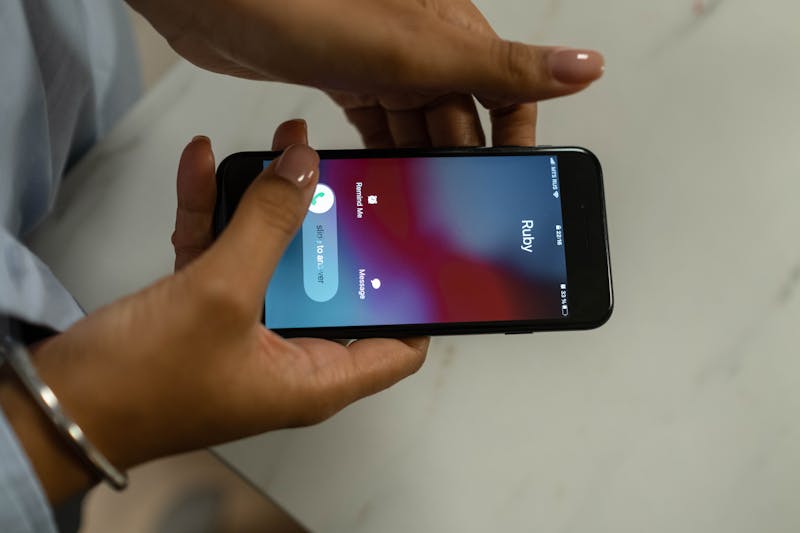
Here are some of the most common reasons your iPhone may not ring:
- Silent mode is turned on: If the side switch on your iPhone is set to silent, calls and notifications will not play a ringtone.
- Do Not Disturb or Focus mode is enabled: These modes are designed to silence calls, texts, and notifications during specific times or activities.
- Low or muted ringtone volume: Sometimes the ringtone volume is accidentally turned down, making it seem like the phone isn’t ringing.
- Bluetooth is connected to another device: If your iPhone is connected to headphones, earbuds, or a car system, the ringtone may play through that device instead of the phone speaker.
- Custom contact settings: Some contacts may have special notification settings that silence their calls or messages.
- Software glitches or bugs: Temporary software glitches or bugs can disrupt sound notifications and call alerts.
- Call forwarding or call filtering features: If enabled, calls may be redirected or silenced before reaching your phone.
- Outdated iOS version: Older software versions can cause notification or ringtone issues.
>>> Read more: Can You Get a Free Government iPhone? The Complete Guide
2. Step-by-Step Guide to Fix Your iPhone Right Now
If you’re dealing with the issue “why is my iPhone not ringing when I get a call or text?”, the best approach is to go through a few quick troubleshooting steps. Many ringing problems stem from simple settings that can be corrected in just a few minutes.

Let’s walk through a few simple steps to get your phone ringing again.
- Check the silent switch: Look at the physical switch on the side of your iPhone. If you notice an orange indicator, it means your phone is currently in silent mode. Flip the switch to restore normal ringtone alerts.
- Increase the ringtone volume: Go to Settings → Sounds & Haptics and adjust the “Ringer and Alerts” slider. Make sure the volume is high enough to hear incoming calls or texts.
- Turn off Do Not Disturb or Focus Mode: Open Settings → Focus and check whether Do Not Disturb or another Focus mode is enabled. Disable it if you want calls and notifications to ring normally.
- Disconnect Bluetooth devices: Check whether your phone is connected to any Bluetooth devices. Sometimes, your ringtone plays through your headphones or car speakers instead of your phone. Try turning off Bluetooth to see if your ringtone comes back.
- Restart your iPhone: This can clear temporary system glitches that interfere with call notifications.
- Check for Software Updates: Make sure your software is up to date. In iPhone, go to Settings, tap General, then Software Update. If an update is available, install it. Apple often releases updates that include fixes for sound and notification bugs.
- Test Your Ringtone: In Settings → Sounds & Haptics, select a ringtone and play it to confirm your speaker is working.
>>> Read more: How to Do a 3 Way Call on iPhone in Seconds
3. Advanced Fixes If Your iPhone Still Doesn’t Ring
If basic troubleshooting didn’t solve the issue, there may be deeper settings or system problems affecting your device. The advanced fixes below can help resolve more complex ringtone or notification issues.
- Check contact-specific settings: Open the contact that isn’t ringing and tap Edit → Ringtone. Make sure the ringtone is not set to “None,” which would silence calls from that person.
- Disable silence unknown callers: iPhones have a feature that automatically silences calls from numbers not saved in your contacts. Go to Settings → Phone → Silence Unknown Callers and turn it off if you want those calls to ring normally.
- Reset network settings: Sometimes network-related issues affect incoming calls. Go to Settings → General → Transfer or Reset iPhone → Reset → Reset Network Settings. This clears Wi-Fi, Bluetooth, and cellular settings and can fix call-related problems.
- Check notification settings for messages: If texts are not making a sound, go to Settings → Notifications → Messages and confirm that “Allow Notifications” and sound alerts are enabled.
- Turn off scheduled focus modes: Some Focus modes activate automatically based on schedules or locations. Check Settings → Focus and disable any schedules that may be muting your calls.
- Reset all settings: If nothing else works, resetting all settings may help. This will restore system settings without deleting your data.
4. Still Having Issues? You May Need a New Phone
If you’ve worked through all the usual troubleshooting steps and your iPhone still won’t ring, the problem might be down to old hardware or a faulty speaker. In situations like this, getting a replacement device is often a good way forward.
If you qualify, you might be able to get a free smartphone through the Lifeline program for low-income individuals. AirTalk Wireless is one of the approved providers that can help you access a reliable phone and service if you meet the requirements.
Some benefits AirTalk Wireless offers:
- Free or heavily discounted smartphones, from iPhone 7 to iPhone 15
- Unlimited talk and text to stay connected with family, employers, schools, and healthcare providers
- Free international calling to select countries for staying in touch with loved ones abroad
- Nationwide coverage across the United States
- Free SIM kit or eSIM activation
- Wi-Fi Calling support for better call quality in low-signal areas
- Essential calling features like Caller ID, Call Waiting, Voicemail, and 3-Way Calling

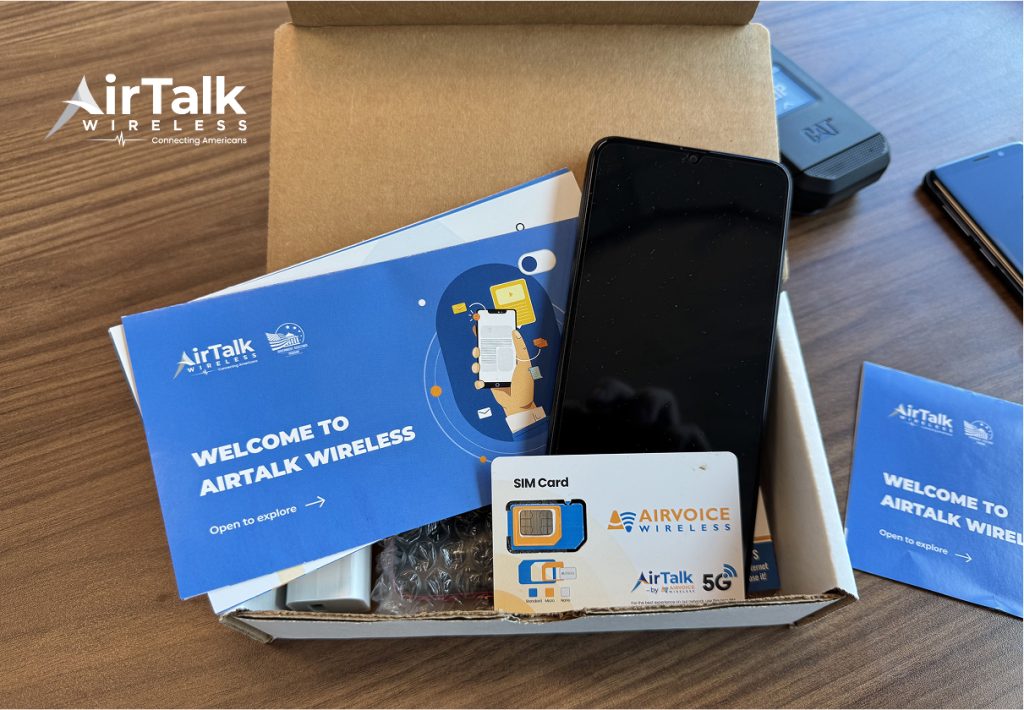
Here’s How to Get a Phone for Free:
- Check your eligibility based on income (at or below 135% of the Federal Poverty Guidelines) or participation in programs like Medicaid, SNAP, or SSI
- Apply online through the AirTalk Wireless website to receive your device and service.
5. FAQs
Why does my iPhone go straight to voicemail without ringing?
This usually happens when your phone has Do Not Disturb, Focus mode, call forwarding, or Silence Unknown Callers enabled. It can also occur if your phone has no signal, is turned off, or the caller is blocked.
Why does my iPhone vibrate but not play a ringtone?
If your iPhone vibrates but doesn’t ring, it’s often because Silent Mode is turned on or the ringer volume is set very low. Another possible cause is a custom notification setting in which vibration is enabled, but the ringtone is muted.
Can a software glitch cause my iPhone not to ring?
Occasionally, software bugs can interfere with notifications; restarting your iPhone or updating to the latest iOS version often fixes this.
Conclusion
If you’ve been wondering, “Why is my iPhone not ringing when I get a call or text?”, the issue is usually linked to settings like Silent Mode, Focus features, Bluetooth connections, or temporary software glitches. Most of these problems can be fixed quickly.
But if your phone continues having problems, it may be time to consider a replacement device. Check out if you’re qualified for a free smartphone through the Lifeline program, and let AirTalk Wireless help you stay connected with reliable phones and free monthly service.