


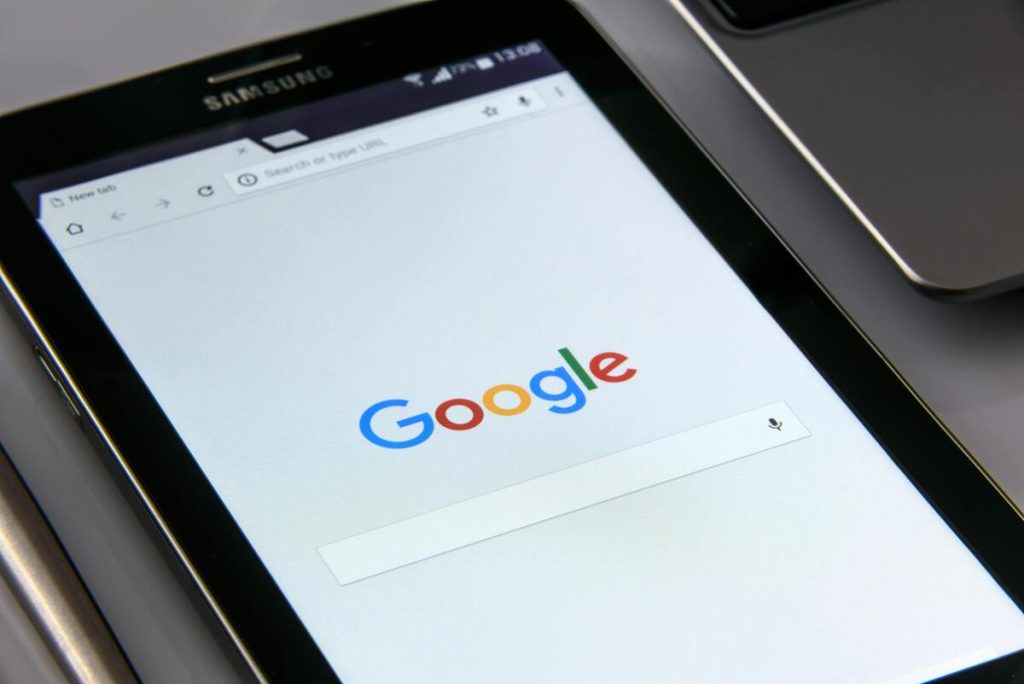
If you use Chrome, Edge, Safari, or many other browsers, you have probably seen the phrase “search Google or type a URL” in the address bar.
For some users, it is so common that they stop noticing it. For others, it creates confusion. Is it asking you to search? Should you type a website? Why are both options in the same box?
The answer is simpler than it looks. Modern browsers combine searching and direct navigation into one smart bar designed to save time.
1. What Does “Search Google or Type a URL” Mean?
“Search Google or type a URL” is the default placeholder text you see in a browser’s address bar, often referred to as the Omnibox. It allows users to either enter search terms to look something up online or type a website address to go directly to a specific page.
Instead of separating these functions into two different fields, most modern browsers place them in one bar at the top of the screen. This allows you to:
- Type a website address directly
- Search the web using keywords
- Open suggested pages from history
- Use bookmarks faster
- Run quick browser commands in some browsers
Older browsers often used separate boxes: one for addresses and one for search.
Over time, browser developers realized most users wanted speed and simplicity. Combining both tools into one bar reduced clutter and made browsing faster.


2. Search Google or Type a URL: How It Actually Works
When you type into the bar, the browser tries to understand your intent. It generally asks a few quick questions:
- Does this look like a web address?
- Does it match a known site or bookmark?
- Is it a phrase that should be searched?
- Is there browsing history related to this text?
For example:
- Typing amazon.com usually sends you directly to the website.
- Typing amazon returns policy usually opens a search results page.
- Typing ama may trigger suggestions such as Amazon, saved history, or previous searches.
The browser interprets what you likely mean instead of forcing you to choose manually.
>>> Read more: 30 Questions to Get to Know Someone: Better Conversations That Build Real Connection
3. Search Google or Type a URL: Which Is Better?
The better option depends on what you want to do online. Google search helps users discover information, while typing a URL works better when users already know where they want to go.
When Search Google Works Better
Using Google search makes more sense when you do not know the exact website address and need help finding the right source.
It is also useful when you are comparing products or services, looking for reviews, reading news updates, or searching for information on a topic without knowing which website offers it.
Examples: best pizza near me, how to reset iphone, travel deals california
When Typing a URL Works Better
On the other hand, typing a direct URL is often faster when you already know the exact website you want to visit.
It helps you skip unnecessary search results and reach the page more quickly, especially for websites you visit regularly.
Examples:
- netflix.com
- gmail.com
- airtalkwireless.com
Search Google vs. Type a URL
Both options help users reach websites, but they work best in different situations. Google search is better for discovery because it helps users find information when they do not know the exact website. In contrast, typing a URL works better for speed and convenience when users already know where they want to go.
| Search Google | Type a URL |
|---|---|
| Helps users find new websites or information | Takes users directly to a known website |
| Works well for research, reviews, and comparisons | Works well for logging into accounts or visiting regular sites |
| Shows multiple results to explore | Saves time by skipping search results |
| Useful when users only know a topic | Useful when users know the exact domain |
| May show ads or unrelated links | Reduces the chance of clicking the wrong result |
4. How to Remove “Search Google or Type a URL” From Your Browser
If you dislike seeing the phrase and want a cleaner look, there are several options depending on browser type. Keep in mind the text is usually placeholder text inside the address bar, so it often disappears as soon as you click or start typing.
A few quick browser changes can make the address bar feel less distracting:
- Change your browser theme
- Use a custom new tab extension
- Switch default search engine
- Use another browser layout
- Customize homepage/start page settings
In Chrome, the placeholder itself is part of the interface and cannot always be fully removed without changing the new tab experience.
Browser customization tools and extensions may help if appearance matters to you.
>>> Read more: Top 9 Thoughtful Gifts for Dad Who Wants Nothing
5. Make Your Browser Work Smarter, Not Harder
Most people use only a fraction of what the browser bar can do. Modern browsers include several built-in features that can help users browse faster and avoid repetitive searches.
Users can improve their browsing experience with a few simple habits:
- Type short keywords and let autocomplete help
- Use bookmarks for daily sites
- Learn direct URLs for common tools
- Clear history if suggestions feel cluttered
- Change default search engine if preferred
- Use tabs instead of reopening the same sites repeatedly
Small changes can make daily browsing much faster, for example:
- Instead of searching “gmail login page” every day, type gmail.com once and bookmark it.
- Instead of searching “youtube homepage,” go directly to the site.
Final Thoughts
“Search Google or type a URL” is not a command, it is simply a shortcut.
It means your browser gives you one place to search the internet or go directly to a website. Once you understand that, the message becomes less confusing and more useful. Search when you need answers. Type a URL when you know where you want to go.
Used well, that single bar can become one of the fastest tools on your computer.