


A SIM failure iPhone 13 error can appear suddenly and cut off your access to calls, texts, and mobile data. This issue is common and usually comes from small problems such as SIM connection issues, software glitches, or an aging SIM card.
The good news is that most fixes are quick and do not require technical skills. By identifying the cause and applying the right solution, you can often restore your connection within minutes.
This guide walks through the most common reasons behind SIM failure on iPhone 13 and shows practical steps that actually work.
1. SIM Failure on iPhone 13: What’s Causing It
A SIM failure iPhone 13 error usually means your phone cannot properly read the SIM card or maintain a stable connection with your carrier. This can come from physical issues with the SIM or temporary software problems.
Understanding the cause helps you fix the issue faster instead of trying multiple random steps.
SIM Card Not Connecting Properly
One of the most common reasons is a loose or misaligned SIM card.
This can happen when:
- The SIM tray is not fully inserted
- The card is slightly out of position
- Dust or debris blocks proper contact
Even a small misalignment can prevent the iPhone from detecting the SIM.
Signs to look for:
- The error appears after removing the SIM tray
- Signal drops suddenly without warning
- The issue comes and goes
This type of SIM failure iPhone 13 problem is usually easy to fix by reseating the SIM.
SIM Card Is Worn Out
SIM cards degrade over time, especially with long-term use.
Possible causes include:
- Scratched or worn metal contacts
- Exposure to moisture or dust
- Frequent removal and reinsertion
When the SIM can no longer maintain proper contact, your iPhone may fail to recognize it consistently. Below are common signs:
- The SIM works intermittently
- The error appears more frequently over time
- The card looks slightly damaged
In this case, replacement is often the only reliable solution.


iOS or Carrier Glitch
Not all SIM issues are physical. Sometimes the problem comes from software or network conditions.
Common triggers:
- Temporary iOS bugs
- Carrier network issues
- Errors after system updates
Signs of a software-related issue:
- The error appears suddenly without touching the SIM
- Restarting temporarily fixes the issue
- Other connectivity features behave unusually
This type of SIM failure iPhone 13 issue is usually temporary and can be resolved with simple resets.
>>> Also read: No SIM Available on iPhone 13: Causes and Quick Fixes That Work (2026)
2. Fix SIM Failure on iPhone 13 (Try These First)
Before replacing your SIM, try these quick fixes. Most SIM failure iPhone 13 issues can be resolved in a few minutes.
Restart Your iPhone
A restart clears temporary system errors and refreshes network connections.
Steps:
- Press and hold the side button and a volume button
- Slide to power off
- Wait a few seconds, then turn it back on
Why this works:
- Clears minor software glitches
- Reloads SIM and network processes
- Restores temporary connection issues
Turn Airplane Mode On and Off
Airplane Mode resets your connection to the carrier.
Steps:
- Open Settings
- Turn on Airplane Mode
- Wait 10-15 seconds
- Turn it off
Why this works:
- Forces the phone to reconnect to the network
- Clears temporary signal problems
- Helps the SIM re-register with the carrier
Remove and Reinsert the SIM
If the SIM is not seated correctly, reinserting it can restore the connection.
Steps:
- Turn off your iPhone
- Use a SIM ejector tool to remove the tray
- Take out the SIM card carefully
- Check for dust or damage
- Place it back correctly and reinsert the tray
Why this works:
- Ensures proper contact between SIM and device
- Removes debris that may block the connection
- Fixes alignment issues
Update iOS and Carrier Settings
Software updates often include fixes for network and SIM-related issues.
Steps:
- Go to Settings → General → Software Update
- Install any available iOS updates
- Check for carrier settings updates if prompted
Why this works:
- Fixes known bugs affecting SIM detection
- Improves compatibility with your carrier
- Stabilizes overall connectivity
3. Check if the Issue Is Your SIM or your iPhone
Before replacing anything, it is important to confirm whether the problem comes from your SIM card or your device. This step helps you avoid unnecessary costs and choose the right solution quickly.
Test Your SIM in Another Phone
A simple way to check your SIM is to use it in a different device.
Steps:
- Remove your SIM card from your iPhone 13
- Insert it into another unlocked phone
- Check if the network connects normally
What the results mean:
- If your SIM does not work: the SIM is likely damaged or inactive
- If your SIM works fine: your iPhone may be the issue
This test helps confirm whether the SIM itself is still functional.
Try Another SIM in Your iPhone
You can also test your phone by inserting a different SIM card.
Steps:
- Borrow a working SIM card
- Insert it into your iPhone 13
- Check if the signal appears
What the results mean:
- If another SIM works: your original SIM is the problem
- If another SIM also fails: your iPhone may have a hardware or software issue
Using both tests together gives you a clear answer before moving forward.
4. Get a New SIM and a Phone Plan Without Paying Extra
If your SIM card turns out to be the problem, replacing it does not always mean paying for a new one. There are programs designed to help eligible users maintain mobile service at a lower cost.
The Lifeline program is a federal assistance program in the United States that helps reduce the cost of phone service for qualifying households. To receive benefits, you must meet one of the following conditions:
- Your household income is at or below 135% of the Federal Poverty Guidelines
- You participate in qualifying programs such as Medicaid, SNAP, SSI, or Federal Public Housing Assistance
It is important to note:
- Lifeline provides a service benefit, not a SIM card directly
- Approved providers include SIM cards or eSIM as part of their plans
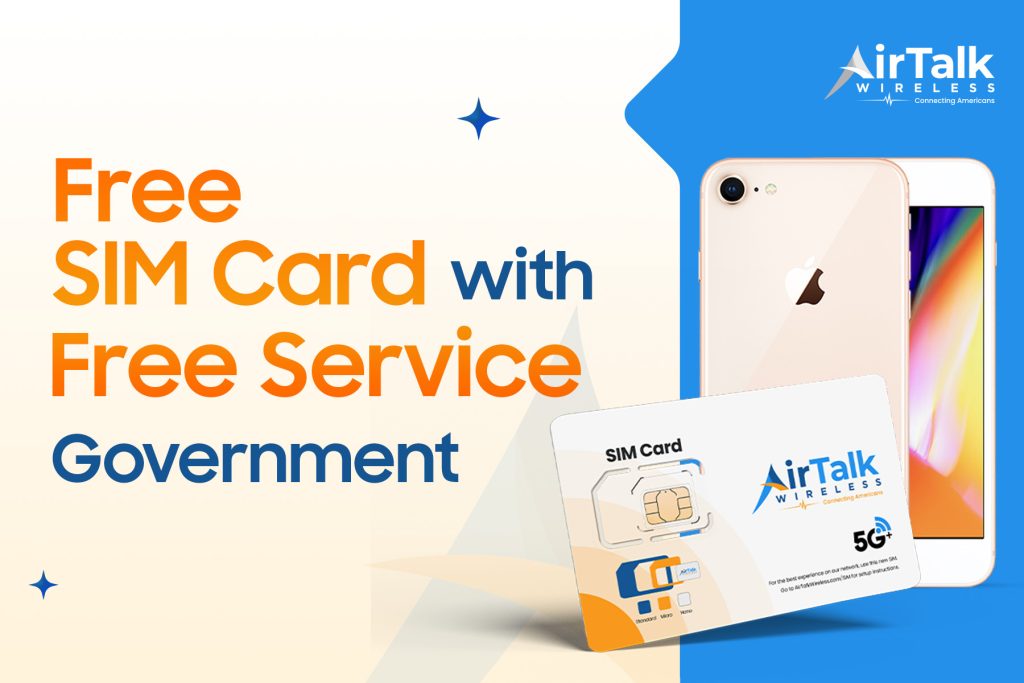
This is where providers like AirTalk Wireless come in. Instead of treating SIM replacement as a separate purchase, they include it within their service setup.
With eligible plans, you may receive:
- A free SIM card or eSIM
- Monthly talk, text, and data service
- No credit check required
- Access to device options depending on availability
Here’s how the application process works:
- Enter your ZIP code to check coverage
- Choose a plan that fits your needs
- Select a device (or continue with your current phone)
- Confirm eligibility using income or program participation
- Upload required documents if requested
- Submit your application and wait for approval
Once approved, your SIM is provided and activated, allowing you to restore service without paying extra for a replacement.
>>> Read more: Free SIM Card With Free Service Government Program: Your Guide To Staying Connected
IMPORTANT: The government does not subsidize devices. Lifeline programs cover basic service costs only. Free or discounted devices, upgrade plans, or top-ups are exclusive benefits provided by AirTalk Wireless as part of our promotional offers. Terms and conditions apply. Limited-time promotion—offers vary by state, stock availability, and eligibility.
Conclusion
A SIM failure iPhone 13 issue becomes much easier to handle once you identify whether the problem comes from the SIM or the device. Simple tests can quickly point you in the right direction.
If the SIM is no longer working, replacing it is often the fastest way to restore your connection. With programs that reduce or eliminate the cost of service for eligible users, you can get back online without unnecessary expense.