


Best Back to School Laptop Deals: Where Students Can Save the Most in 2026
- Share This:
-


-

-

-

-

-

-

-


Buying a laptop is one of the biggest back-to-school expenses for many students. With retailers, manufacturers, and schools offering seasonal promotions, finding a good deal can significantly reduce the cost of a device you’ll rely on throughout the academic year.
The challenge is knowing which discounts are genuinely worthwhile and which laptops offer the best value for your budget.
If you’re searching for the best back to school laptop deals, comparing prices, student discounts, and available promotions before making a purchase can help you save money while choosing a laptop that meets your academic needs.
1. Where to Find the Best Back to School Laptop Deals
Back-to-school season is one of the best times of the year to buy a laptop. Retailers, manufacturers, and educational institutions often launch limited-time promotions that help students save hundreds of dollars compared to regular pricing.

Major Retailers
Large retailers frequently compete for back-to-school shoppers by offering discounts, bundles, and financing options. Comparing prices across several retailers can help you identify the best overall deal rather than buying from the first store you visit.
Laptop Manufacturer Discounts
Buying directly from the manufacturer often unlocks discounts that aren’t available through third-party retailers.
Popular student programs include:
- Dell Student Discount Program
- HP Education Store
- Lenovo Education Store
- Apple Education Pricing
- Microsoft Store Education Discounts
Manufacturers also offer bundle promotions that may include accessories, software, or extended warranties.
Student Discount Programs
Many companies verify student status through services such as UNiDAYS, Student Beans, or a college email address.
These programs may provide:
- Exclusive student pricing
- Additional percentage discounts
- Free software subscriptions
- Accessory bundles
- Extended return periods
Checking for education discounts before purchasing can lead to meaningful savings, even when a laptop isn’t advertised as being on sale.
2. The Best Back to School Laptop Deals by Budget
The right laptop depends on both your budget and your academic needs. Spending more doesn’t always mean getting better value.
Under $300
Students with a limited budget should focus on basic productivity and online learning.
Typical options include:
- Chromebooks
- Entry-level Windows laptops
- Refurbished business laptops
- Previous-generation models on clearance
These devices work well for:
- Web browsing
- Google Workspace
- Microsoft 365
- Online classes
- Writing assignments
$300 to $700
This price range offers the best balance between performance and affordability for most college students.
Popular choices include:
- Acer Aspire Series
- ASUS VivoBook Series
- Lenovo IdeaPad Series
- HP Pavilion Series
- Acer Chromebook Plus models
These laptops can comfortably handle multitasking, research, video conferencing, presentations, and everyday coursework.

$700 and Above
Students in engineering, computer science, graphic design, architecture, or media production often benefit from higher-performance devices.
Premium options include:
- Apple MacBook Air
- Dell XPS Series
- Lenovo ThinkPad Series
- ASUS Zenbook Series
- Microsoft Surface Laptop
Although these laptops cost more upfront, they often provide better performance, longer software support, and greater durability over several years of college.
3. How to Choose the Right Laptop Without Overspending
Finding a good deal isn’t just about buying the cheapest laptop. The goal is to purchase a device that meets your academic needs without paying for features you’ll never use.
Match the Laptop to Your Major
Different majors require different levels of computing power.
For example:
- Engineering and architecture: High-performance Windows laptop with dedicated graphics.
- Computer science: Windows laptop or MacBook with sufficient RAM and storage.
- Graphic design or video production: MacBook or powerful Windows laptop.
- Business, education, liberal arts, and communications: Mid-range Windows laptop, MacBook Air, or Chromebook.
Choosing hardware based on your coursework helps you avoid overspending on unnecessary specifications.
Prioritize Features You’ll Actually Use
Rather than focusing only on processor speed, think about how you’ll use the laptop every day.
Features worth prioritizing include:
- Long battery life.
- Comfortable keyboard.
- Lightweight design.
- Fast SSD storage.
- At least 16 GB of RAM for smoother multitasking.
- A reliable webcam for virtual classes and meetings.
These features often have a greater impact on everyday college life than the newest processor.
Compare Total Value, Not Just the Price
A laptop with the lowest price isn’t always the best deal.
Before making your decision, compare:
- Warranty coverage.
- Student discounts.
- Included accessories.
- Software bundles.
- Return policy.
- Long-term reliability and software support.
Paying slightly more for a laptop that lasts through four years of college may provide better value than replacing a cheaper device after only a year or two.
4. Can’t Afford a New Laptop? Here Are Your Alternatives
A new laptop isn’t the only way to stay productive in school. Depending on your classes and daily workload, a tablet or smartphone may be enough to handle many academic tasks, especially if you’re waiting to save for a computer or only need a device for light coursework.
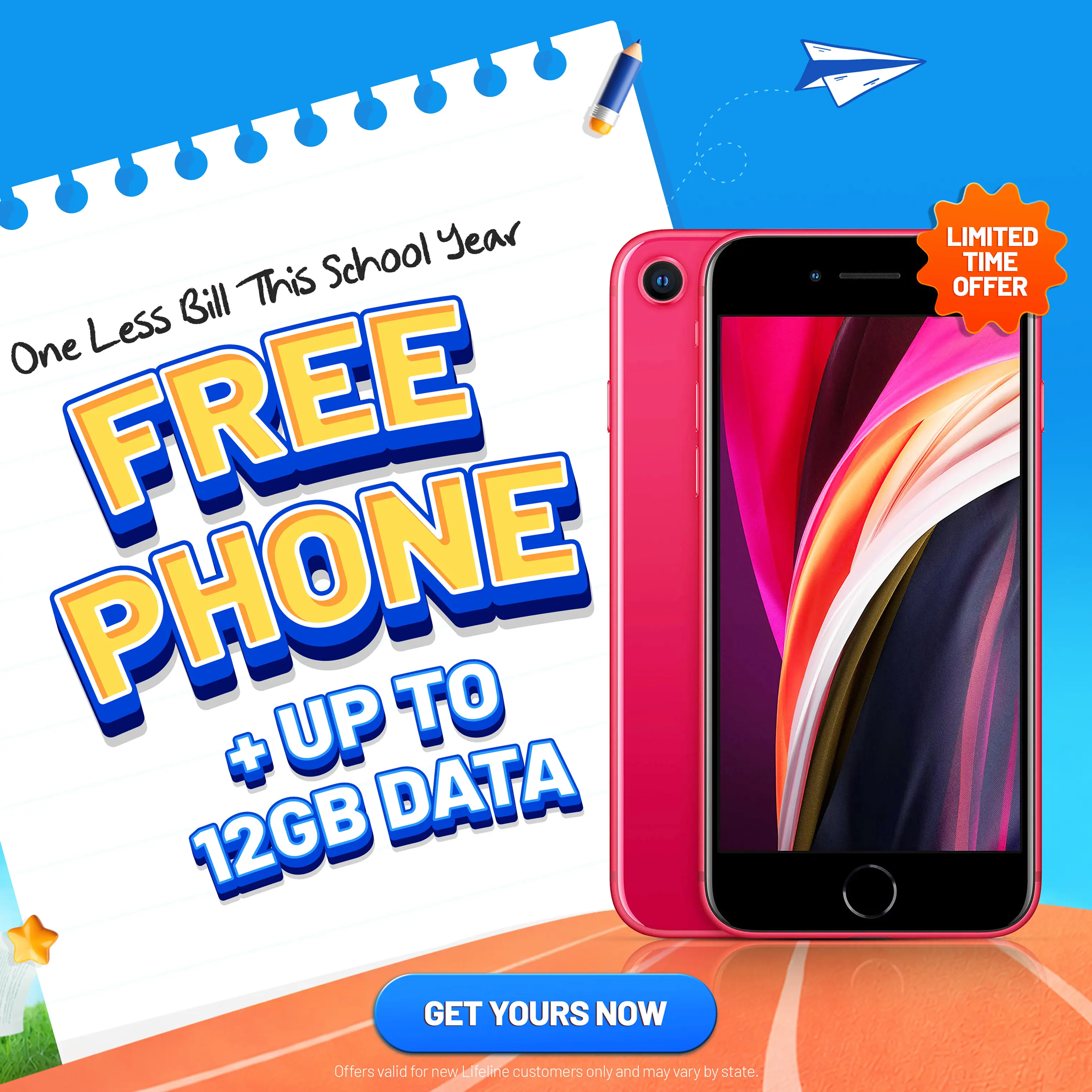
For eligible households, the Lifeline Program is a federal assistance program that helps reduce the cost of monthly phone service. Through participating providers such as AirTalk Wireless, qualified customers may also have access to affordable devices that support learning, communication, and everyday productivity.

Consider a Tablet for Everyday Coursework
A tablet can be an excellent alternative for students who primarily:
- Read digital textbooks and PDFs.
- Take notes during lectures.
- Join virtual classes.
- Complete assignments through learning platforms.
- Browse the web and conduct research.
- Watch instructional videos.
Depending on availability, AirTalk Wireless offers tablets such as:
- Apple iPad (various generations)
- Samsung Galaxy Tab series
- TCL Tab series
- Alcatel Joy Tab
- Moxee Tablet
These devices provide a larger screen than a smartphone while remaining more affordable than many laptops.
A Smartphone Can Handle More Than You Think
Many college tasks can also be completed directly from a smartphone.
Popular devices available through AirTalk Wireless may include:
Apple iPhone
Samsung Galaxy
With the right apps, students can:
- Check college email.
- Access Canvas, Blackboard, or Google Classroom.
- Join Zoom or Microsoft Teams meetings.
- Scan and upload assignments.
- View class schedules and calendars.
- Communicate with professors and classmates.
Before applying, enter your ZIP code on the AirTalk Wireless website to see which devices and plans are currently available in your area, as inventory and offers vary by state and eligibility.
>>> Read more: Best Free Laptop List Options from AirTalk Wireless: 3 Tips For Fast Approval
Note: AirTalk Wireless operates under the federal Lifeline Program as an Eligible Telecommunications Carrier (ETC). Eligibility varies by state and program. Offers depend on availability and qualifications. Service is non-transferable and limited to one service per household.
Conclusion
Finding the best back to school laptop deals is about more than choosing the lowest price. The right laptop should match your major, support the software you’ll use throughout college, and fit comfortably within your budget.
By comparing retailer promotions, manufacturer discounts, and student pricing, you can often save hundreds of dollars on a quality device.
And if a new laptop is still out of reach, affordable tablets and smartphones can provide practical alternatives that help you stay connected and keep up with your coursework until you’re ready to upgrade.
- Share This:
-
-
-
-
-
-
-
-
New on AirTalk Wireless


