


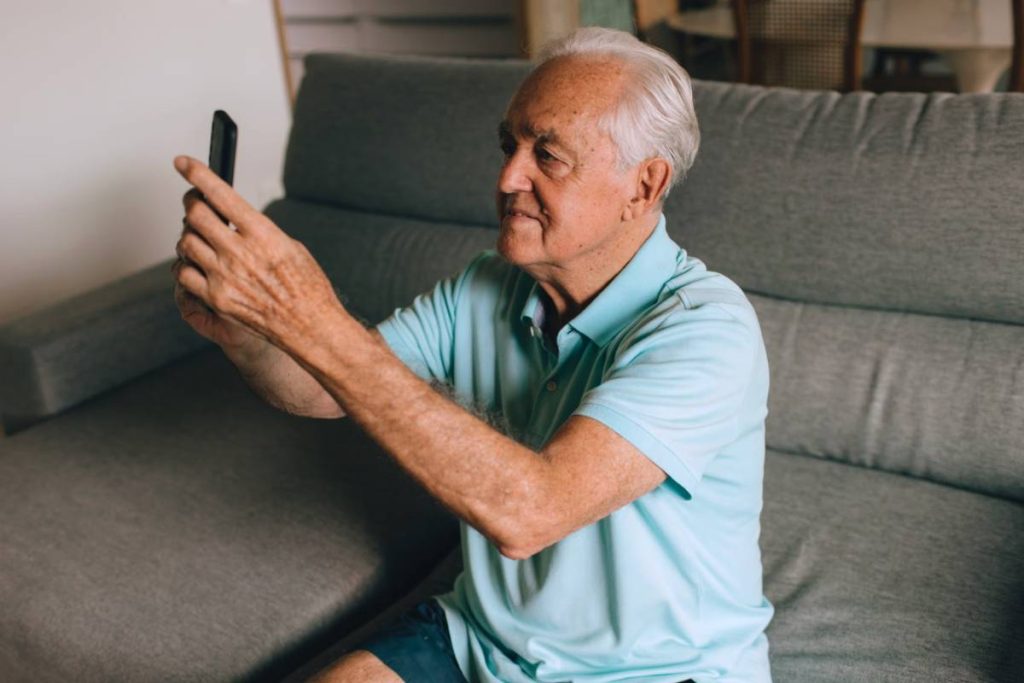
Choosing a cell phone becomes more important as technology continues to evolve. For many older adults, the ideal device isn’t simply the newest model.
It should be easy to use, comfortable to hold, and include features that make everyday communication safer and more convenient. That’s why many families begin searching for the best cell phone for elderly users before purchasing a new device.
This guide compares the best smartphones and simple cell phones for seniors, explains which features matter most, and offers recommendations for different budgets and needs. Whether you’re buying a phone for yourself or helping a loved one, you’ll also learn how to choose a device that balances ease of use, accessibility, and value.
1. What Makes the Best Cell Phone for Elderly Users?
The best phone for older adults isn’t necessarily the most advanced or expensive model. Instead, it should make everyday tasks like calling family, sending messages, and getting help in an emergency as simple as possible.
The best phone for elderly users typically offers:
- A bright, easy-to-read display
- Large text and adjustable font sizes
- Clear, loud speakers with hearing aid compatibility
- Long battery life
- An intuitive interface that’s easy to navigate
- Emergency features such as SOS calling and location sharing
- Reliable software updates and customer support
Some seniors prefer smartphones because they can make video calls, use navigation apps, and access healthcare portals. Others may feel more comfortable with a basic phone that focuses on calling and texting.
The right choice depends on the user’s comfort with technology, vision, hearing, and everyday communication needs.


2. Top 4 Best Smartphones for Seniors
Modern smartphones offer powerful accessibility features that can make them surprisingly easy for older adults to use.
Large displays, voice assistants, hearing support, and emergency tools are now built into many devices, making smartphones a practical choice for seniors who want to stay connected with family and access everyday apps.
Best Overall: Samsung Galaxy A16 5G
The Samsung Galaxy A16 5G offers one of the best balances of affordability, performance, and accessibility. Its large display makes text easier to read, while Samsung’s One UI includes features such as adjustable font sizes, high-contrast themes, magnification, and voice assistance.
Here’s why it’s considered the best cell phone for elderly:
- Large, bright display
- Long battery life
- 5G connectivity
- Expandable storage
- Easy-to-use accessibility settings
- Good value for the price
Best iPhone for Seniors: iPhone 16
For seniors who prefer Apple’s ecosystem or already use other Apple devices, the iPhone 16 is an excellent choice. iOS includes a wide range of accessibility features, including Voice Control, Live Captions, Hearing Aid Compatibility, Emergency SOS, Medical ID, and larger text options.
Here’s why it’s a great choice:
- Simple and intuitive software
- Excellent accessibility features
- Long-term software updates
- High-quality cameras
- Reliable emergency and safety tools
Best Android Phone for Seniors: Google Pixel 9a
The Google Pixel 9a combines a clean Android experience with helpful AI-powered features and excellent accessibility tools. Voice typing, Call Screen, Clear Calling, Live Caption, and emergency features can make daily communication easier for older adults.
Explore its outstanding features below:
- Clean, easy-to-navigate interface
- Excellent voice features
- Strong accessibility options
- Long software support
- Great camera performance
Best Budget Smartphone: Moto G Power (2025)
For seniors looking to keep costs down, the Moto G Power delivers dependable performance without sacrificing essential features. Its standout battery life means fewer charging sessions, and the simple Android interface is easy to learn.
Here’s why this phone stands out for seniors:
- Affordable price
- Exceptional battery life
- Large display
- Easy Android experience
- Reliable everyday performance
>>> Also read: What Is The Best And Easiest Cell Phone For Seniors?
3. Top 3 Best Simple Cell Phones for Elderly Users
Not everyone needs a smartphone. The best mobile phone for elderly users may simply be one that makes calling family members quick and stress-free.
Simple phones typically feature physical buttons, straightforward menus, and batteries that can last for several days on a single charge.
Best Flip Phone: Nokia 2780 Flip
The Nokia 2780 Flip combines the familiar flip-phone design with modern essentials such as 4G LTE connectivity, large buttons, and a straightforward interface.
What makes this phone a great choice for older adults?
- Physical keypad
- Large, easy-to-read display
- Long battery life
- Simple navigation
- Hearing aid compatible
Best Phone With Large Buttons: Lively Jitterbug Flip2
Designed specifically for older adults, the Jitterbug Flip2 features oversized buttons, a simple menu, loud audio, and an emergency response button that connects users to trained agents when subscribed to the service.
Why it’s a good choice:
- Large physical buttons
- Bright screen
- Loud speakers
- Simple navigation
- Dedicated emergency button
Best Phone for Hearing or Vision Impairments: Lively Jitterbug Smart4
If you’re wondering what is the best phone for an elderly person with hearing or vision challenges, the Jitterbug Smart4 is one of the strongest options.
It combines the familiar smartphone experience with larger icons, simplified navigation, voice typing, hearing aid compatibility, and health-focused services designed specifically for seniors.
This model checks the boxes that matter most:
- Large icons and simplified interface
- Voice typing and voice assistance
- Hearing aid compatibility
- Video calling capabilities
- Health and emergency support features
- Designed specifically for older adults


4. How to Choose the Right Cell Phone for an Older Adult
The right phone depends on the person’s daily needs, comfort with technology, and budget. While some older adults enjoy using smartphones for video calls and apps, others may only want a device for calling and texting.
If you’re asking what is the best dumb phone for the elderly?, a simple flip phone with large buttons and a clear display may be the better choice over a feature-packed smartphone.
Here are the most important factors to consider before buying a phone.
Ease of Use and Accessibility Features
A phone should feel comfortable to use from the first day. Look for features that improve readability and simplify navigation, such as:
- Large icons and adjustable text sizes
- Bright, high-contrast displays
- Voice assistants and voice typing
- Hearing aid compatibility
- Magnification and screen reader options
- Simple menus with minimal clutter
These accessibility features can make everyday communication much easier for seniors with vision, hearing, or mobility challenges.
Battery Life and Charging
Frequent charging can be frustrating, especially for older adults who primarily use their phones for calls and messages.
Choose a phone that offers:
- All-day battery life or longer
- USB-C charging for easier connections
- Wireless charging if convenience is important
- Battery-saving modes for extended use
Many simple flip phones can last several days on a single charge, while modern smartphones typically last one to two days depending on usage.
Emergency and Safety Features
Safety features have become one of the biggest advantages of modern phones.
Useful features include:
- Emergency SOS calling
- Medical ID information
- Fall detection (available on some devices and smartwatches)
- Location sharing with trusted family members
- Spam call protection
- Emergency contacts that can be reached quickly
These tools can provide added peace of mind for both seniors and their families.
Carrier Compatibility and Monthly Cost
The cost of owning a phone goes beyond the device itself. Monthly service plans, coverage quality, and customer support should also be considered.
Before purchasing a phone, check:
- Whether it works with your preferred carrier
- Network coverage where the user lives
- Monthly plan pricing
- Data needs for calling, texting, and internet use
- Available discounts for seniors or low-income households
Choosing a phone that fits both your budget and your communication needs can help reduce long-term costs.
5. How to Get a Free or Discounted Cell Phone Through Lifeline
Buying a new phone doesn’t always require paying full retail price. If you qualify for the federal Lifeline program, you may be eligible for free monthly phone service and, depending on your state and device availability, a free or discounted smartphone through a participating provider.
For many eligible households, Lifeline can be one of the best cell phone service for elderly users because it helps reduce monthly communication costs while keeping them connected to family, healthcare providers, and emergency services.
As a participating Lifeline provider, AirTalk Wireless offers eligible customers free monthly talk, text, and data plans. Depending on inventory, customers may also have access to free or discounted smartphones from brands such as Apple, Samsung, Motorola, and TCL.

The application typically follows these steps:
- Visit the AirTalk Wireless website and start the application.
- Enter your ZIP code, select “Apply Now,” and choose the Lifeline plan that best fits your needs.
- Choose an available smartphone or tablet if you’re eligible.
- Confirm your eligibility based on your household income or participation in a qualifying government assistance program, such as Medicaid or SNAP.
- Upload proof of eligibility if additional documentation is required.
- Submit your application and wait for an approval decision.
>>> Read more: 100% Free iPhone for Seniors – Apply Fast in 3 Easy Steps!
Note: AirTalk Wireless operates under the federal Lifeline Program as an Eligible Telecommunications Carrier (ETC). Eligibility varies by state and program. Offers depend on availability and qualifications. Service is non-transferable and limited to one service per household.
Conclusion
The best cell phone for elderly users depends on individual needs, comfort with technology, and budget. Some seniors may benefit from a modern smartphone with advanced accessibility features, while others may prefer the simplicity of a flip phone with large buttons and long battery life.
By focusing on ease of use, safety features, and affordable service options, you can find a device that helps older adults stay connected with confidence.