


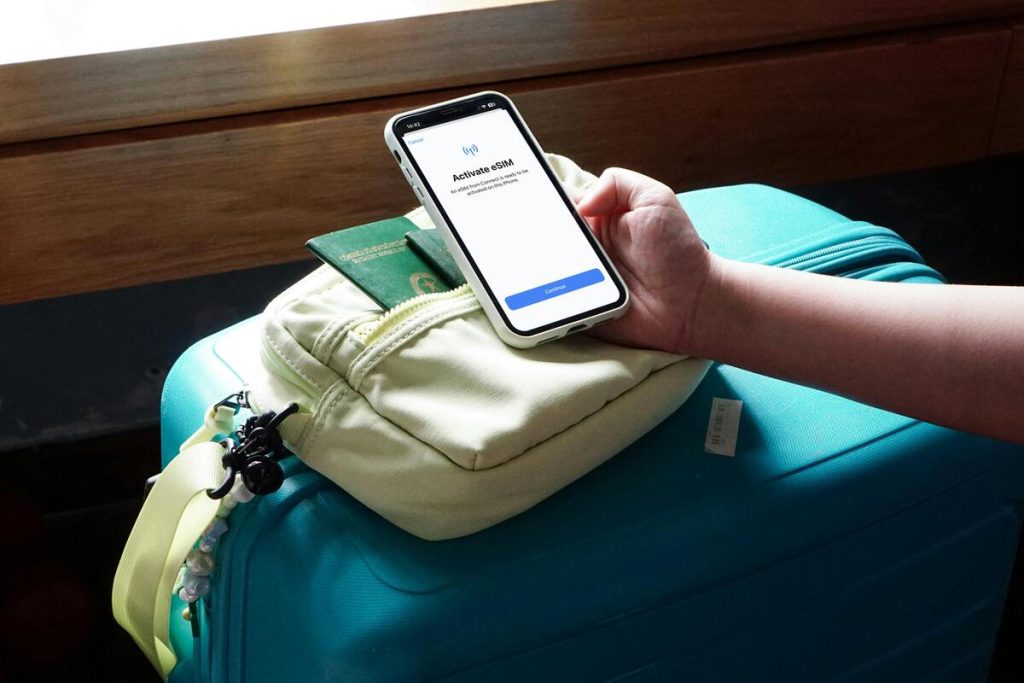
As eSIM becomes more common, many users are asking the same question: “Does my phone support eSIM?”
Unlike a traditional SIM card, eSIM is built into the device and allows you to activate service digitally. However, not every device supports eSIM, and even supported phones may still depend on carrier approval, region, or software version.
This guide explains exactly how to check whether your device is compatible, what to do if it is not, and how providers like AirTalk Wireless can help eligible users get started with eSIM more easily.
1. Does My Phone Support eSIM?
The answer depends on four key factors:
- Your exact phone model
- Device settings and software version
- Carrier support
- In some cases, your IMEI status
A newer phone is more likely to support eSIM, but compatibility should always be confirmed before activation.
Check If Your Phone Model Supports eSIM


The first step is identifying your exact device model. Many phones have multiple versions, and some versions support eSIM while others do not.
Apple introduced eSIM starting with:
Later models also support eSIM, including:
- iPhone 11 series
- iPhone 12 series
- iPhone 13 series
- iPhone 14 series
- iPhone 15 series
- iPhone SE (2nd generation) and newer
Android support also varies more by brand and region. Common compatible devices include:
- Google Pixel 3 and newer
- Google Pixel 6a / 7a
- Samsung Galaxy S20 and newer select models
- Samsung Galaxy Z Flip / Fold series
- Some Motorola and OnePlus devices
If you are asking does my android phone support eSIM, checking the exact model number is especially important.
>>> Read more: Does iPhone X Support eSIM? What You Can (and Can’t) Do
Check Your Phone Settings
Even if a phone model supports eSIM, the feature may need the right software version or carrier configuration.
Another way to check does my phone support eSIM is by going through your phone’s settings, where eSIM options are usually listed if your device is compatible.
For iPhone
- Open Settings
- Tap Cellular or Mobile Data
- Look for Add eSIM
If the option appears, your phone likely supports eSIM.
For Android
- Open Settings
- Tap Network & Internet
- Tap SIMs or Mobile Network
- Look for options such as Download SIM, Add eSIM, or SIM Manager
Some Android brands use different menu names, so wording may vary.
Verify Carrier Compatibility
This step is often overlooked. A phone may support eSIM, but not every carrier enables it on every device.
That means the answer to does my phone support eSIM depends not only on hardware, but also on network support.
You can verify by:
- Visiting the carrier website
- Reviewing compatible device lists
- Contacting support
- Using an official compatibility checker
AirTalk Wireless offers eSIM options for eligible users on supported devices. Before selecting eSIM, users can confirm compatibility first to reduce setup issues.
Use Your IMEI to Confirm (Optional)
If you still are not sure does my phone support eSIM, checking your IMEI can help.
IMEI is a unique number assigned to your phone. You can locate it by:
- Dialing *#06#
- Checking Settings > About Phone
- Looking on the device box
- Why It Helps
Some carriers use IMEI databases to verify:
- Device model
- Network compatibility
- eSIM eligibility
This can be useful for imported or carrier-locked phones.
2. Common Reasons Why Your Phone Doesn’t Support eSIM
Not every device is built with eSIM capability, and there are a few common reasons why your phone may not support it.
One of the main factors is the device model. Older smartphones were designed before eSIM became widely available, so they rely only on physical SIM cards.
Another reason is regional or carrier restrictions. Some phones are manufactured for specific markets where eSIM isn’t supported or is disabled by default. Similarly, certain carriers may limit eSIM functionality, especially on locked devices.
Software version can also play a role. Even if your phone hardware supports eSIM, outdated operating systems may prevent the feature from appearing in settings.
Lastly, budget or entry-level devices often skip eSIM to keep costs lower. If your phone falls into any of these categories, it may not be compatible, even if newer models from the same brand support eSIM.
>>> Read more: eSIM to Physical SIM: How to Switch Back the Right Way
3. How AirTalk Wireless Makes eSIM Activation Easy
For eligible users, AirTalk Wireless helps simplify the eSIM process. As a Lifeline carrier, AirTalk supports qualifying low-income users who need affordable connectivity.
Depending on eligibility, users may access:
- Monthly talk, text, and data
- eSIM activation on supported devices
- Access to compatible smartphones
- Guided setup support
Compatibility Checker Tool
AirTalk provides a device compatibility checker that helps users verify support before choosing eSIM.
The process is simple:
- Select your phone brand
- Choose your exact model
- Run the phone check
This helps answer does my phone support eSIM before activation begins.
Switch to eSIM for New Customers
For new users, the process generally follows these steps:
- Apply for service
- Select an eSIM-compatible device
- Choose the eSIM option during the application process
If the selected device supports eSIM, users can choose that option during signup.
Switch to eSIM for Existing Customers
For current users moving from a physical SIM:
- Check compatibility
- Go to the SIM Replacement section in the app or website
- Order an eSIM by following the prompts
This gives existing users a smoother transition from physical SIM to digital activation.


IMPORTANT: The government does not subsidize devices. Lifeline programs cover basic service costs only. Free or discounted devices, upgrade plans, or top-ups are exclusive benefits provided by AirTalk Wireless as part of our promotional offers. Terms and conditions apply. Limited-time promotion—offers vary by state, stock availability, and eligibility.
Final Thoughts
If you are still asking does my phone support eSIM, the best answer comes from checking your model, settings, carrier support, and in some cases, your IMEI.
Many phones today are compatible, but not every version works the same way. Taking a few minutes to verify compatibility can save time and prevent activation problems later.
For users who qualify, providers like AirTalk Wireless can make setup easier through eligibility-based service, compatibility tools, and guided eSIM activation.