


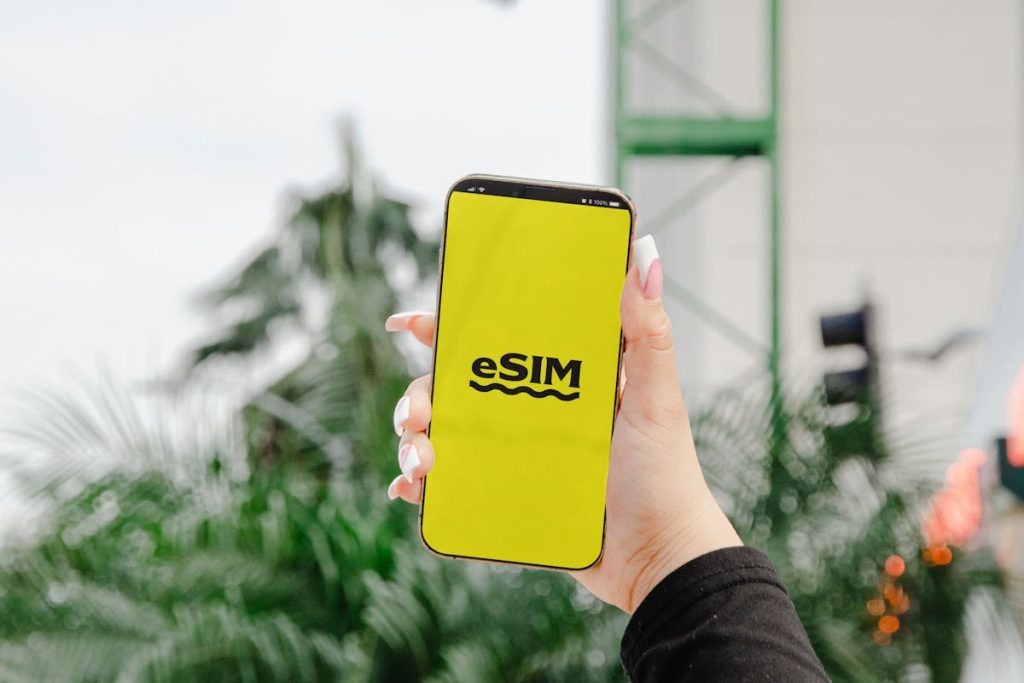
Dual SIM iPhone offers the convenience of managing two phone numbers on a single device, making it ideal for people who want to separate personal and work calls or use different carriers while traveling.
With both physical SIM and eSIM options, you can easily switch between networks without needing to swap out SIM cards.
1. What is Dual SIM on iPhone?
Dual SIM on iPhone allows you to use two separate phone numbers on a single device.
This feature provides flexibility in managing personal and work numbers or using two different carriers without needing to carry multiple phones.
In detail, how does Dual SIM work on iPhone?
Dual SIM iPhone functionality is achieved through a combination of a physical SIM card and an eSIM (Embedded SIM). The eSIM is a digital SIM that allows you to activate cellular plans without needing a physical SIM card.
Depending on the iPhone model, you can have one physical SIM and one eSIM, or, in newer models, two eSIMs for more flexibility.
When managing dual SIMs, you can choose which line to use for data, calls, and messages through your iPhone’s settings. Dual SIM also enables features like roaming across different networks, making it ideal for frequent travelers. In fact, across the globe, eSIM usage is on the rise thanks to travel and device compatibility.


>>> Read more: Free eSIM Service for iPhone: How to Get Started Without a Physical SIM
2. Which iPhones Support Dual SIM?
The dual-SIM iPhone feature is a convenient option for users who want to manage two numbers on a single device, whether for work and personal use or for international travel.
Apple first introduced dual-SIM support on the iPhone XS and has continued to expand it across newer models. However, not all iPhones support dual SIM, so it’s essential to know which models do.
Here’s a list of iPhones that support dual SIM:
- iPhone XS and XS Max (2018): The first iPhones to feature dual SIM support with one physical SIM and one eSIM.
- iPhone XR (2018): Supports dual SIM functionality with a physical SIM and eSIM.
- iPhone 11, 11 Pro, and 11 Pro Max (2019): All models support dual SIM with eSIM alongside a physical SIM.
- iPhone SE (2nd generation) (2020): This model also supports dual SIM, with a physical SIM and eSIM.
- iPhone 12 series (2020): The iPhone 12 mini, 12, 12 Pro, and 12 Pro Max models all support dual eSIM, along with physical SIM.
- iPhone 13 series (2021): The iPhone 13 mini, 13, 13 Pro, and 13 Pro Max models all support dual SIM and dual eSIM.
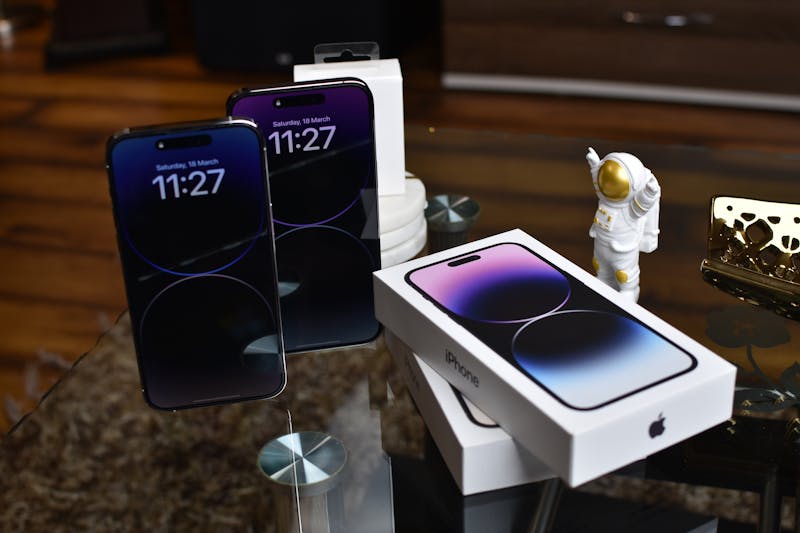
- iPhone 14 series (2022): All iPhone 14 models support eSIM, with the iPhone 14 (USA version) being eSIM-only, eliminating the physical SIM slot.
>>> Read more: How Many eSIMs Can I Have?
3. How to Set Up Dual SIM on iPhone (Step-by-Step)
Setting up dual SIM on your iPhone is simple and allows you to manage two numbers on one device. Whether you’re using one physical SIM and one eSIM, or two eSIMs (for iPhone 13 and later models), follow these easy steps to get started:
- Step 1: Insert the physical SIM: Insert it into your iPhone’s SIM tray. Make sure it’s properly placed before proceeding.
- Step 2: Activate eSIM via carrier app or QR code: For eSIM activation, you can either scan the QR code provided by your carrier or use their app to activate the second number. Go to Settings > Cellular > Add Cellular Plan and follow the prompts.
- Step 3: Label your plans: After activating both SIMs, assign labels to them to quickly distinguish between your personal and business lines, or any other categories you choose. For instance, you could name one “Personal” and the other “Work.”
- Step 4: Set your default line: Choose your default line for calls, messages, and data in Settings > Cellular > Default Line.
- Step 5: Start using a dual-SIM iPhone: Now, you can use both numbers on your iPhone. Switch between them for calls and data by selecting the appropriate line when making calls or sending texts.
>>> Read more: Does the Pixel 6 Have eSIM?
4. How to Use Dual SIM on iPhone
Once you’ve set up dual SIM on your iPhone, you can easily manage calls, messages, and data from both lines. Here’s how to use dual SIM effectively:
- Making calls: When dialing, you can choose which SIM to use by selecting the preferred line before placing the call.
- Sending messages: You can switch between SIMs when sending messages by selecting the desired number for texting.
- Choosing a data line: To select which SIM to use for data, go to Settings > Cellular > Cellular Data, then choose the line you want for internet use.
- Switching between lines: You can toggle between your personal and work lines whenever needed by adjusting the line settings under Settings > Cellular.
5. Get a Free SIM Card or eSIM with Monthly Data Here!
If you’re looking for a reliable, affordable way to stay fully connected socially, the Lifeline program through AirTalk Wireless is an excellent option to explore.
The Lifeline program provides discounts on phone and internet service to eligible low-income individuals.
When it comes to applying with AirTalk Wireless, users receive a comprehensive service: free monthly data, free SIM card or eSIM activation, along with unlimited calling and texting, and free international calling.
For those who don’t have a device or want a backup, AirTalk offers the option to choose a free or discounted smartphone or tablet.
(Prices may vary depending on availability, location, and time of application)


Here’s how to apply for your free service with free SIM/eSIM:
Step 1: Before applying, confirm that you qualify for the Lifeline program. Eligibility is usually based on low income, at or below 135% of the Federal Poverty Guidelines, or participation in government programs such as SNAP, Medicaid, SSI, or similar assistance programs.
Step 2: Go to the AirTalk Wireless website and input your ZIP code to see if service is offered in your location.
Step 3: Choose a suitable service plan:
- Bring Your Own Device (BYOD): Keep your current phone and use the service by getting a new SIM card/eSIM.
- Get a device & service plan: Receive a free phone with your plan. If you truly want to use eSIM, make sure you choose a compatible device such as iPhone XS/iPhone XR or newer, for example, the iPhone 12, iPhone 13, or iPhone 14 Pro Max.
Step 4: Upload the required documents to verify your eligibility and complete your registration.
Step 5: Submit your application for AirTalk Wireless review, and once approved, you can start using the free service immediately.
Note: Eligibility varies by state and program. Offers depend on availability and qualifications. AirTalk Wireless operates under the federal Lifeline Program as an Eligible Telecommunications Carrier (ETC). Service is non-transferable and limited to one service per household.

6. FAQs
Are there iPhones with two SIM slots?
No, iPhones do not have two physical SIM slots. Instead, iPhones with dual SIM capability use a combination of one physical SIM and one eSIM, or, in newer models like the iPhone 13 and later, two eSIMs.
Is iPhone 16 dual SIM?
The iPhone 16 supports dual-SIM via two eSIMs (US models) or one physical SIM + one eSIM (most international models).
Does iPhone 13 have dual SIM?
Yes, the iPhone 13 supports dual SIM. It can use one physical SIM and one eSIM, or two eSIMs, depending on the model and the region.
Conclusion
With the dual SIM iPhone, you can effortlessly balance personal and work calls or switch carriers while traveling. It’s a great way to stay connected across networks without needing two phones.