


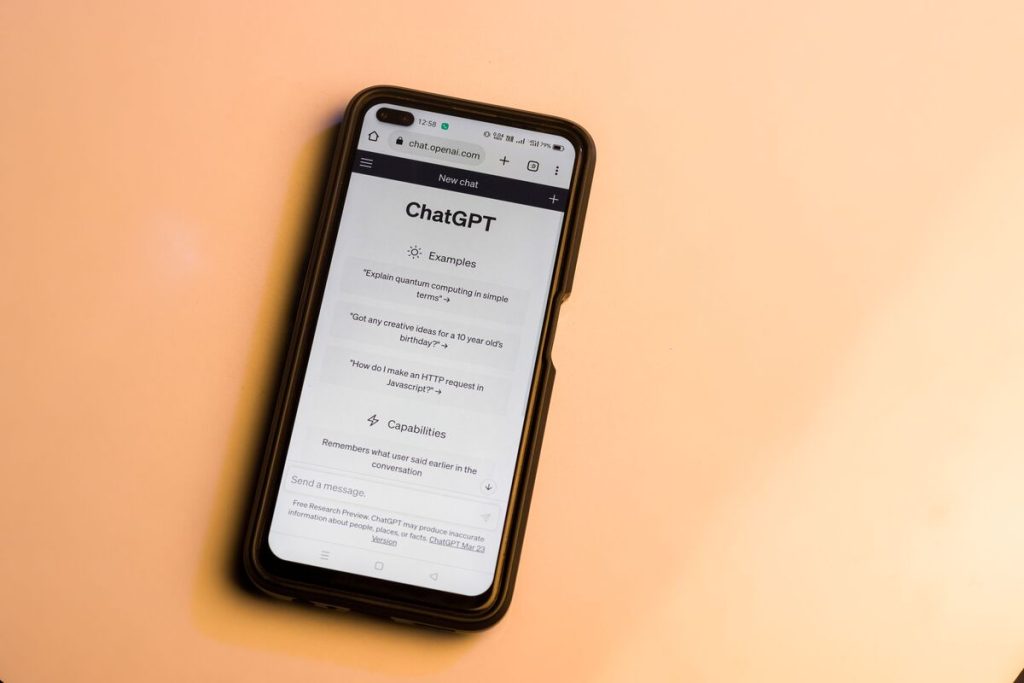
Understanding how to cancel ChatGPT subscription correctly helps prevent unexpected charges and ensures that your plan is canceled through the right platform. Canceling the subscription does not immediately remove your account or erase your conversations, but it does stop future billing after the current subscription period ends.
This guide explains how to cancel ChatGPT Plus subscriptions on different platforms, how to identify your billing source, and the difference between canceling a subscription and deleting your account.
1. How to Cancel ChatGPT Subscription?
The correct method for canceling depends on where you originally subscribed.
A subscription purchased through ChatGPT.com must be canceled through your OpenAI account settings, while subscriptions purchased through Apple or Google must be managed through their respective app stores.
The most important step in how to cancel ChatGPT subscription is identifying the platform that handles your payment, because the cancellation process changes depending on whether you subscribed through OpenAI, Apple, or Google.


Before starting the process, make sure you are signed in to the same account that was used to purchase the subscription. Using a different account may make the cancellation option unavailable.
Cancel a Subscription Purchased on ChatGPT.com
If you subscribed directly through the ChatGPT website, you can cancel your plan from your account settings.
To cancel:
- Sign in to ChatGPT.
- Open your profile menu.
- Select Settings.
- Go to Account or Subscription settings.
- Choose the option to manage your subscription.
- Select Cancel Subscription and confirm.
For users searching how to cancel ChatGPT Plus subscription, this is the standard method when the plan was purchased directly through OpenAI rather than through a mobile app store.
After cancellation, access to paid features usually continues until the end of the current billing period. Canceling does not normally provide a refund for the unused portion of a subscription period unless applicable refund policies apply.
Cancel a Subscription Purchased on iPhone
If you purchased ChatGPT Plus through the Apple App Store, you must cancel the subscription through your Apple ID settings.
The steps are generally:
- Open Settings on your iPhone.
- Tap your Apple ID name.
- Select Subscriptions.
- Choose ChatGPT.
- Tap Cancel Subscription.
Apple manages subscriptions purchased through its platform, so canceling inside the ChatGPT app may not work for App Store subscriptions.
Users looking for how to cancel ChatGPT Plus subscription OpenAI should first check whether the subscription was actually purchased through OpenAI directly or through Apple. The billing platform determines where cancellation must be completed.
Cancel a Subscription Purchased on Android
For subscriptions purchased through the Google Play Store, cancellation must be completed through your Google account.
The typical process is:
- Open the Google Play Store.
- Tap your profile icon.
- Select Payments & subscriptions.
- Open Subscriptions.
- Select ChatGPT.
- Choose Cancel subscription.
Like Apple subscriptions, Google Play subscriptions are controlled by the platform where payment was processed. Removing the ChatGPT app from your phone does not cancel an active subscription.
When considering cancel ChatGPT subscription “how to guides”, checking the original payment method first can save time because it determines the correct cancellation path.
>>> Read more: Search Google or Type a URL: How to Get Better Search Results
2. How to Find Where Your ChatGPT Subscription Is Billed?
One of the most common reasons users cannot find the cancellation option is that they are managing the subscription in the wrong place.
Checking your billing source first makes how to cancel ChatGPT subscription much simpler because it prevents users from looking for cancellation settings in a platform that does not control their payment.
A ChatGPT subscription may be billed through:
- ChatGPT.com and OpenAI directly
- Apple App Store
- Google Play Store
To identify your billing source, check your payment confirmation emails, app store subscriptions, or ChatGPT account settings.
If your account shows an active subscription but there is no cancellation option on the website, the subscription may have been purchased through Apple or Google.
Understanding where your payments are processed is an important part of how to cancel ChatGPT subscription because each billing platform has separate controls.
For example, someone who purchased through Apple cannot cancel the subscription from OpenAI settings, while someone who subscribed through ChatGPT.com does not need to manage the subscription through Apple or Google.
3. Canceling a Subscription vs Deleting the ChatGPT Account
Canceling a subscription and deleting a ChatGPT account are two different actions. Canceling a subscription only stops future payments. Your account remains active, and you can continue using available features after the paid period ends.
Deleting an account permanently removes access to the account and associated data after the deletion process is completed. This action is different from simply stopping a paid plan.
Users searching cancel ChatGPT Plus subscription how to should understand that cancellation is usually the better option if they only want to stop paying while keeping their account.
Before deleting anything, consider whether you may want to return to ChatGPT later. Keeping the account allows you to sign in again and choose a paid plan in the future if needed.
>>> Read more: How to Use Google Authenticator Transfer: Simple Step-by-Step Guide (2026)
4. FAQs
Can we cancel a ChatGPT subscription at any time?
Yes. ChatGPT subscriptions can generally be canceled at any time. However, cancellation usually stops future renewals rather than ending access immediately. You can typically continue using paid features until the end of the current billing period.
How do I remove the payment method from ChatGPT?
Removing a payment method depends on your billing platform. If you subscribed through ChatGPT.com, payment settings are managed through your OpenAI account. App Store and Google Play subscriptions are managed through Apple and Google billing settings.
Will I lose everything if I cancel my ChatGPT subscription?
No. Canceling a subscription does not automatically delete your account or conversations. Your account remains available, but paid features will end after the subscription period expires.
Final Thoughts
Learning how to cancel ChatGPT subscription is straightforward once you know where the subscription was purchased. Website subscriptions are managed through ChatGPT account settings, while iPhone and Android subscriptions must be canceled through Apple or Google’s subscription systems.
Before canceling, confirm your billing source and make sure you are signed in to the correct account. This prevents confusion and helps avoid continued charges caused by canceling in the wrong location.