


Your phone’s IMEI number is a unique identifier that can help carriers track, block, or verify your device. But what happens if your phone is lost or broken and you can’t access it directly? Do you already know how to find IMEI number without phone in situations like these?
There are several reliable methods to retrieve this information without needing the device itself.
1. Understanding the IMEI Number
The IMEI (International Mobile Equipment Identity) is a distinct 15-digit code given to each mobile device. It acts like a fingerprint for your phone, allowing carriers and manufacturers to identify the device on a mobile network.
This number is often used for important tasks such as activating service, checking device compatibility, reporting a phone as lost or stolen, or blocking a device from being used on certain networks.
It is possible to retrieve your IMEI even if you don’t have the physical phone. Many mobile carriers, manufacturers, and online accounts store your device information for reference.
You can also locate the IMEI on the original phone box, your purchase receipt, or by checking your mobile account online. These alternative sources can help you access the number when your device is unavailable.


>>> Read more: What is Call Waiting iPhone? How the Feature Works and When to Use It
2. How to Find IMEI Number Without the Phone
Below are some of the most common ways to find the IMEI number without needing the phone itself. These methods work because the IMEI is usually stored in carrier records, manufacturer accounts, or documents related to your device purchase.
How to find IMEI number without phone:
#1. Check Your Mobile Carrier Account:
Most carriers store your device information in your online account. Log in to your carrier’s website or mobile app and look for the device details section. The IMEI is often listed alongside your phone model and service plan information.
#2. Look at the Original Phone Box:
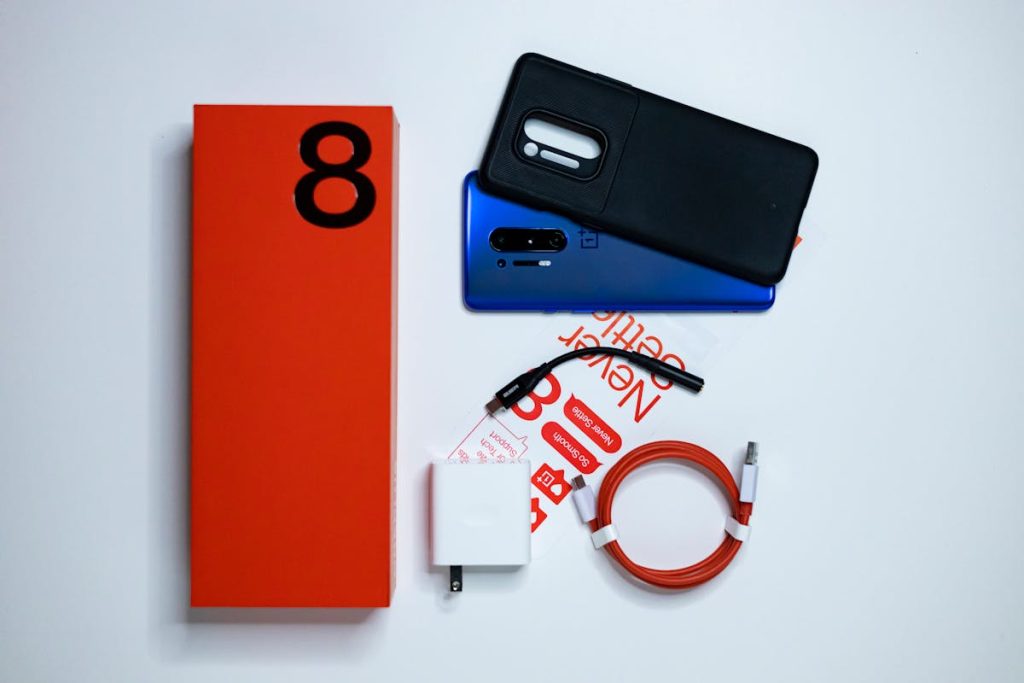
If you still have the packaging your phone came in, the IMEI number is usually printed on a label attached to the box. This label may also include the serial number, model number, and barcode.
#3. Review Your Purchase Receipt or Invoice:
Some retailers include the IMEI number on purchase receipts or order confirmations. Check any email receipts, digital invoices, or printed paperwork from when you bought the phone.
#4. Use Your Apple or Google Account:
If your device was connected to an Apple ID or Google account, you may be able to view device details through your account dashboard. These platforms sometimes display information about registered devices, including identification numbers.
#5. Check Your SIM Card Tray (If Removed Earlier):
On certain phone models, the IMEI may be printed near the SIM tray or on a removable label that came with the device packaging.
#6. Contact Your Mobile Carrier Support:
If you cannot locate the IMEI using other methods, your carrier’s customer support team can often retrieve it from your account records.
Finding your IMEI without the phone can be extremely useful if you need to report the device as lost, block it from networks, or provide identification details for insurance claims. Keeping a record of this number somewhere safe can help you avoid stress if your phone is ever unavailable.

3. What to Do After You Find Your IMEI
Once you’ve successfully located your IMEI number, it’s important to use it properly to protect your device and your mobile account. The IMEI can help carriers identify your phone and take action if it’s lost, stolen, or being used without permission.
First, store the IMEI in a safe place, such as a password manager, secure notes app, or written record kept with other important documents. This ensures you can access it quickly in emergencies.
If your phone is lost or stolen, contact your mobile carrier immediately and provide the IMEI. They can block the device from connecting to mobile networks, which helps prevent unauthorized use.
>>> Read more: How to Call a Number With an Extension: Simple Ways to Dial Extensions on Any Phone
4. Tips to Save Your IMEI for Future Emergencies
Keeping a record of your IMEI can save time and stress if your phone is ever lost, stolen, or damaged. A few simple steps can ensure you always have access to this important number when you need it.
- Write it down in a safe place: Store the IMEI with other important documents, such as receipts or warranty information.
- Save it in a secure notes app: Use a password-protected notes app or digital vault to keep the number accessible but protected.
- Take a photo of the phone box label: The IMEI is usually printed on the device packaging.
- Email the IMEI to yourself: Sending it to your email can create an easy backup you can access anywhere.
5. FAQs
Can I find the IMEI if my phone is completely lost?
Yes, you can often find the IMEI even if your phone is lost by checking your mobile carrier account, the original phone box, purchase receipts, or your Apple/Google device account.
Can someone track my phone using the IMEI?
Regular users cannot track a phone using only the IMEI. However, mobile carriers and law enforcement may use the IMEI to identify or block a lost or stolen device on the network.
Is the IMEI the same as the serial number?
Regular users cannot track a phone using only the IMEI. However, mobile carriers and law enforcement may use the IMEI to identify or block a lost or stolen device on the network.
Conclusion
Understanding how to find IMEI number without phone ensures you’re never completely locked out of your device information during an emergency. Even without the physical phone, you can often retrieve the IMEI through carrier records, purchase documents, or online device accounts.
After finding it, store the number in a secure place so you can easily access it later. This small step is very helpful if you need to block a lost phone, file an insurance claim, or verify your device.