


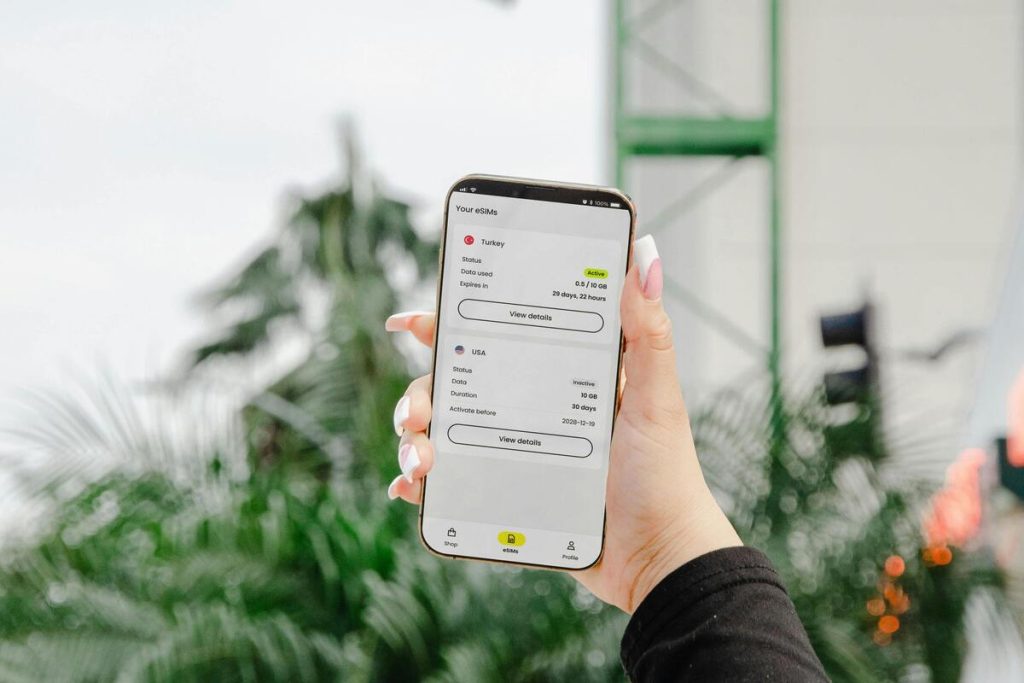
Switching to a new phone used to mean physically removing a SIM card and inserting it into another device. With eSIM, the process is more digital, and for many users, more confusing.
People often worry about losing their number, interrupting service, or accidentally deleting the only active line during transfer. Those concerns are understandable because eSIM activation depends not only on the phone, but also on carrier support and setup timing.
The good news is that learning “how to swap eSIM between phones” is usually much easier once you understand how the transfer process works.
This guide explains when you can transfer eSIM yourself, when carrier help may still be needed, and how to move your line safely between iPhones, Android devices, or different phone brands.
1. Can You Transfer eSIM by Yourself or Do You Need a Carrier?
In many cases, yes you can transfer the eSIM yourself without visiting a carrier store.
Modern phones and carriers increasingly support direct eSIM transfer tools that allow users to move their number during setup. Apple, for example, supports eSIM Quick Transfer between compatible iPhones for participating carriers.
However, not every carrier handles transfers the same way. Some providers still require manual activation, a QR code, or customer support approval before the new phone can fully connect.
Can I transfer eSIM from one phone to another by myself? The answer depends on three main factors:
- Whether both phones support eSIM.
- Whether the carrier allows self-transfer.
- Whether the line is eligible for digital activation.
If all three conditions are supported, the process is usually fast and straightforward.
2. How to Swap eSIM Between Phones?
The safest way to handle “how to swap eSIM between phones” is to prepare the new device before removing anything from the old one.


Before starting the transfer, make sure:
- Both phones are charged
- Wi-Fi is available
- The new device is carrier compatible
- Your carrier account information is accessible
- The old phone still has active service
Planning ahead matters because deleting the original eSIM too early can temporarily interrupt calls, texts, or mobile data.
Transfer eSIM Between iPhones
Apple has made the transfer process simpler in recent iOS versions. For many carriers, the iPhone can move the line automatically during setup.
To transfer the eSIM between iPhones:
- Turn on the new iPhone and begin setup.
- Keep the old iPhone nearby with Bluetooth enabled.
- Connect the new device to Wi-Fi.
- Follow the on-screen instructions for cellular transfer.
- Approve the transfer request on the old iPhone if prompted.
- Wait for activation to complete on the new device.
Apple notes that some transfers happen instantly, while others still require carrier approval or additional verification.
Is it easy to swap eSIM between iPhones? The answer is usually yes, especially when both devices run updated iOS versions and the carrier supports Quick Transfer.
Before erasing the old eSIM, confirm the new phone can:
- Make calls successfully
- Send and receive text messages
- Use mobile data without Wi-Fi
This final verification step is one of the most important parts of how to swap eSIM between phones safely.
Transfer eSIM on Android or Between Different Devices
Moving an eSIM between Android phones, or between iPhone and Android, can vary more depending on the carrier and manufacturer.
Some Android brands support built-in eSIM transfer tools, while others still rely on QR code activation.
For Samsung and Pixel devices, the transfer process often includes:
- Opening SIM or Network settings on the new phone
- Selecting Add eSIM or Download SIM
- Scanning a QR code or using carrier login credentials
- Completing carrier verification if required
- Activating the transferred line
Google support documentation explains that some eSIM profiles can be downloaded directly from supported carriers through Android setup menus.
If you are researching “How to transfer eSIM from one phone to another mobile?”, remember that transfers between different operating systems may take slightly longer because some carriers require fresh activation instead of direct migration.
>>> Read more: Should I Erase eSIM on Old iPhone? What to Do Before Selling or Switching Devices
3. Get a New eSIM and a Free Phone? Here’s Your Chance
For users switching devices anyway, upgrading to an eSIM-compatible phone can sometimes make the entire process smoother.
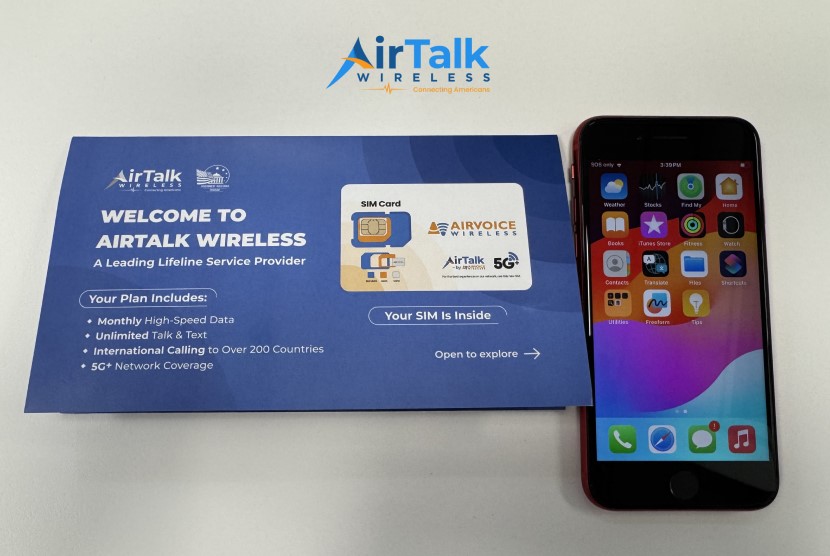
One option some households explore is the federal Lifeline program, which helps eligible consumers access affordable mobile service through participating providers such as AirTalk Wireless.
Depending on eligibility and availability, qualifying users may receive:
- Free or discounted smartphones
- Monthly talk, text, and data plans
- Access to compatible eSIM-ready devices
AirTalk Wireless, who has provided services to a growing Lifeline subscriber base across the country, also supports eSIM activation on compatible devices, which can reduce the need for physical SIM shipping and make setup faster for supported phones.
The application process generally includes:
- Checking eligibility through income or qualifying programs
- Entering a ZIP code to confirm service availability
- Selecting a compatible device or plan if available
- Uploading verification documents
- Completing the online application
- Activating service after approval
For users already learning how to swap eSIM between phones, upgrading to a newer compatible device can make future transfers much easier as well.

Note: AirTalk Wireless operates under the federal Lifeline Program as an Eligible Telecommunications Carrier (ETC). Eligibility varies by state and program. Offers depend on availability and qualifications. Service is non-transferable and limited to one service per household.
4. FAQs
Do I need Wi-Fi to transfer an eSIM?
In most cases, yes. Many carriers require internet access during activation because the phone needs to download carrier information and verify the transfer.
Can I use the same eSIM on two phones at the same time?
Usually no. Most carriers only allow one active device per eSIM line at a time.
How long does it take to swap an eSIM?
Some transfers finish within minutes, while others may take longer depending on carrier approval or verification requirements.
What should I do if the transfer fails?
Restart both phones first, confirm Wi-Fi connectivity, and check for carrier or software updates. If the issue continues, contact the carrier because a new QR code or activation request may be needed.
>>> Read more: How to Delete eSIM on Samsung: Safe Removal Steps Before You Switch Carriers
5. Final Thoughts
Understanding how to swap eSIM between phones is mostly about preparation and timing.
Modern iPhones and Android devices make the process easier than before, but successful transfer still depends on carrier support, Wi-Fi access, and correct activation steps.
The safest approach is to fully activate the new phone before removing the original eSIM. Once calls, texts, and mobile data all work correctly, the transition is usually complete.With the right setup, learning how to swap eSIM between phones becomes much less stressful and far more convenient than traditional SIM swapping.