


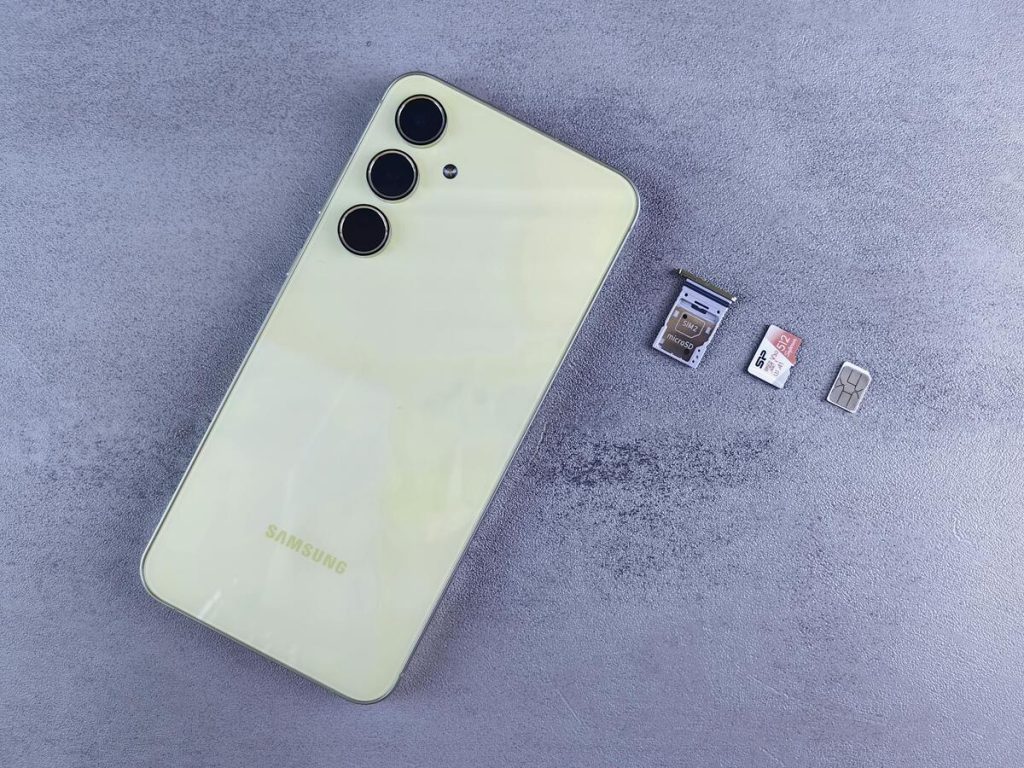
If you are dealing with an unable to transfer phone number eSIM issue, the problem is often caused by compatibility, activation steps, account status, or carrier-side restrictions.
The eSIM installs but the number does not activate. The phone shows no signal. Calls and texts do not work. In other cases, the transfer request never completes.
This guide explains what is really happening, how to fix it, and how providers like AirTalk Wireless can help simplify the transition.
1. Unable to Transfer Phone Number eSIM – What’s Really Happening?


Is it possible to transfer a phone number to eSIM? The answer is yes, but it depends on your carrier, device compatibility, and account status.
Many modern smartphones support eSIM transfers through quick setup or carrier apps. If not, you can usually request a new eSIM activation while keeping your existing number.
When users report an unable to transfer phone number eSIM issue, it usually means one of two things:
- The eSIM profile was added, but your number did not move over
- The transfer request was never completed by the carrier
This is why some phones show an eSIM line but still cannot make calls or use mobile data.
Some people also wonder why won’t my eSIM connect to my phone number. Your phone number must be reassigned by the carrier from the old SIM to the new eSIM profile.
If that process fails or remains incomplete, the eSIM may appear installed without being fully connected to your number. Below are the most common causes.
Carrier Doesn’t Support eSIM Transfers
One of the most common reasons for unable to transfer phone number eSIM is that your carrier doesn’t support eSIM transfers or hasn’t enabled this feature for your plan or device.
Not every carrier supports instant number transfer to eSIM on all devices. Some carriers may:
- Require manual support requests
- Support eSIM only on select phones
- Limit transfers between certain device types
Always confirm that your provider supports eSIM transfers before starting, especially if you are already dealing with an unable to transfer phone number to eSIM.
Incorrect or Expired QR Code
Many eSIM activations rely on a QR code.
Problems happen when:
- The code was already used
- The code expired
- The wrong code was scanned
- The code belongs to another line or account
In these cases, the eSIM may install incorrectly or fail to activate your number.
Phone Number Still Active on Old SIM
Another common reason for unable to transfer phone number eSIM is that your phone number is still active on the old SIM, which can block the transfer process until it’s properly deactivated or moved.
That means:
- Calls still route to the old SIM
- The new eSIM cannot complete activation
- Dual device conflicts may happen
The carrier may need to finalize the transfer before the new eSIM works.
Device Not Fully Compatible
Even if a phone supports eSIM, some regional versions or locked models may not work properly with every network.
This is especially common with:
- Imported phones
- Carrier-locked devices
- Older software versions
Account or Payment Issues
Some carriers pause transfers when there are unresolved account problems such as:
- Billing holds
- Identity verification issues
- Incomplete registration details
These account problems can also trigger an unable to transfer phone number eSIM error until resolved.
Network Settings Conflicts
Saved network settings from the previous SIM can sometimes interfere with new activation.
Examples include:
- Old APN settings
- Corrupted network profiles
- Disabled mobile data lines
>>> Read more: Does iPhone X Support eSIM? What You Can (and Can’t) Do
2. Step-by-Step Fixes for eSIM Number Transfer Issues
If you are facing an unable to transfer phone number eSIM problem, try these practical steps.
Step 1: Restart Device
A restart can refresh carrier settings and allow pending activation to complete.
Step 2: Check eSIM Status
Go to your phone’s cellular settings and confirm:
- The eSIM line is enabled
- It is selected for calls or data if needed
- No warning messages appear
Step 3: Re-scan QR Code
If activation failed the first time, request a new QR code from your carrier and scan it again.
Use a fresh code whenever possible.
Step 4: Check Network Settings
You should verify whether:
- Mobile data is turned on
- Airplane mode is off
- Carrier settings are updated
- Reset network settings if needed
Step 5: Contact Carrier
If your number is still not active, the transfer may be incomplete on the carrier side.
Ask support to verify:
- Number reassignment status
- eSIM activation status
- Compatibility of your device IMEI
3. How AirTalk Wireless Simplifies eSIM Transfers
For eligible users, AirTalk Wireless helps reduce common activation problems through a clearer setup process.
Instead of guessing what went wrong, users can access guided support before and during activation.
- Pre-Activation Support: Users can review device eligibility and understand whether their phone is ready for eSIM before requesting service.
- Clear QR Codes: A structured activation process helps users receive the correct eSIM setup details needed for installation.
Before choosing eSIM, users can use the compatibility checker:
- Select phone brand
- Choose exact model
- Confirm support before activation
This reduces one of the biggest causes of an unable to transfer phone number eSIM issue.
>>> Read more: eSIM to Physical SIM: How to Switch Back the Right Way
4. Get a Free eSIM and Free Phone Now
For qualifying users, AirTalk Wireless may provide a lower-cost path to modern mobile service.
Depending on eligibility and availability, users may access:
- Free monthly talk, text, and data
- eSIM activation on supported devices
- Free or low-cost smartphones
- Guided setup support
The online process typically includes:
- Enter ZIP code
- Choose a plan and a compatible phone
- Select eSIM when available
- Complete activation steps
This can be helpful if transfer problems are caused by an outdated or unsupported device.


IMPORTANT: The government does not subsidize devices. Lifeline programs cover basic service costs only. Free or discounted devices, upgrade plans, or top-ups are exclusive benefits provided by AirTalk Wireless as part of our promotional offers. Terms and conditions apply. Limited-time promotion—offers vary by state, stock availability, and eligibility.
Final Thoughts
An unable to transfer phone number eSIM problem is usually fixable once you identify the real cause.
Most issues come from expired QR codes, unsupported devices, incomplete carrier transfers, or network conflicts. In many cases, a quick settings check or support request can solve the issue.
If you are switching to eSIM for the first time, using a provider with compatibility tools and guided activation can make the process much smoother.