


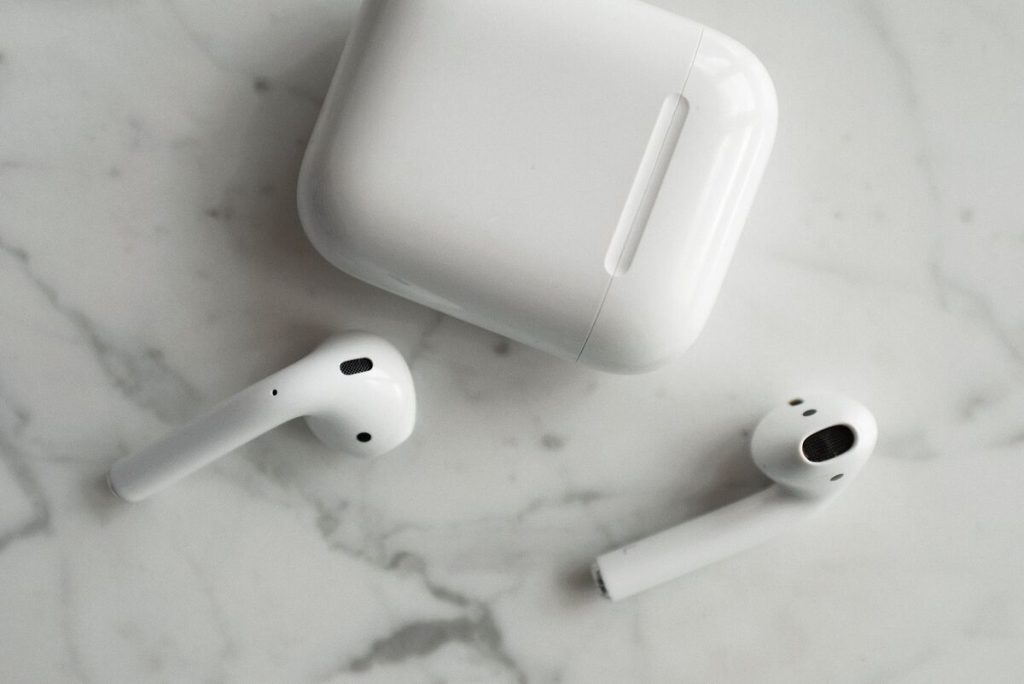
AirPods are designed to reconnect quickly, so repeated dropouts usually point to a Bluetooth problem, low battery, automatic device switching, outdated software, or interference between the AirPods and the connected device.
If you are asking why do my AirPods keep disconnecting, start with the simplest fixes first. Charge both the AirPods and case, keep the connected device nearby, make sure Bluetooth is working normally, and re-pair the AirPods before moving on to a full reset.
1. Why Do My AirPods Keep Disconnecting?
The most common reasons AirPods keep disconnecting are:
- Weak Bluetooth connection: Distance, walls, or wireless interference can interrupt the signal. Keep your AirPods close to your phone or computer.
- Low battery: Charge both AirPods and the charging case. One earbud with a much lower battery can also cause interruptions.
- Automatic Switching: AirPods may switch to another Apple device signed in to the same Apple Account. Turn off Automatic Switching if this happens often.
- Outdated software: Update your iPhone, iPad, Mac, and AirPods firmware to improve connection stability.
If the problem happens only in a specific place, interference or distance is likely the cause.
2. Basic Ways to Fix Disconnecting AirPods
Before using a factory-style reset, rebuild the Bluetooth connection and restart the devices involved. These steps solve many intermittent problems without changing more settings than necessary.


Forget and Pair the AirPods Again
If why do my AirPods keep disconnecting started suddenly, removing the existing Bluetooth pairing can clear a damaged or unreliable connection record.
On iPhone or iPad:
- Open Settings.
- Tap Bluetooth.
- Tap the Info button next to your AirPods.
- Choose Forget This Device and confirm.
- Place the AirPods in their case and close the lid briefly.
- Open the case near the iPhone and pair them again.
Apple specifically recommends unpairing and pairing wireless headphones again when audio keeps disconnecting or cutting in and out.
Be aware that choosing Forget This Device on an iPhone or iPad can remove the AirPods from other devices signed in to the same Apple Account as well.
Restart Both the AirPods and Connected Device
Restart the phone, tablet, or computer after removing the pairing.
For AirPods or AirPods Pro, a basic restart is simple: place both earbuds in the charging case and close the lid for at least 10 seconds before opening it again.
Then reconnect and test playback while keeping the AirPods close to the device.
>>> Read more: Why Won’t My AirPods Connect? Frustrating Problems & Proven Fixes
3. If You Have AirPods and Laptop Connection Problems
The answer to why do my AirPods keep disconnecting from my laptop depends partly on whether the laptop is a Mac or Windows PC.
On either platform, first confirm that the AirPods are actually connected through Bluetooth and that the operating system is routing audio to them.
Check the Bluetooth Connection
On a Mac, go to: Apple menu > System Settings > Bluetooth
Make sure Bluetooth is on and the AirPods appear as connected. If they do not connect automatically, place them into pairing mode and select them from the Nearby Devices list.
For a Windows laptop, open Bluetooth settings and verify that the AirPods remain paired. AirPods can work as standard Bluetooth headphones with non-Apple devices, although some Apple-specific functionality is unavailable.
Check the Selected Audio Profile
A connection may seem unstable even when Bluetooth has not actually disconnected.
On a Mac, check that AirPods are selected as the audio output in Control Center or Sound settings. If AirPods are connected but sound still comes from the Mac speakers, the output device may be set incorrectly.
On Windows, audio quality can change when an app uses the AirPods microphone. The system may switch from A2DP stereo mode to HFP communication mode, which can cause a brief interruption or lower sound quality without disconnecting the AirPods.
If the issue only occurs when using Zoom, Teams, Discord, games with voice chat, or other microphone-enabled apps, check the app’s input and output settings.


>>> Read more: Why Are My AirPods So Quiet? 3 Powerful Fixes to Restore the Volume
4. A Full AirPods Reset Is Worth Trying When Re-Pairing Fails
A full reset is the next step when restarting and ordinary re-pairing do not solve why do my AirPods keep disconnecting.
The procedure depends on the AirPods model.
For AirPods 1, 2, or 3 and AirPods Pro 1 or 2:
- Put both AirPods in the case.
- Close the lid and wait 30 seconds.
- Forget the AirPods from Bluetooth settings.
- Open the lid.
- Hold the setup button on the back for about 15 seconds.
- Wait for the status light to flash amber and then white.
- Pair the AirPods again.
For AirPods 4 and AirPods Pro 3, the reset sequence uses taps on the front of the case rather than the older rear setup-button procedure.
Apple instructs users to close the case for 30 seconds, reopen it, and perform the model-specific tapping sequence until the light flashes amber and then white.
5. FAQs
Why do my AirPods disconnect when I put my phone in my pocket?
Your body, clothing, surrounding wireless traffic, and the phone’s position can weaken the Bluetooth path in some environments.
If disconnecting happens mainly when the phone is in a pocket, test with the phone closer and unobstructed. Moving away from crowded Wi-Fi environments, wireless speakers, poorly shielded cables, and other possible sources of interference can also help.
Can low battery cause AirPods to keep disconnecting?
Yes. A nearly depleted AirPod can eventually shut off and appear to disconnect.
Check both earbuds and the case rather than assuming they have the same charge. AirPods provide low-charge notifications and tones as battery capacity approaches shutdown.
Why do my AirPods switch to another Apple device automatically?
Compatible AirPods can automatically switch among Apple devices signed in to the same Apple Account.
If you want them to stay with your iPhone, go to your AirPods settings and change Connect to This iPhone from Automatically to When Last Connected to This iPhone. Similar controls are available on Mac.
Does resetting AirPods delete anything from my Apple Account?
Resetting the AirPods does not delete your Apple Account or erase the personal data stored in your account.
It resets the AirPods’ connection state so they can be paired again. However, using Forget This Device can remove the AirPods pairing from other devices signed in to the same Apple Account, after which you need to pair them again.
Final Thoughts
The question why do my AirPods keep disconnecting often comes down to an unstable Bluetooth connection, low battery, Automatic Switching, outdated software or firmware, or wireless interference between the AirPods and the connected device.
A full reset is worth trying only after those simpler steps fail. If why do my AirPods keep disconnecting continues across multiple phones or computers even after a reset, the problem may require Apple service rather than another Bluetooth setting change.
For more guides on phones, wireless service, and everyday tech, explore the AirTalk Wireless blog!